ENGLISH
ENGLISH-11
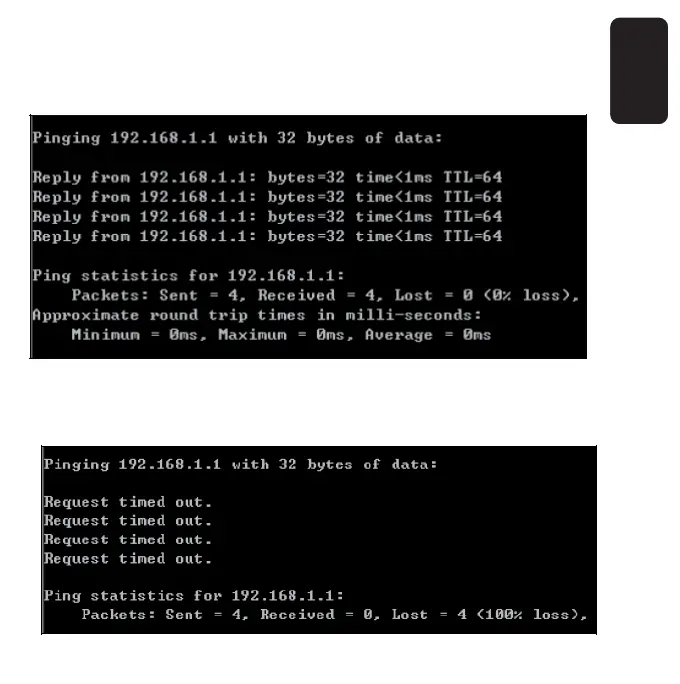
Click ‘Start’→’Run’, type cmd in the text box and click Enter button, then
you will see a command prompt, and type ping 192.168.1.1, then press
Enter.
If the result displayed is similar to that shown in the fi gure, the
connection between your PC and the AP has been established.



 To Next Page