ENGLISH
ENGLISH-13
CONFIGURING THE AP
This chapter describes each Web page’s key functions.
Login
With a Web-based (Internet Explorer or Firefox) utility, the Wireless
Access Point is easy to confi gure and manage. The Web-based utility
can be used on any Windows, Macintosh or UNIX OS with a Web
browser.
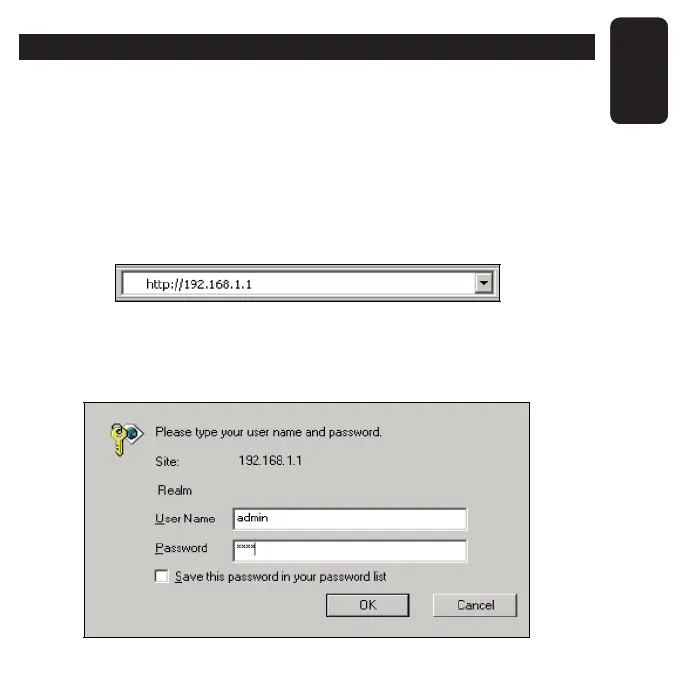
Connect to the AP by typing http://192.168.1.1 in the address fi eld of
Web browser.
After a moment, a login window will appear similar to that shown in the
fi gure. Enter admin for the User Name and Password, both in lower
case letters. Then click the OK button or press the Enter key.



 To Next Page