ENGLISH
ENGLISH-55
APPENDIX B: CONFIGURING THE PCS
In this section, we’ll introduce how to install and confi gure the TCP/IP
correctly in Windows 95/98. First make sure your Ethernet Adapter is
working, refer to the adapter’s manual if needed.
1. Install TCP/IP component
1) On the Windows taskbar, click the Start button, point to Settings, and
then click Control Panel.
2) Double-click the Network icon, click on the Confi guration tab in the
appearing Network window.
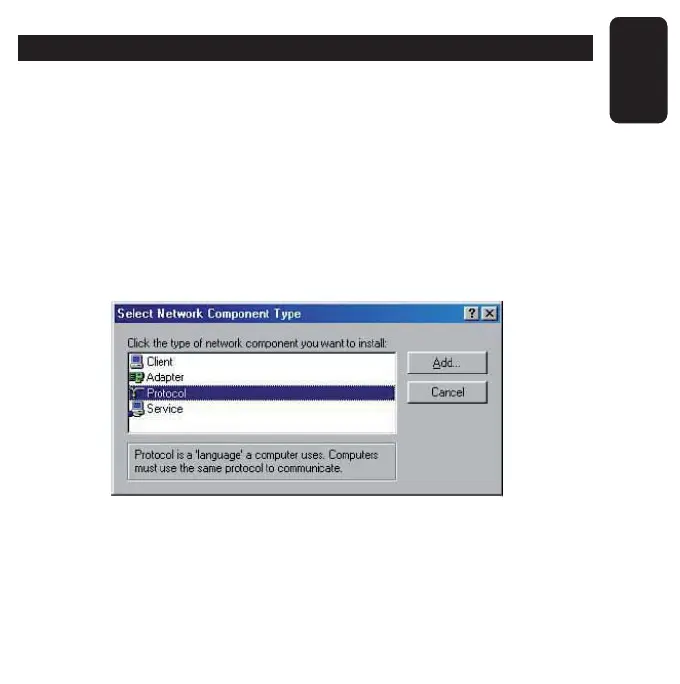
3) Click on the Add button. Select Protocol, and then click Add.



 To Next Page