ENGLISH
ENGLISH-17
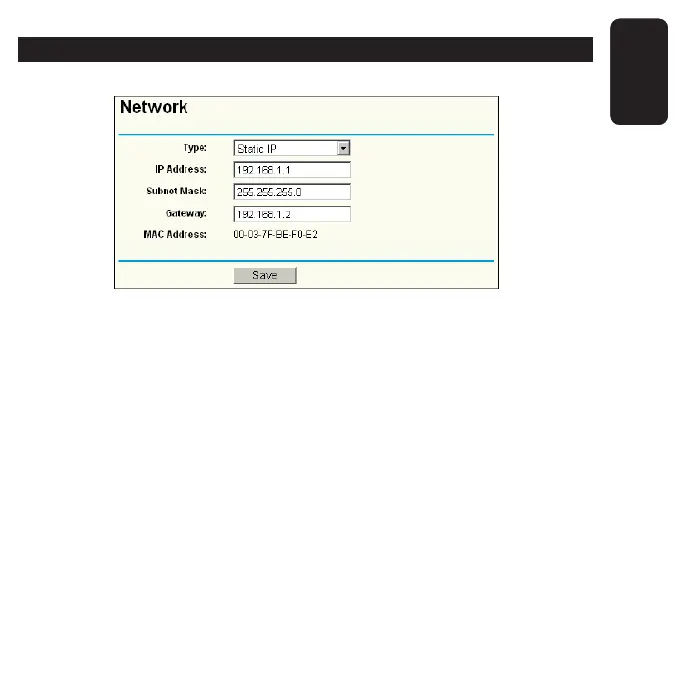
NETWORK
You can confi gure the IP parameters of Network on this page.
Type
Choose the type for the IP Address: Static IP, Dynamic IP
(DHCP). If you choose Static IP, you need to confi gure the IP
Address, Subnet Mask and Gateway.
If you choose Dynamic IP (DHCP), you don’t need to confi gure
the other information any more.
IP Address
Enter the IP address of your AP in dotted-decimal notation
(factory default: 192.168.1.1).
Subnet Mask
An address code that determines the size of the network.
Normally use 255.255.255.0 as the subnet mask.



 To Next Page