ENGLISH
ENGLISH-21
Channel
This fi eld determines which operating frequency will be used.
It is not necessary to change the wireless channel unless you
notice interference problems with another nearby access point.
Mode
Select the desired wireless mode. The options are:
• 54Mbps (802.11g) - Both 802.11g and 802.11b
wireless stations can connect to the AP.
• 11Mbps (802.11b) - Only 802.11b wireless stations
can connect to the AP.
Region
Select your region from the pull-down list. This fi eld specifi es
the region where the wireless function of the AP can be used.
If your country or region is not listed, please contact your local
government agency for assistance.
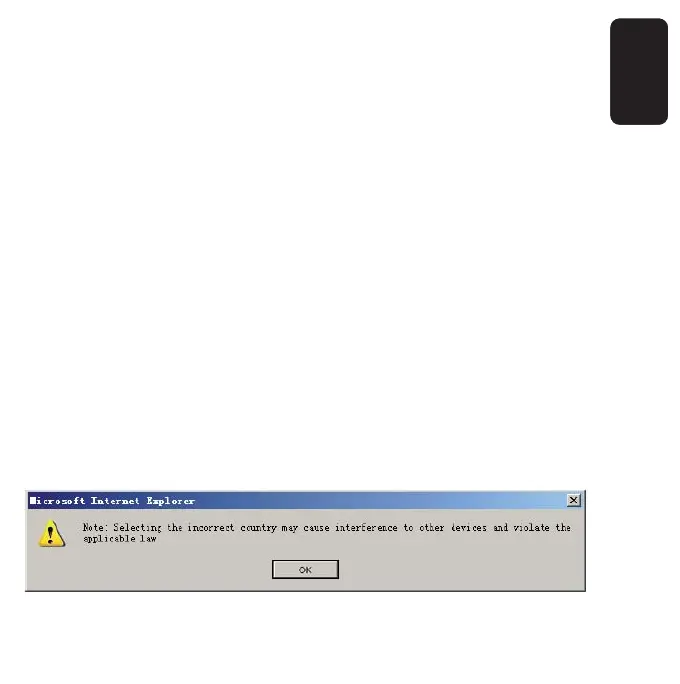
The default region is United States. When you select your local
region from the pull-down list, the dialog shown in fi gure
appears. Click OK.



 To Next Page