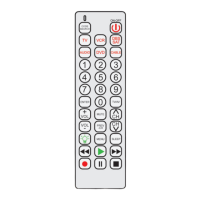
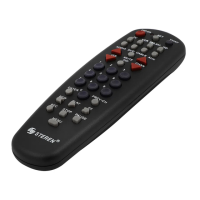
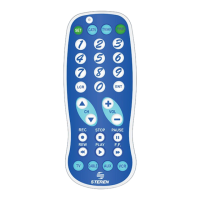
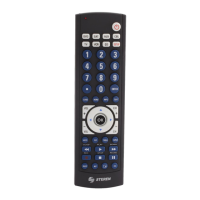
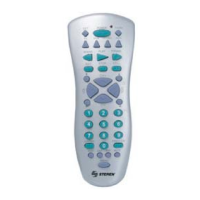
Do not exceed more than 15 seconds between each step, since the remote control will
exit the programming mode and you will have to start again.
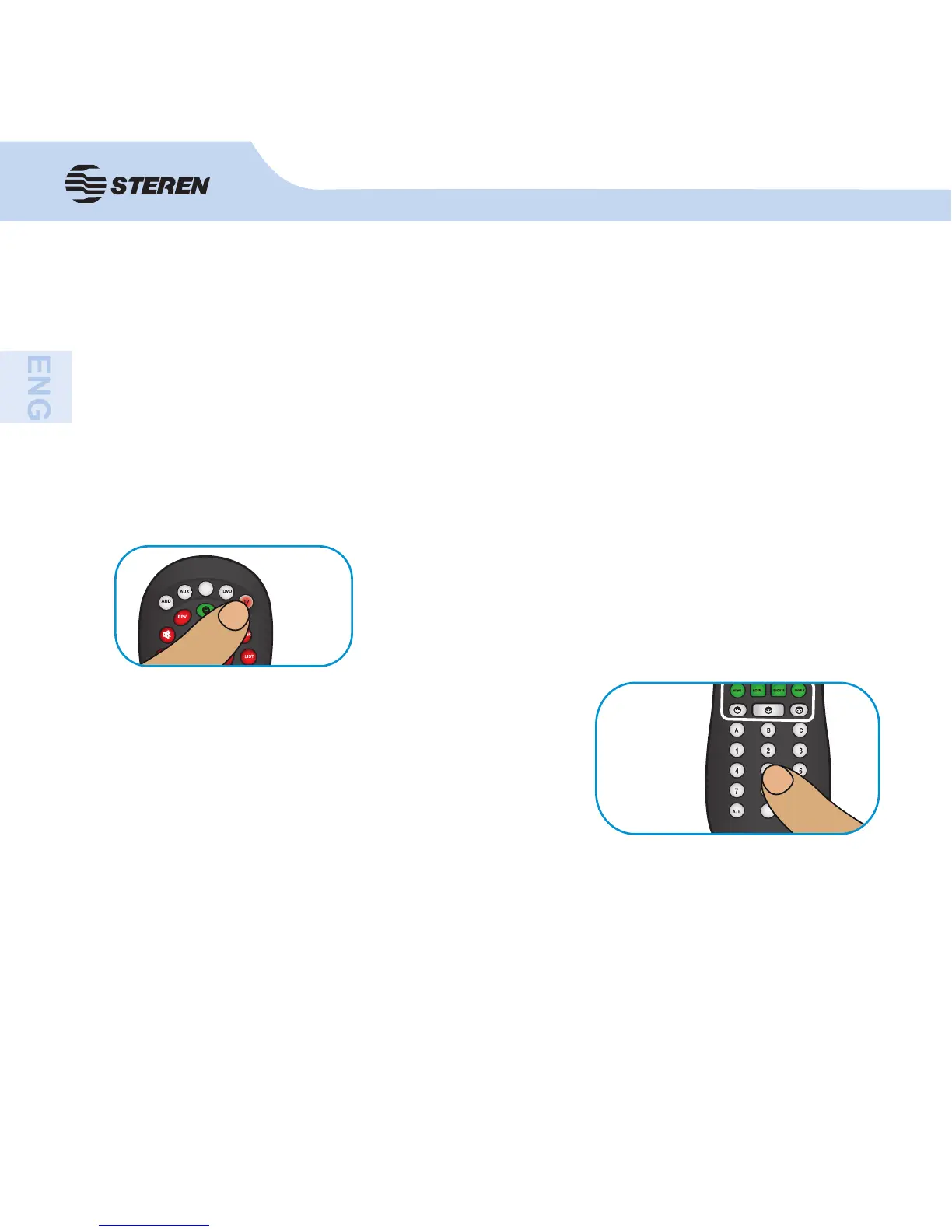
3. Press and hold the button on the unit (TV, DVD, etc.)
which you want to program until the indicator on the button
is activated.
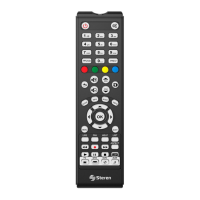
4. Enter the programming code corresponding to
the component’s brand. To verify that the code
is correct, the indicator fl ashes three times and
turns off. Otherwise, it will fl ash and will remain on,
indicating an error.
1. In the section “Programming code” locate the code corresponding to the component to
be controlled.
2. Manually turn on the component (TV, DVD, etc.).
Press CH +/- to perform a test. If the device responds, operate the control in normal way. If
the functions do not operate incorrectly or that the code is unsupported, program the control
with other code that corresponds to your equipment.
Recommendations:
-If no list code work properly (or the brand of your device is not on the list), use the
semi-manual programming method.


 To Next Page