8
4.2 CH +/- lock
4.3 Code identifi cation
This function locks the channel change feature without disabling the other buttons.
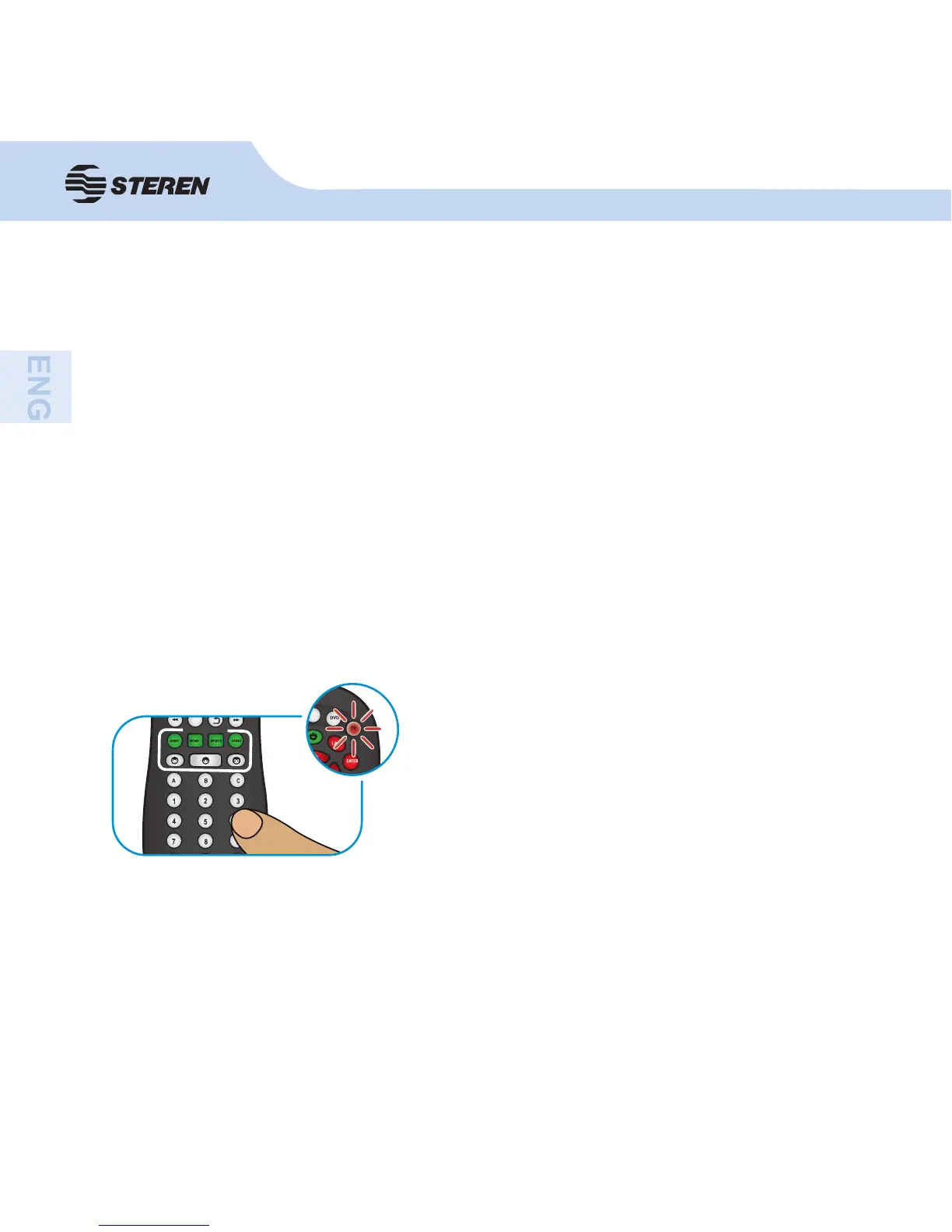
1. Press and hold any equipment button (TV, DVD, etc.) until the indicator on the button is
activated.
2. Use the numeric keypad to enter the code 9-7-3.
3. Press CH + to lock and CH - to unlock.
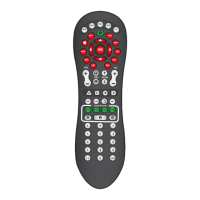
This mode allows you to identify the 4 numbers that are stored the code confi gured in the RM-
110 for each team (TV, DVD, etc.).
1 Press and hold the button on the unit (TV, DVD, etc.) which you want to know the code until
the indicator on the button is activated.
2. Press the INFO button. The led will blink three times to indicate that you have entered to
this option.
3. Press the buttons 1 to 4. Pay attention to the LED indi-
cator, since it will fl ash a number of times to indicate the
programmed code.
Example: If the RM-110 has confi gured the 1085 code on the TV button, use the numeric
keypad and press button 1 to 4.
Press the 1 button, the indicator will fFlash once.
As button 2 is pressed, the indicator will not Flash.
By pressing the 3 button, the indicator will blink 8 times.
When button 4 is pressed, the led will blink 5 times.


 To Next Page