9
4. SETTINGS
4.4 Programming Favorites
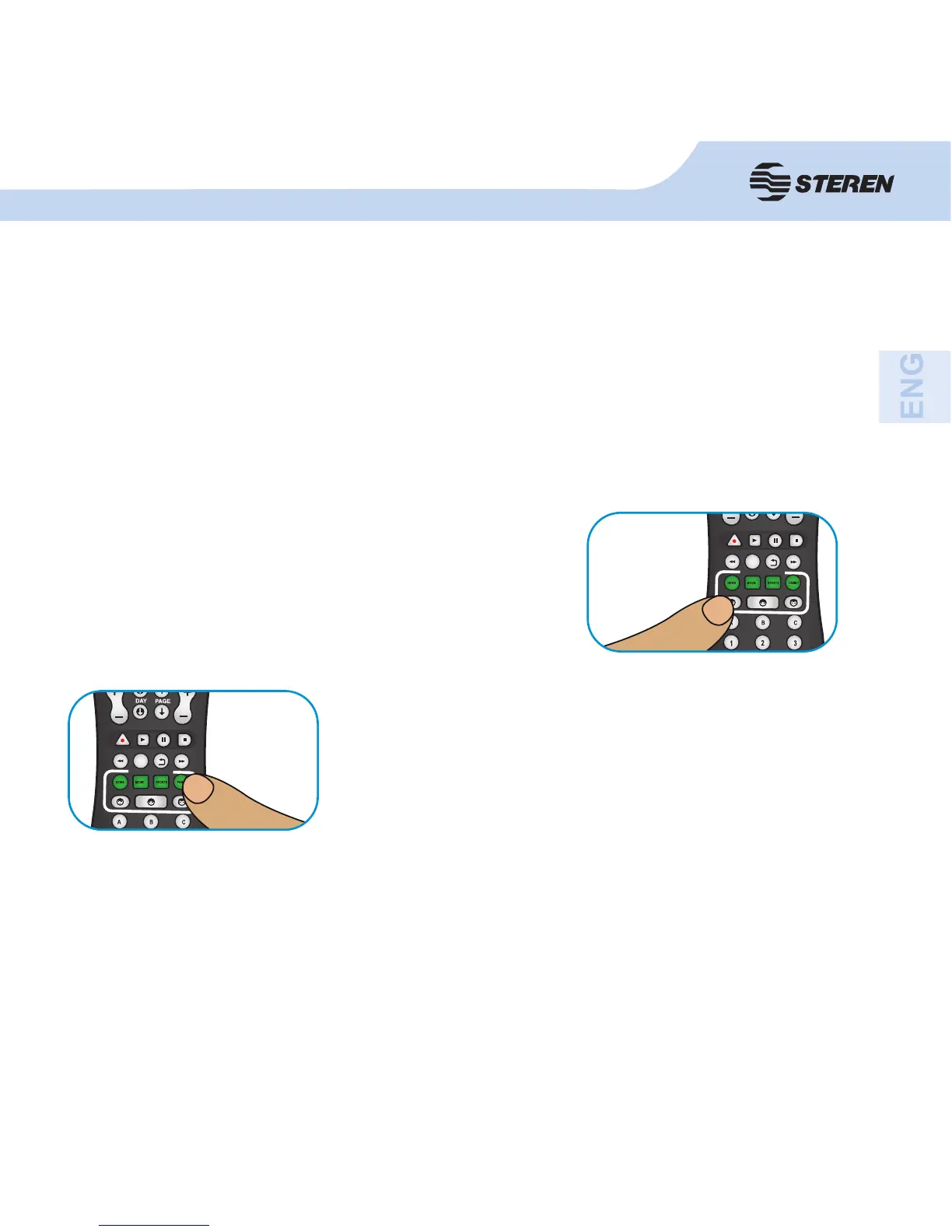
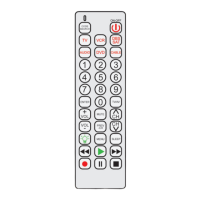
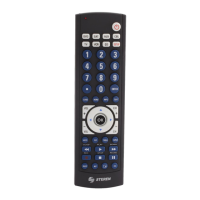
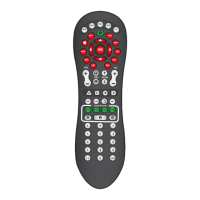
The remote control includes four genre keys: News, Movies, Sports (sports) and Family, that
can be programmed according to the needs of three different users (mother, father and kids).
It is possible to include up to three channels for each genre key.
With this function, each member of the family may schedule and explore their favorite
channels.
1. Press the button on the device (TV, CBL, etc.) in which you want to program favorite
channels.
2. Press a key of the user, for example, father.
3 Press and hold a category key, for example, SPORTS
and release it until the indicator on the button is activated.
4. Press the number (up to 3 digits) of the channel that you want to set and confi rm with the
key of the selected category. Consider that typing the desired channel will not tune it, nor the
number entered will be displayed on screen. Even so, you will be saved.
Repeat steps 1 through 4 for each channel that you want to include. If you program more than
three channels, the fi rst channel will be deleted.


 To Next Page