4 Operation
Handling the lithium-ion battery
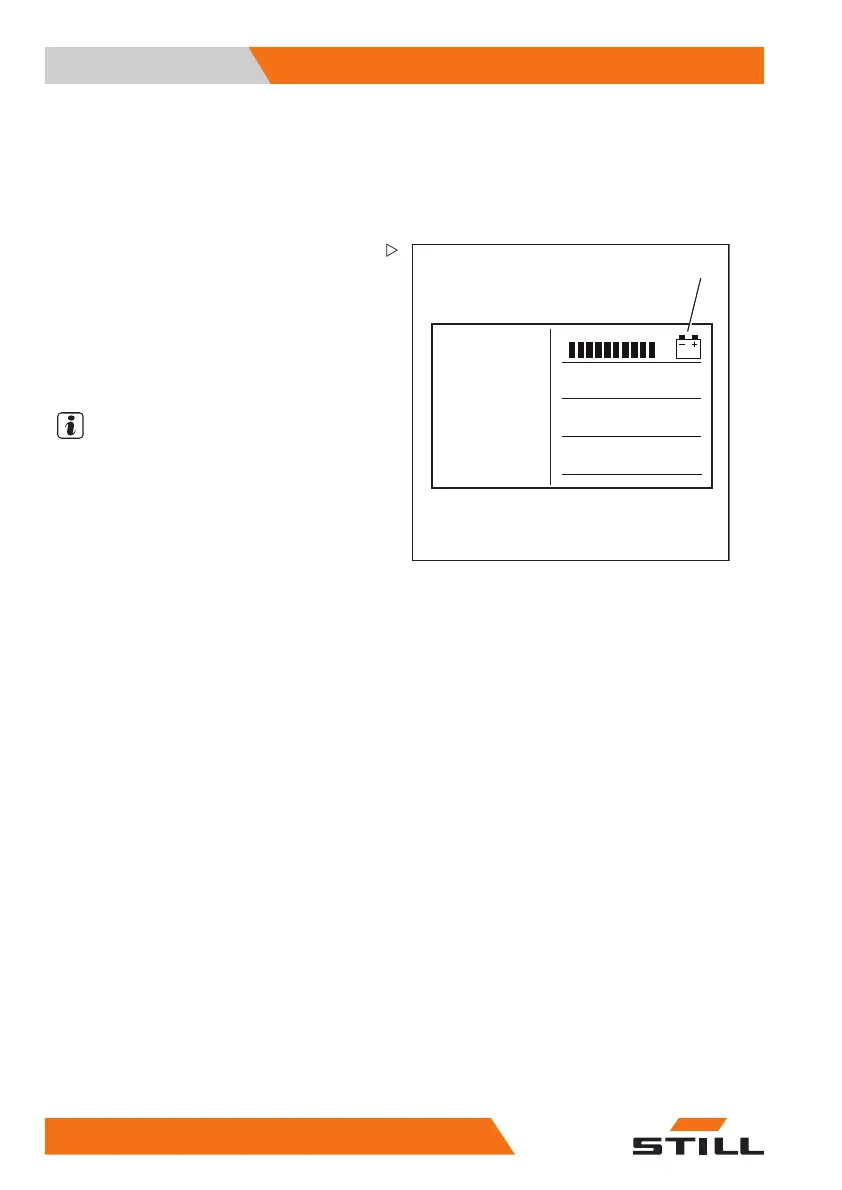
Checking the battery charge state
The charge state of the lithium-ion battery can
be read on the display-operating unit of the
truck and on the lithium-ion battery display.
6311_003-011_V2
1
Reading the display-operating unit
– Apply the parking brake.
– Switch on the key switch.
– Read the charge state (1) from the display.
– Charge a discharged or partly discharged
battery.
NOTE
The battery charge display shows the avai-
lable battery capacity as a segmented bar
graph in 10% increments. Approx. every
10 seconds, the display switches between the
battery charge and the remaining period.
Meaning of the bar graph on the display
• The remaining two bars flash:
Thechargestateis<30%.
The battery must be recharged soon.
• No bars are displayed:
Thechargestateis<15%.
Charge the battery.
The "Lifting" hydraulic function is slowed
down.
The maximum driving speed is limited. This
speed can be parameterised specifically for
each truck by the authorised service centre.
328
171533 EN - 02/2019 - 19



 To Next Page