19
18
Stille imagiQ2
TM
user manual Patient positioning
Stille imagiQ2
TM
user manual Patient positioning
n
n
Patient positioning
Safety Information
Note 1: A greater longitudinal angle than ±2° will lock
the lengthways panning function.
Note 2: Centre the table top longitudinally over the
column as far as possible before lowering the
free end of the table top.
Note 3: To make lengthways panning of heavy patients
easier, adjust the head-end of the table top
marginally (±2° around the zero position) by
pressing the ”head-end up” button on the hand
control briefly.
1.
Pan the table top lengthways as far out from the
column as possible. Centre the patient sideways.
2.
Position the image intensifier over the patient’s groin.
Check the imaging area by panning the patient maximally
length- and sideways.
3.
Check that attached accessories on the accessory rails
do not collide with the side protection covers by:
Choose maximum ISO ROLL™/lateral tilt in one
direction and float the patient lengthways as far as
possible.
Choose maximum ISO ROLL™/lateral tilt to the
opposite direction and repeat the procedure above.
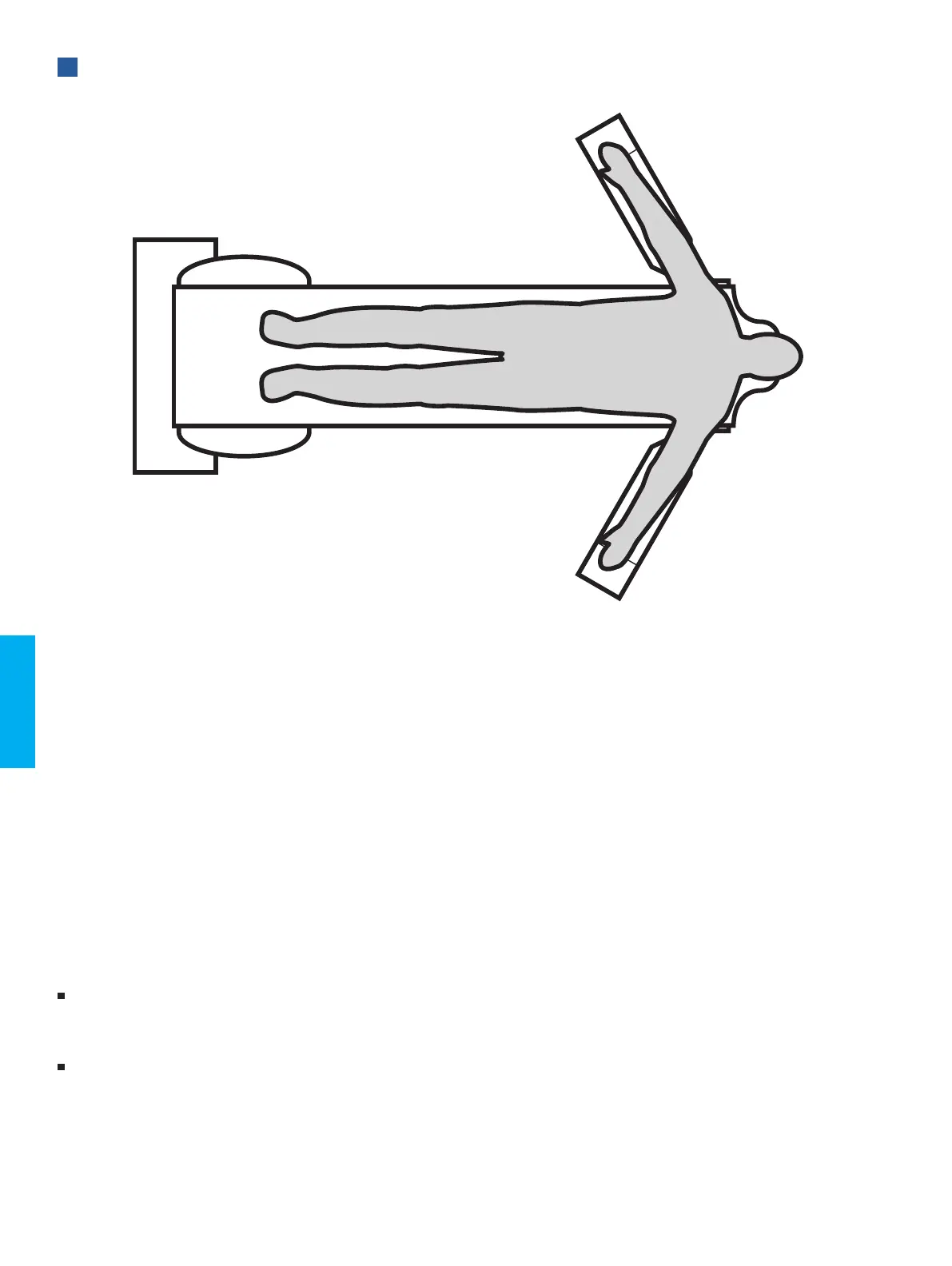
PATIENT POSITIONING
Imaging of the torso using
True Free Float™ and ISO ROLL™


 To Next Page