Getting started UM1619
10/56 DocID024383 Rev 1
2. In the customer information window, insert the required customer data and click “Next”.
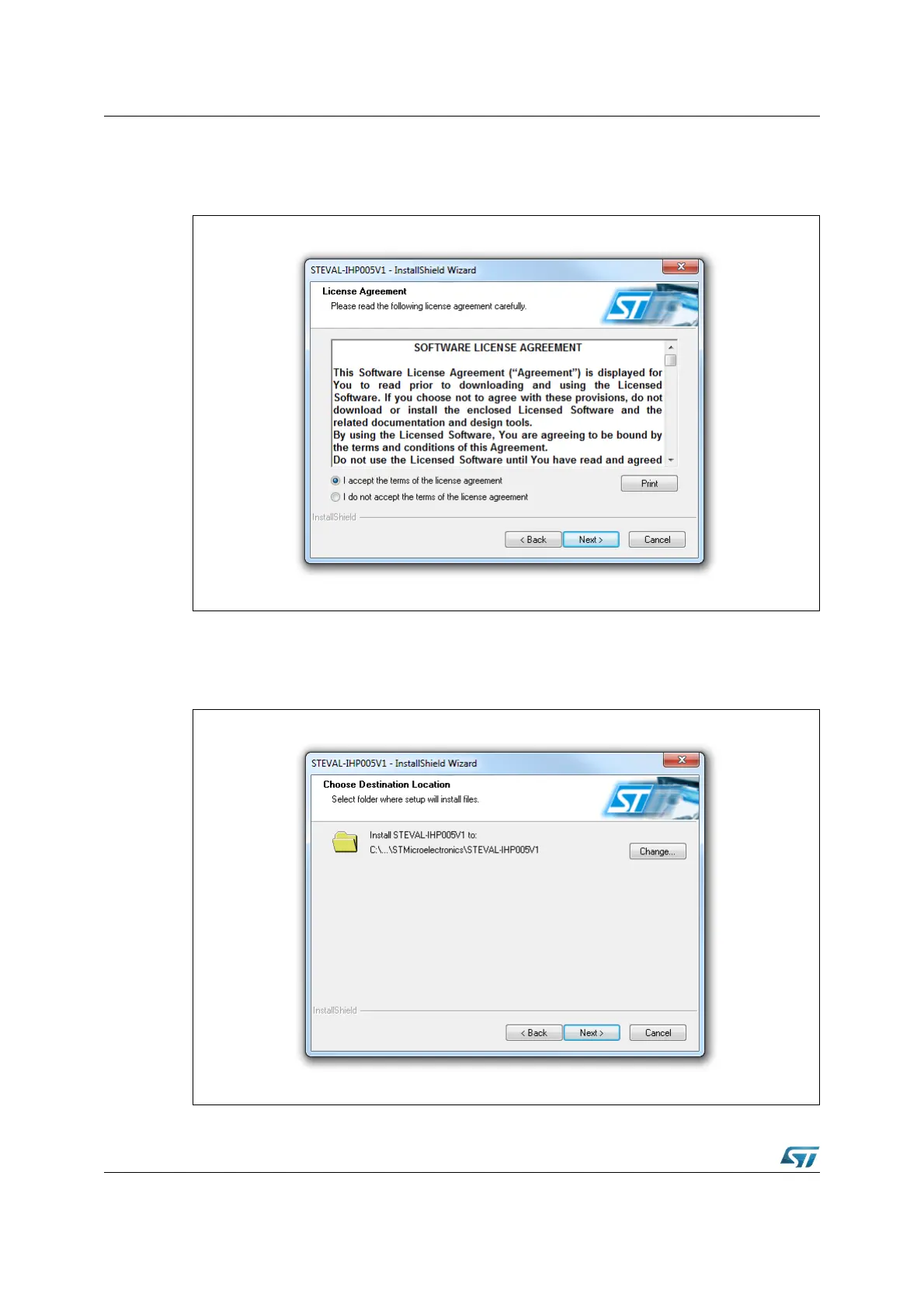
Read the license file and click the “Yes” button if you accept the license agreement.
Figure 7. License window
3. In the next window, click “Install”. In the following window, select the folder in which to
install the software package. By default, the software is installed in the path:
"C:\...\STMicroelectronics\ IHP005-V1.
Figure 8. Destination folder window


 To Next Page