DocID024383 Rev 1 19/56
UM1619 Software GUI description
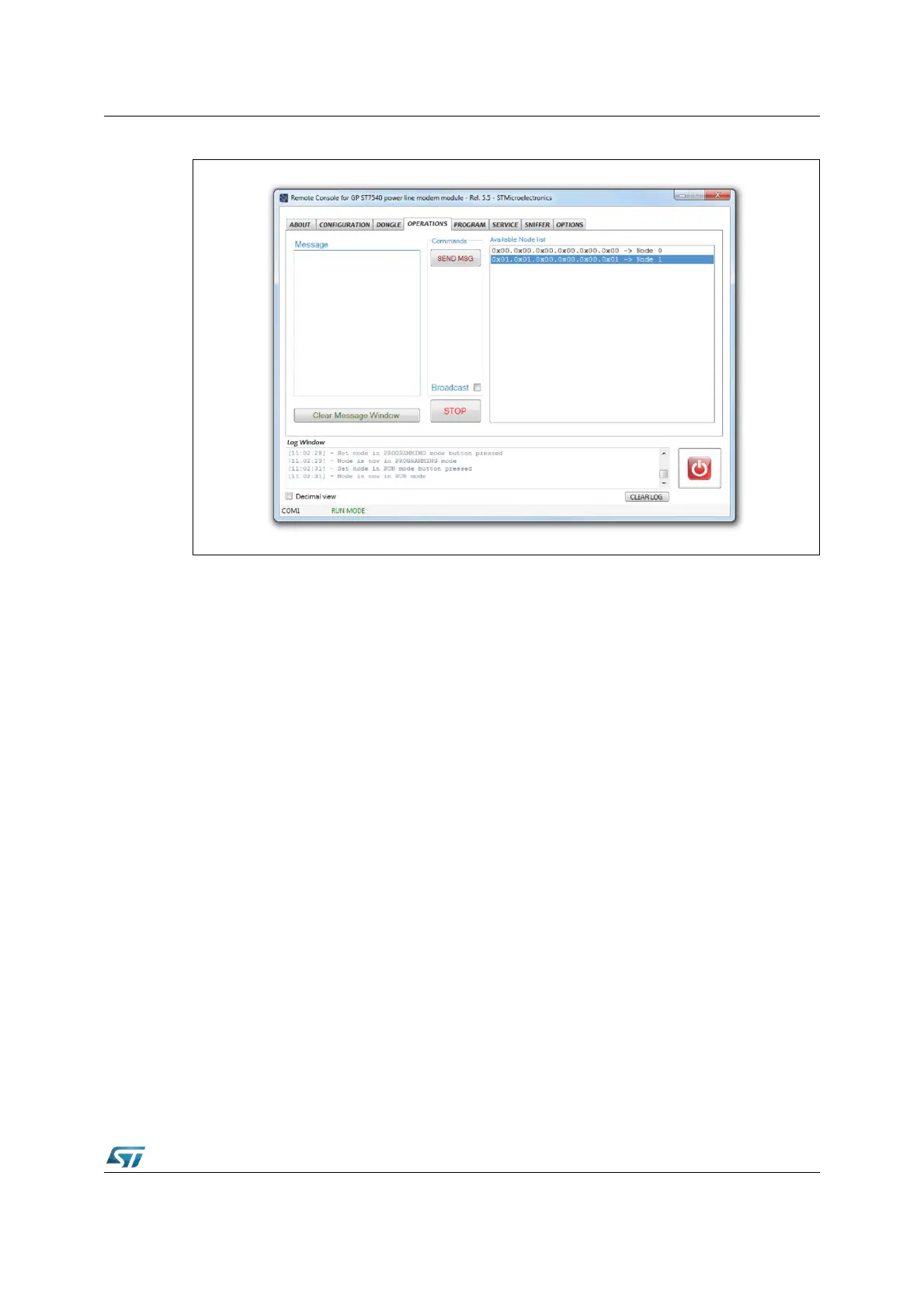
Figure 14. GUI operations tab
If the message has to be sent in broadcast, the BROADCAST check box must be checked.
As soon as the send message is sent, the green LED of the module connected to the GUI is
switched on. When the LED is switched off the message has been sent to the target module
or an error has occurred. The operation result is shown in the log window.
If the target device is connected to a PC with a running GUI, the received message is shown
in the log window.


 To Next Page