DocID024383 Rev 1 9/56
UM1619 Getting started
3 Getting started
3.1 System requirements
In order to use the GP PLM module demonstration board with a Windows® operating
system, a recent version such as Windows XP or Windows 7 must be installed on the PC.
The version of the Windows OS installed on your PC may be determined by clicking on the
“System” icon in the control panel.
3.2 Software installation
To install the PC GUI software “Remote Console for GP ST7540 PLM module”, please
download the STEVAL-IHP005V1_Setup from www.st.com, then follow the steps below.
The installed folders include the GUI executable file.
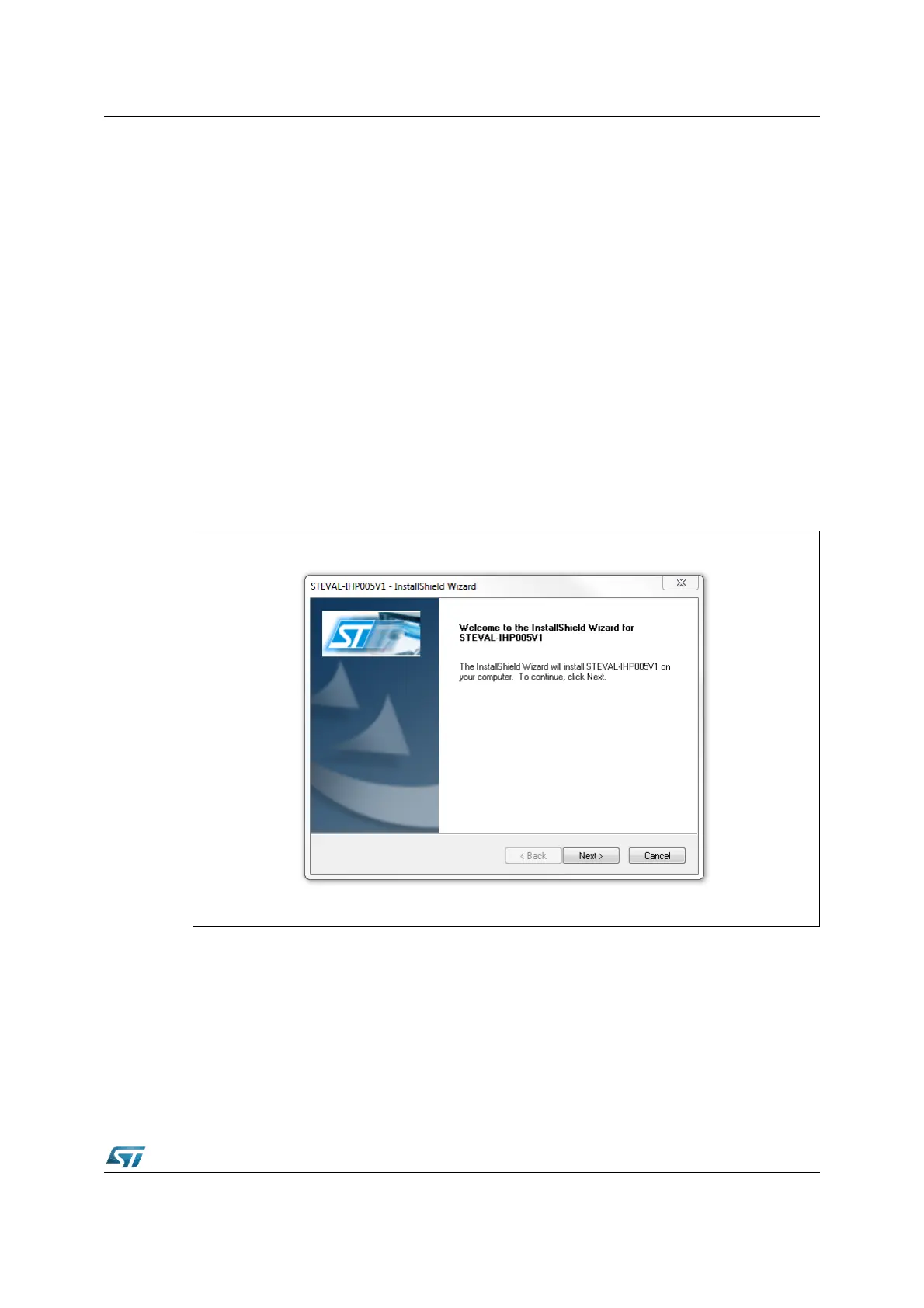
1. Click the STEVAL-IHP005V1_Setup.exe icon. The following window opens:
Figure 6. Installation window


 To Next Page