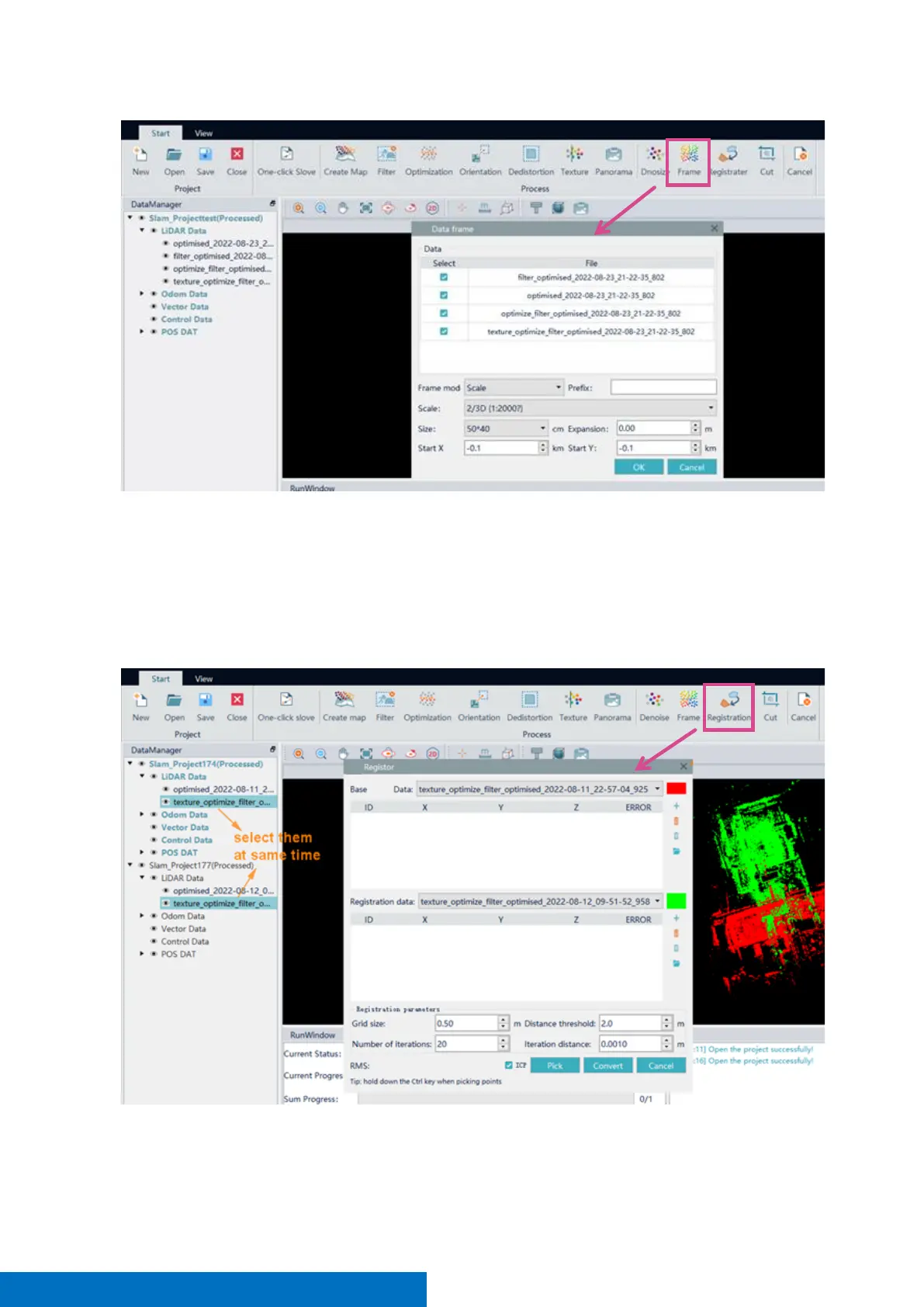
Registration
This function is to stitch several sets of point clouds into an integration.
Before point cloud registration, you need to add the basic point cloud and the registered point cloud to the
display window. There are steps of registration:
• Add reference point cloud and the point cloud to display window.
• Select basic point cloud and registered point cloud at the same time, then click Registration
• Click pick,then select point pairs in basic point cloud and registered point cloud. The order of same
name point must be consistent.



 To Next Page