21
8.11 – SYSTEM CONFIGURATION
The system configuration menu is located at the bottom right of the main interface window. Click the icon, and a
context menu will appear which gives the following options:
Basic Settings
User Settings
Device List
Search File
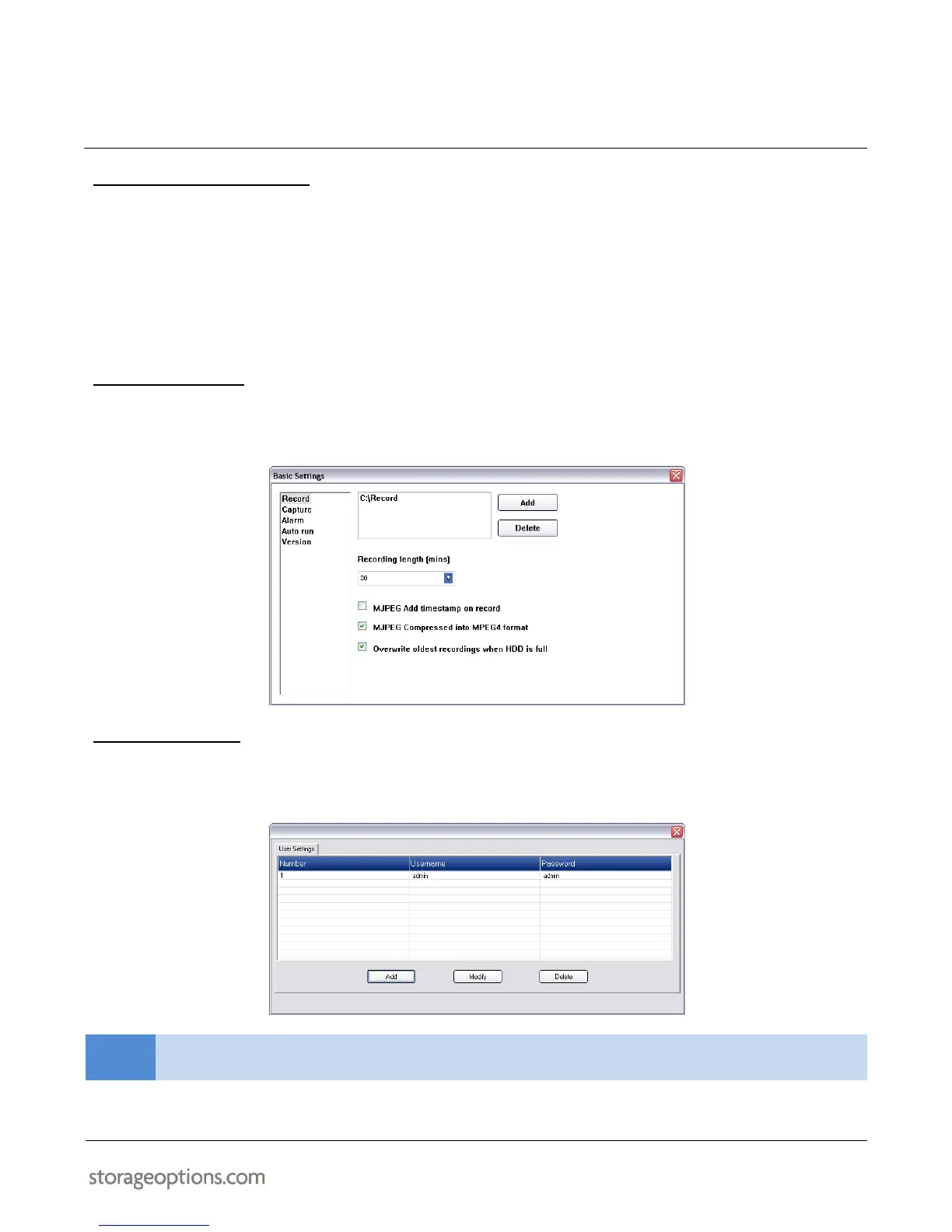
8.12 – BASIC SETTINGS
This menu allows you to change the storage locations for recorded video and captured photos. You can also
configure alarm settings and whether the IP Camera Client software loads on Windows start up or not.
8.13 – USER SETTINGS
The User Settings menu allows you to control user accounts for the IP Camera Client software. You can add, modify,
or delete accounts from this menu.


 To Next Page