32
When using IR to control the ISP, we recommend
activating the “Fast boot mode” defined in
previous page to ensure there is no loss of IR
commands while the ISP powers up, especially
when using Logitech Harmony and the IR
sequences it may generate.
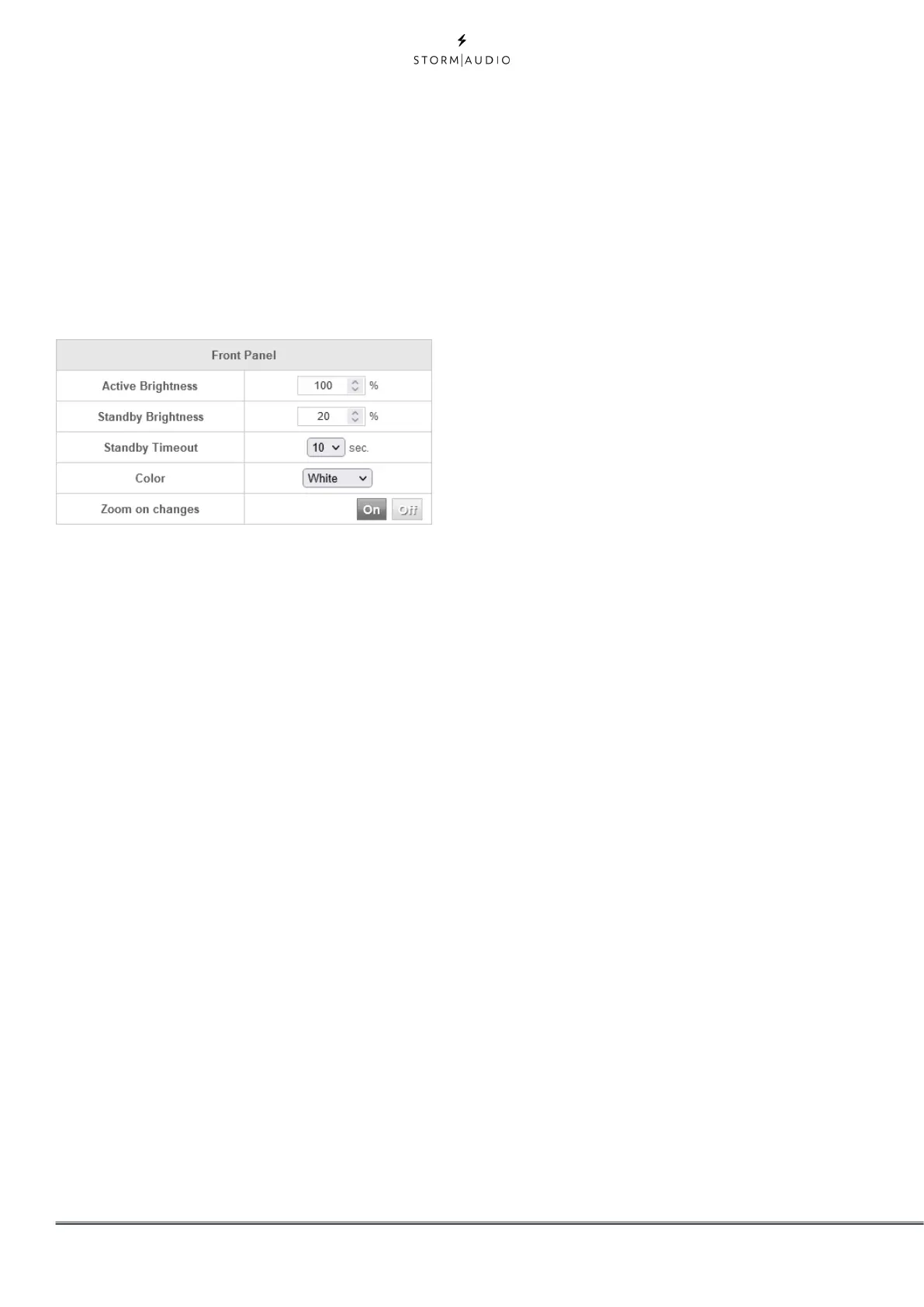
Front Panel
Settings that govern behavior of the front panel
screen.
• Active Brightness: Brightness of the screen when
the screen is actively being used.
• Standby Brightness: Brightness of the screen
when not actively being used.
• Standby Timeout: Length of time elapsed
between active use of screen and reduction of
brightness to standby level.
• Color: Change the color of the display amongst
white, magenta, orange, blue, red and green.
• Zoom on Changes: When ON, changes made
via remote control (input, volume, etc.) will
temporarily be shown in a large type so these
changes can easily be read from across the room.



 To Next Page