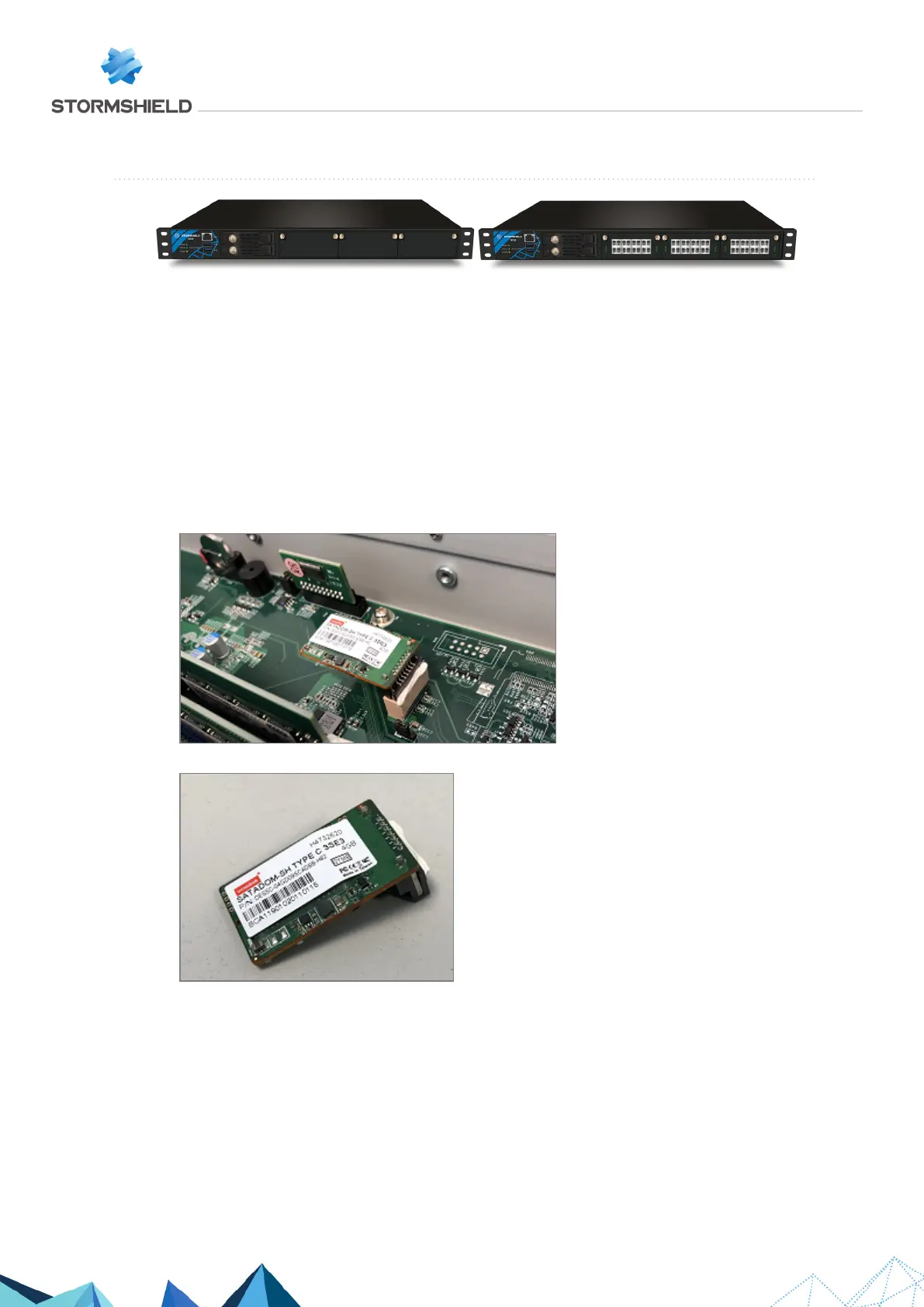
SN2100 and SN3100
On these products, data is stored on one or two SSDs accessible from the front panel.
Each SSD can be easily extracted: to unlock its tray, press on the gray button while pushing it
laterally towards the left.
Other data is stored on an internal flash module.
Dismantling
1. Unscrew the 13 black countersunk screws of the upper cover with a Philips screwdriver.
2. Open up the appliance by pushing the cover towards the back and removing it.
This operation will tear the warranty sticker.
3. Locate the Flash module:
4. To extract the flash module, pull it gently and perpendicular to the motherboard:
SNS - TECHNICAL NOTE
SECURE RETURN OPTION
Page 15/29 sns-en-secure_return_option_technical_note - 08/01/2022



 To Next Page