15
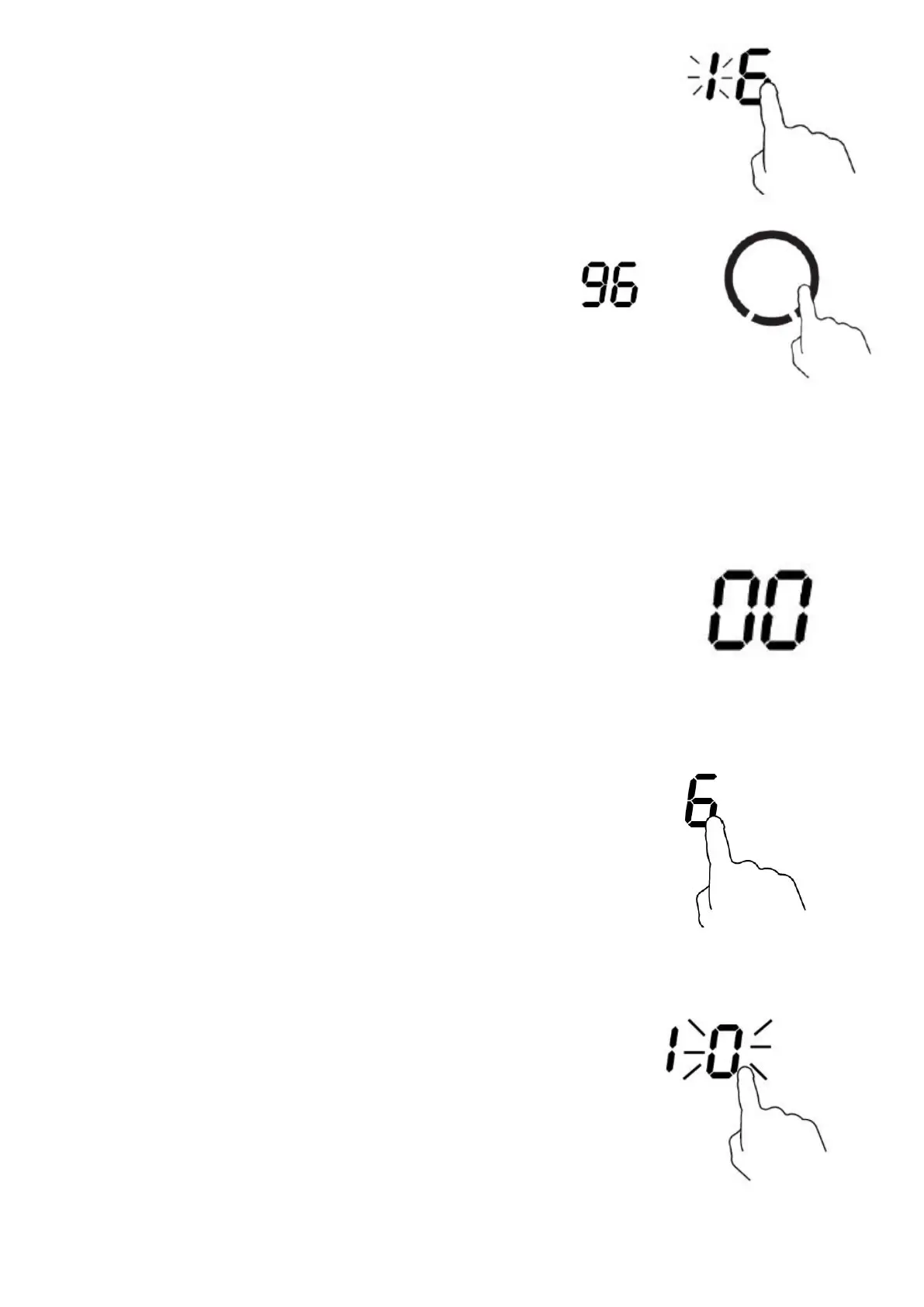
4. Touch the timer control again. The units digit is accepted and the tens
digit starts ashing.
5. While the tens digit is ashing, use the slider to select the
tens digit of the minute minder duration time. (between 0
and 9).
6. After a few seconds, the tens digit of the minute minder duration time is accepted and the minute
minder duration time starts to count down in the display.
If you need to change the minute minder duration time, please repeat steps 2-5 above. Adjusting the
time down to 00 would cancel the minute minder function.
7. When the minute minder duration time has elapsed, the buzzer will
beep for 30 seconds and ‘--’ shows in the timer display
Settingthetimertoturnoneormorecookingzoneso
1. First select the cooking zone you wish to use by touching the
relevant heating zone selection control key. The power level
indicator for that zone will ash. While the power level indicator
is ashing, use the slider to select the required power level.
2. Touch the heating zone selection control of the relevant zone
again to ensure that it is selected, and make sure that the
power level indicator for that zone is ashing. While the power
level indicator is ashing, touch the timer control key. The timer
display shows the default time of 10 minutes, with the units digit
ashing.



 To Next Page