16
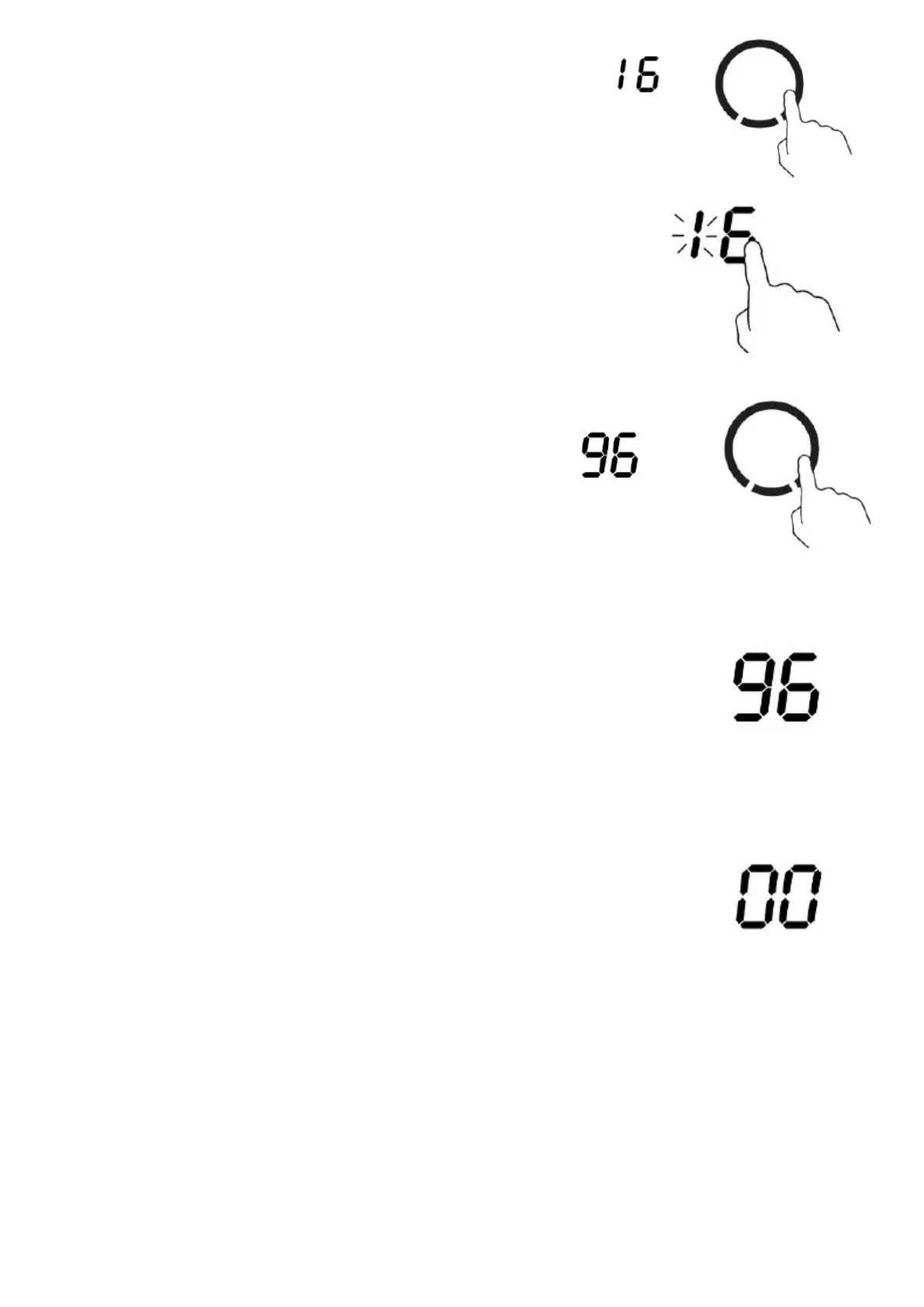
3. While the units digit is ashing, use the touch control slider to
set the units digit of the cooking duration time (between 0 and
9).
4. Touch the timer control key again. The units digit is accepted and the
tens digit will start ashing.
5. While the tens digit is ashing, use the slider to set the tens
digit of the cooking duration time (between 0 and 9).
6. After a few seconds the tens digit is accepted and the cooking duration time starts to count down in
the display. A white dot ashes next to the relevant cooking zone power level
indicator, to show that the zone is currently being controlled by the timer.
If you need to adjust the cooking duration time, please repeat steps 2-5
above. Adjusting the cooking duration time down to 00 will cancel the
automatic cook-to-o timer function.
7. When the cooking duration time has elapsed, the relevant zone will switch o automatically
Note: If there are other cooking zones in use, which are not being controlled by
the timer, then they will continue to operate when the cooking duration time has
elapsed, and will not be switched o automatically.



 To Next Page