17
Controlling more than one zone with the timer
If you wish to control more than one zone with the timer, please repeat steps 2-5 above.
The timer display will always show the remaining cooking time for the zone which is due to nish rst.
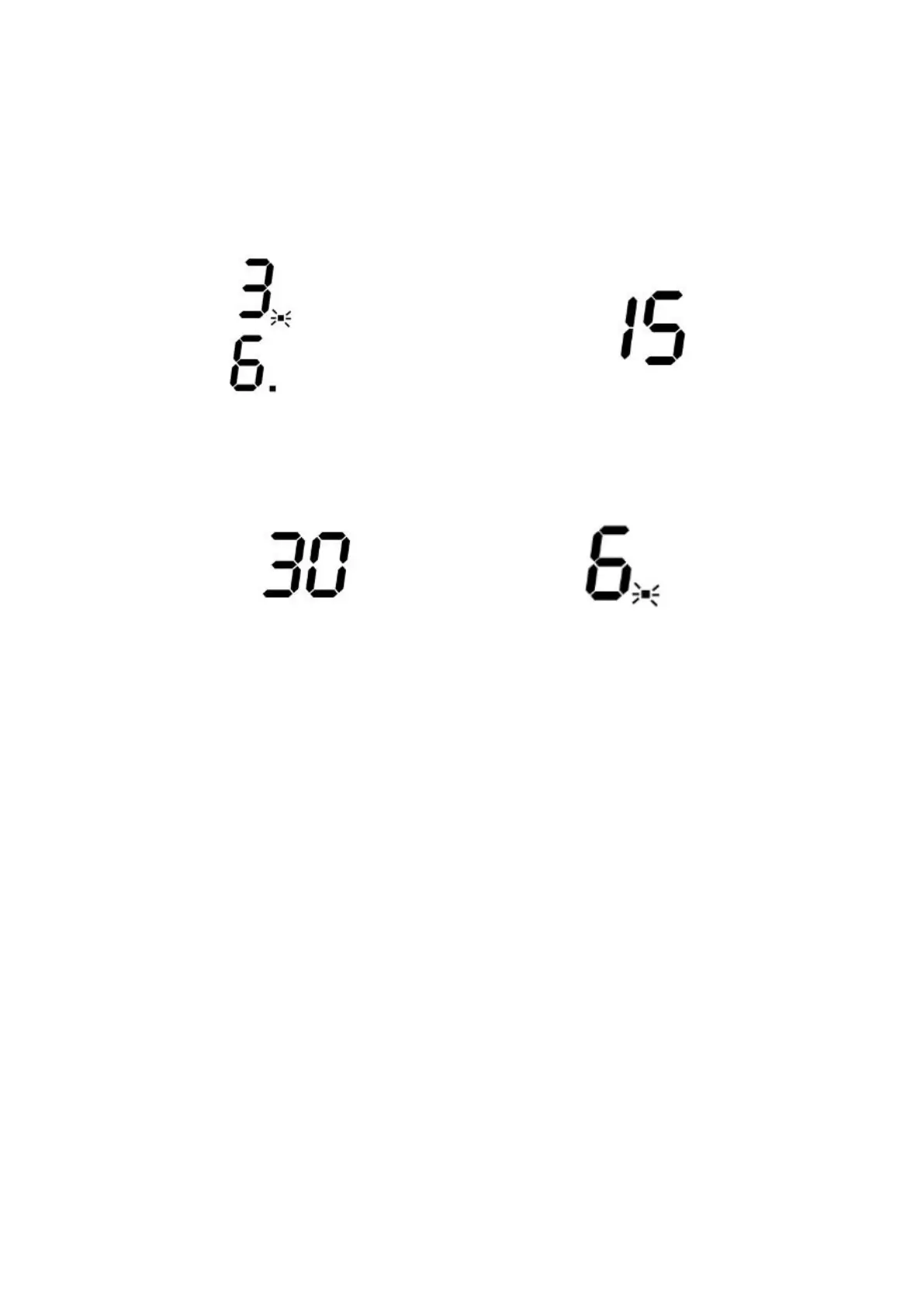
When you set the time for several cooking zones simultaneously, decimal dots of the relevant cooking
zones are on. The timer display shows the time remaining for the zone which is due to nish rst. The
dot of the corresponding zone ashes as shown below.
When the cooking duration time for the zone due to nish rst has elapsed, that zone is switched o
automatically. The timer display will then change to show the cooking time remaining for the zone which
is due to nish second.
If you want to see how long a zone has left to run, touch the heating zone selection control key for the
relevant zone and the time remaining will be displayed briey on the timer display.
Cancellingthecook-to-otimer
1. Touch the relevant heating zone selection control for the zone on which you wish to cancel the timer.
The power level indicator for that zone will start to ash.
2. While the power level indicator is ashing, touch the timer control. The timer display starts to ash.
3. While the timer display is ashing, use the slider to adjust the cooking duration time down to 00.
(set to 15 minutes)
(set to 45 minutes)
(set to 30 minutes)



 To Next Page