System information: This feature delivers informa-
tion on the water softener:
• Total number of regenerations.
• Total volume of treated water.
• Regeneration hour.
• Volume of treated water between each
regeneration.
• Safety regeneration frequency.
• Length of the regeneration stages.
• Current ow.
• Maximum registered peak ow.
• Software version.
ADVANCED PROGRAMMING (ONLY FOR PROFESSIONAL USE):
This internal level is only intended for the Technical Service and
is password protected. Under no circumstances should the
programmed parameters be modified without checking pre-
viously with the Technical Service of the dealer.
HOW TO START A REGENERATION:
STRATOS water softeners allow you to program both delayed
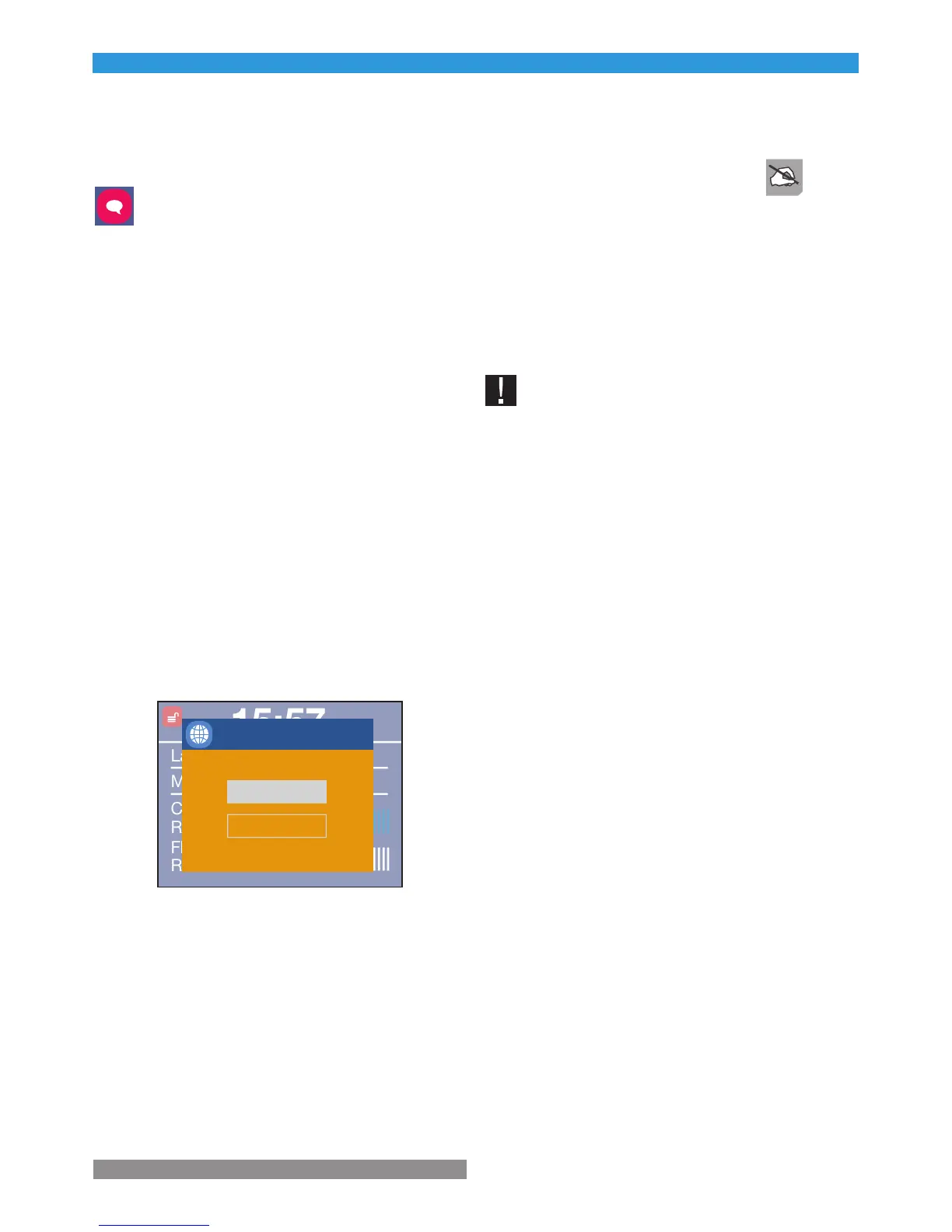
or immediate regenerations. On this purpose, press the ‘RE-
GEN’ button for 3 seconds to get into the menu below:
By pressing the ‘SET/REGEN’ button, the user can select the
type of regeneration and with the ‘MENU’ button, the user
can trigger the regeneration.
HOW TO MOVE THE REGENERATION FORWARD:
Once the regeneration has started, the user can move
forward to the next stage by cancelling the current one. On
this purpose, just press any of the buttons on the program-
mer. This function will be disabled during the time in which
the motor is moving forward to the next stage.
7. START-UP
7.1 Hydraulic Start-up
Before starting the system up, please check that all steps pre-
vious to installation, assembly and programming have been
properly followed, according to this instructions’ manual, as
well as the regulations in force. To start the system up, please
follow the instructions below:
Do not charge the system with salt until the end of the start-up. In
order to prevent any air pressure on the water softener and the
pipes, please follow these instructions in order.
1. Place the by-pass valve on the ‘service’ mode.
2. Fully open two or more cold and treated water faucets loca-
ted near the water softener.
3. Plug the programmer to the power supply using the trans-
former included in the system.
4. The program must be in ‘service’, otherwise please check
‘Section 6.3’.
5. Press the ‘REGEN’ button for 3 seconds to start a regene-
ration. Now you are inside the regeneration menu. Select the
immediate regeneration. After some minutes, the system will
move to the Backwash stage.
6. Slowly open the water inlet valve to allow the entrance of
water inside the system. At this point, the inlet flow must be
rather low, since in this position water will come in from the
bottom of the bottle and flow upwards to the drain.
7. When water starts flowing continuously through the drain,
fully open the water inlet of the system. At this point, the bottle
will be full of water and so a higher flow will not produce any
damage. Water going out to the drain may be a bit yellowish
or brown. This is completely normal, since it is due to the pre-
servatives of the resin.
8. Let the water flow through the drain until it runs clear.
9. Close the water supply to the system for five minutes, so
the resin can settle down the bottom of the bottle, and the air
that might be left inside can flow towards the upper part of the
bottle.
10. Open the inlet valve of the system and wait for some mi-



 To Next Page