ISTM-ALL MDVR-2012_Q2_Ver 1.0
16/27
and can avoid sight reflection such as around rear-view mirror.
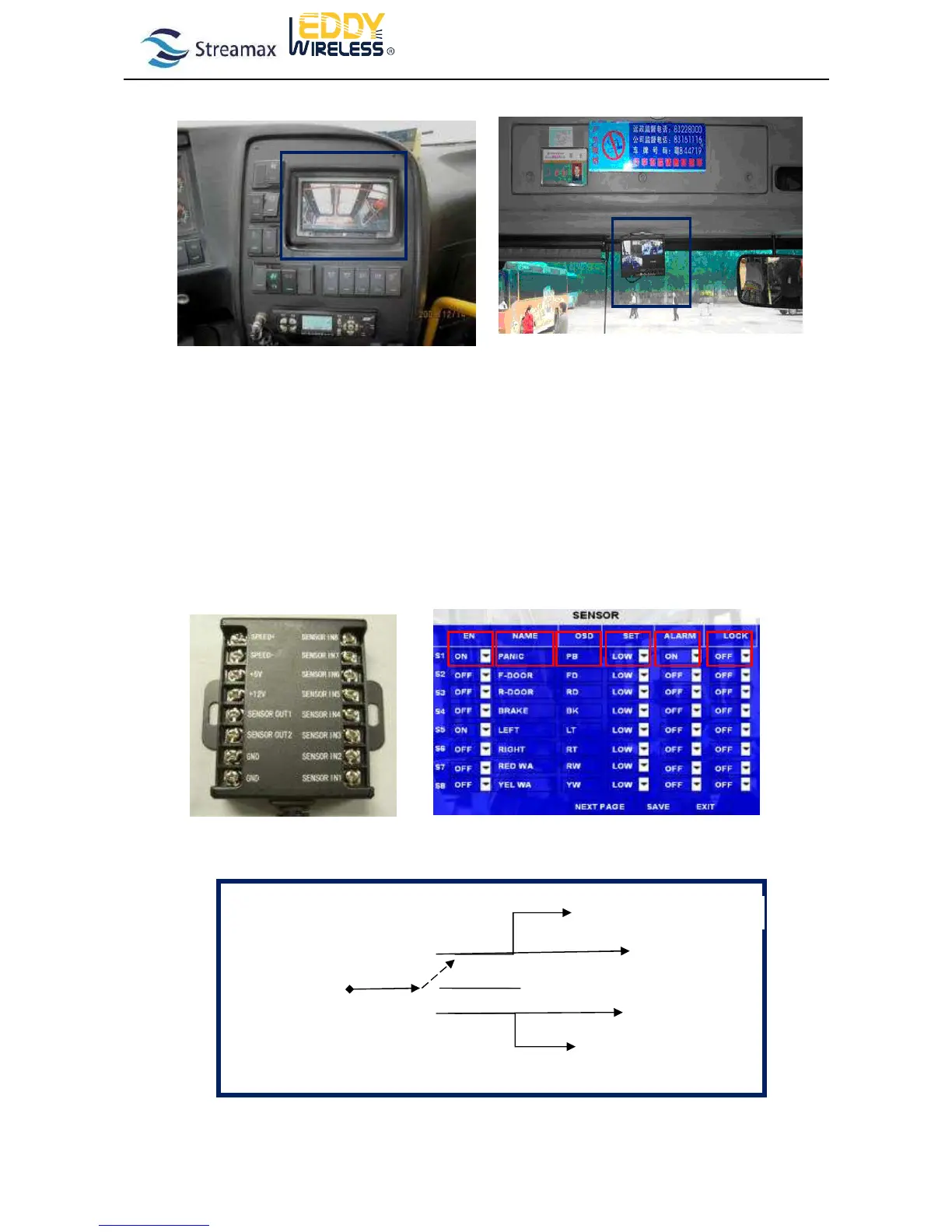
2.7 How to connect the I/O Sensors
The MDVR device can support 8 sensor inputs and 2 or 4 outputs (depends on different models. Some of the models can
support 2 outputs only).The inputs are used to detect the driving behavior like panic button for emergency alarm, braking,
turning left or right, open or close the door, reverse etc…
In MDVR GUI, you can setup different sensor inputs as following. You can define any or the sensor inputs to be different
function. For example, if you define sensor 1 is for panic button please connect panic button with sensor 1 signal on the
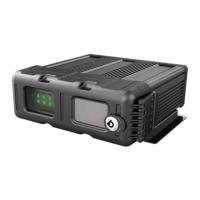
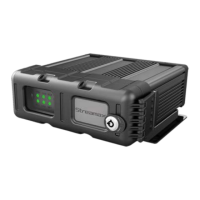
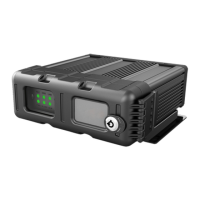
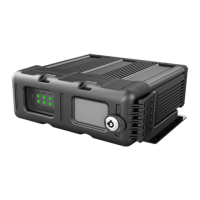
alarm box (the photo is below). Please just make sure you connect the sensor correctly with the alarm box.
1) How to connect the signal for open/close the door
Signal for opening



 To Next Page