Lisa LCD 64
There are two settings that need to be programmed, so that the Lisa knows where to send the logs and
how often. This can be done on the Device portal or Streamit ADP, or manually. See the <rcs>
command described in Command overview list for more details on how to manually configure the
monitoring settings of the Lisa.
Depending on the platform that is used, Device portal, or Streamit ADP, the right network ports should
be open for outbound connections from the Lisa. See Ports used by Lisa devices for more information.
10.3 Example log message
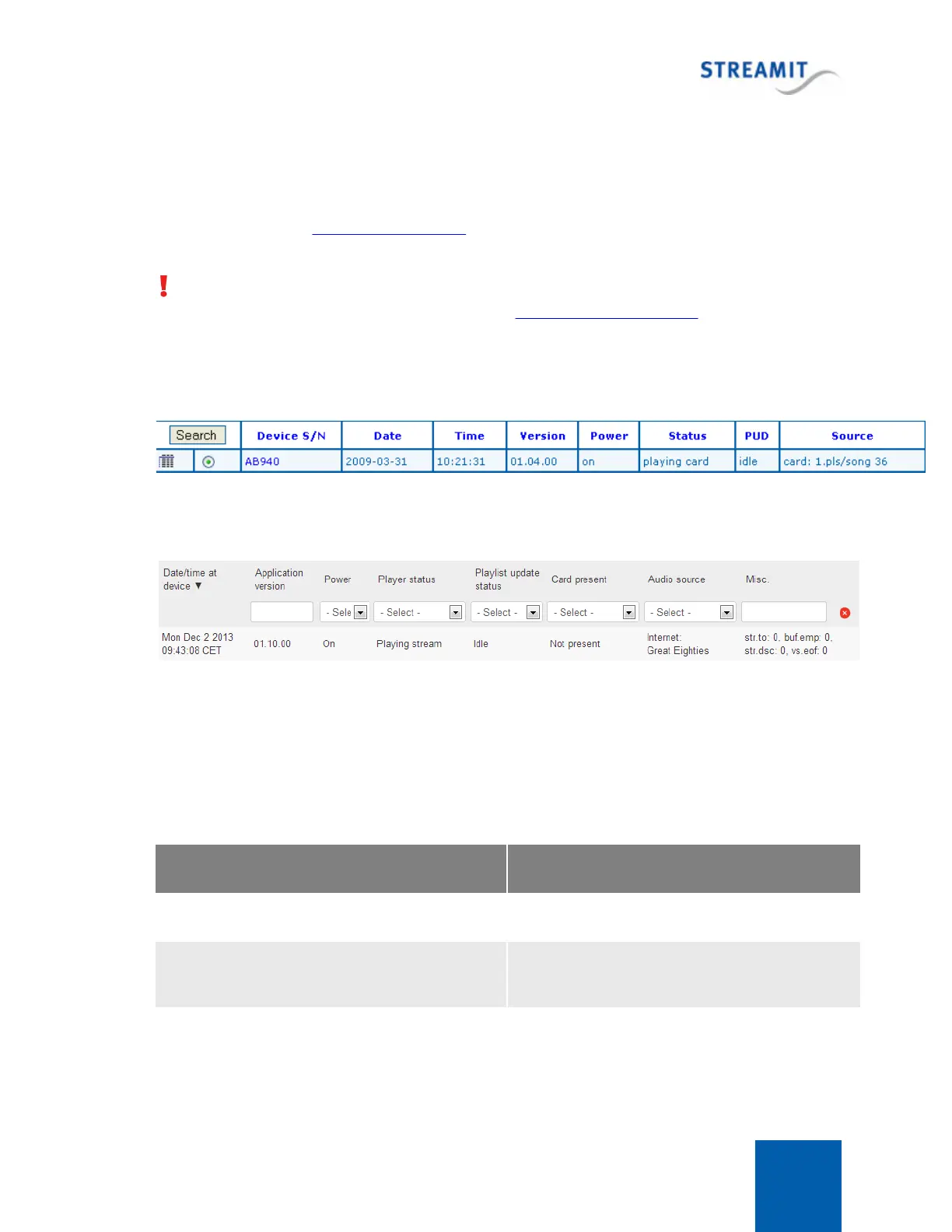
Below, a screen shot of how one single log message is displayed on the ADP.
Next is a screen shot of a single log message on the Device portal:
10.4 Periodic log messages
Player status
An important part of the periodic log messages is the player status information. The player status can be
one of the following:
Lisa is off, or in the initial state of starting up
Connecting to stream/card
Connecting to a preset stream or busy opening a
playlist from card
Buffering before playing a stream (playback has
not yet started)



 To Next Page