320597-3 - NOVEMBER 2016
II ESR-Auto Plus Operator’s Manual
Table of Contents
1 Introduction
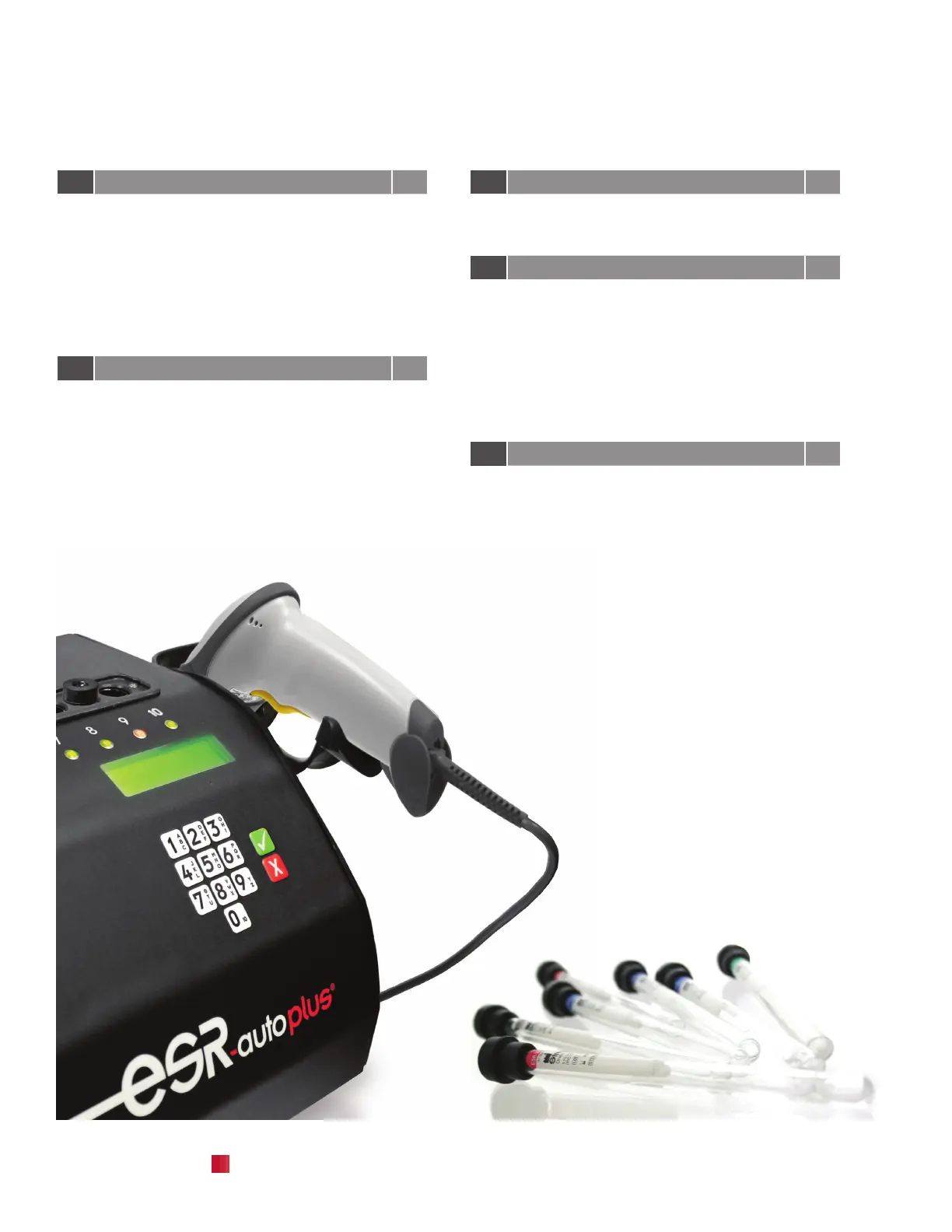
1.1 ESR Components 1
1.2 Unpacking Instructions 2
1.3 Barcode Scanner Installation 2
1.4 Cable Connections 2
1.5 Barcode Scanner Calibration 2
1.6 Installing Printer Paper 3
1.7 Removing Paper 3
1.8 Instrument Set-up 3
2 Sample Preparation & Analysis 5
2.1 ESR-Vacuum Tubes 7
2.2 Sample Collection 7
2.3 Phlebotomy Guideline 8
2.4 Mixing a Sample 8
2.5 Secondary Patient Labels 9
2.6 ESR Tube Labeling Sleeves 10
2.7 Starting a Sample 11
2.8 Reporting Results 11
2.9 Canceling a Sample 11
3 Keypad & Menu Overview 13
3.1 Keypad Overview 15
3.2 Menu Diagram 15
4 Menu Functions 1-5 17
4.1 Standby Menu 19
4.2 Menu 1: Search Sample 19
4.3 Menu 2: Check Position 20
4.4 Sample Status 20
4.5 Menu 3: Print Log File 21
4.6 Menu 4: Control Samples 22
Run, Show, Register and Edit Controls
4.7 Menu 5: Run Test Rack 27
5 Menu Function 6 - User Cong. Menu 29
5.1 Accessing Menu 31
5.2 Print Set Up 31
5.3 Set Date and Time 32
5.4 Set Audible Alarm 32
5.5 Set Printer Function 33
5.6 Set Print Style 33
5.7 Set Access Code 34


 To Next Page