14
UP
DOWN
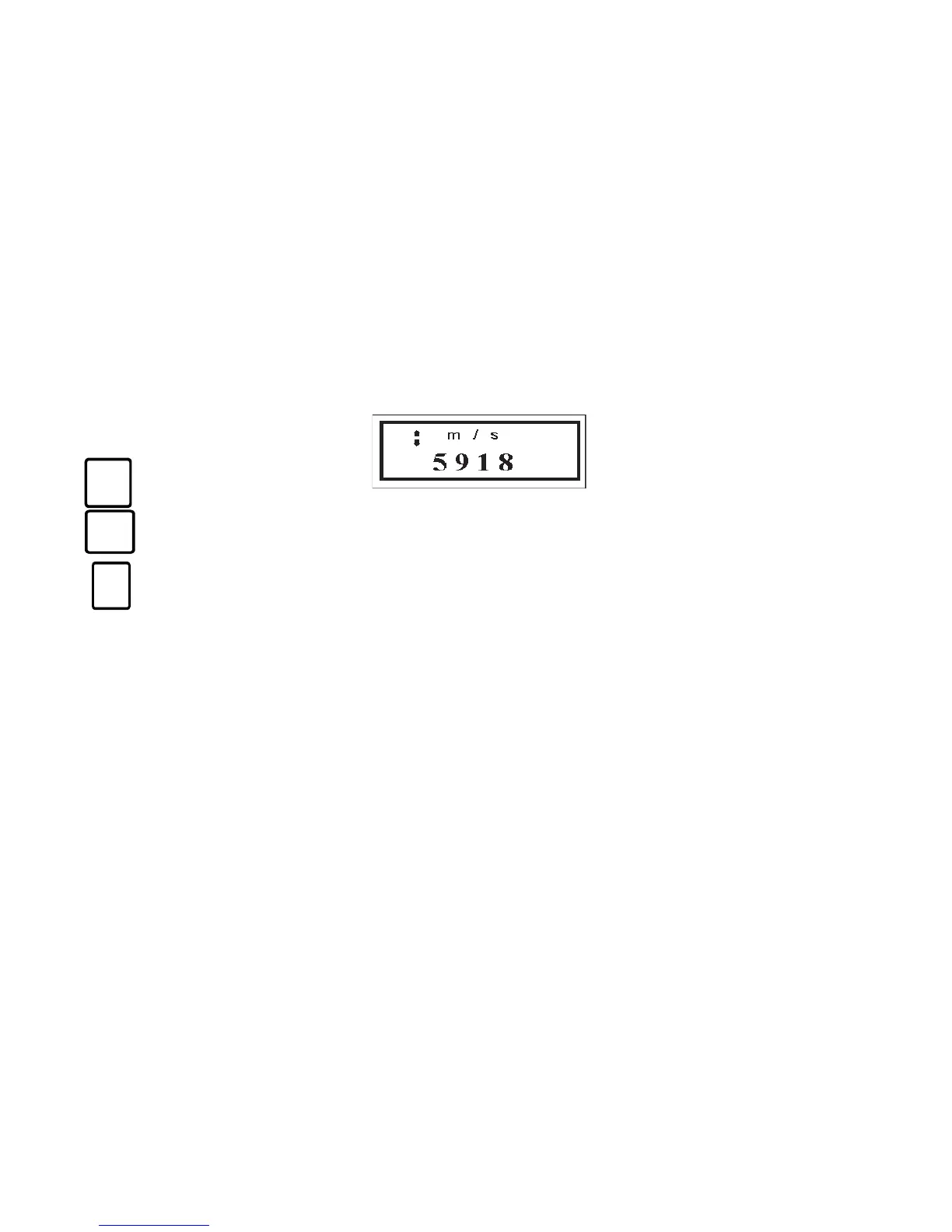
Or if metric units are selected:
Use the UP and DOWN arrow keys to scroll the velocity to the known velocity of the material.
Note that when these keys are held continuously, the speed that the velocity changes will increase, making
it easy to make the large adjustments for materials such as plastic and aluminum.
When the desired velocity appears on the display, press the CAL key again to enter that
velocity for use in thickness measurements and to return to the measurement mode.
E. Thickness Measurement
Remove dirt, loose material, and couplant residue from the surface of material at points where
measurements are desired. Verify that the PROBE and CAL functions have been performed.
Place a drop of couplant on the material surface at the measurement point.
Place the transducer in steady contact with the surface of the material at the measurement point.
When a detectable echo is received from the back surface of the material, the echo indicator in the
upper right of the display will indicate the detection of an echo by changing in appearance to
represent contact between the pictured transducer and the sample surface.
CAL


 To Next Page