13
When the correct thickness appears on the display,
press the CAL key again to display the sound velocity of the calibrated material as calculated by the T-
Mike E. The display of sound velocity will be indicated by the appearance of appropriate velocity units
(IN/ms or M/S) above the displayed velocity value. Press the CAL key one final time to accept this
sound velocity and return to the measurement mode.
Check the calibration by replacing the probe on the sample piece. The T-Mike E should display the
corrected thickness of the sample.
NOTE: When the T-Mike E is in the CALIBRATION mode the unit will not make further measurement
until the calibration procedure is completed.
D. Calibration From Known Velocity
The following procedure is used to calibrate the T-Mike E to a given material velocity.
Follow the above PROBE procedure to calibrate the delay of the ultrasonic transducer being used.
Press the CAL key. The arrow symbols will appear in the upper left portion of the display
indicating the UP/DOWN arrow keys are active.
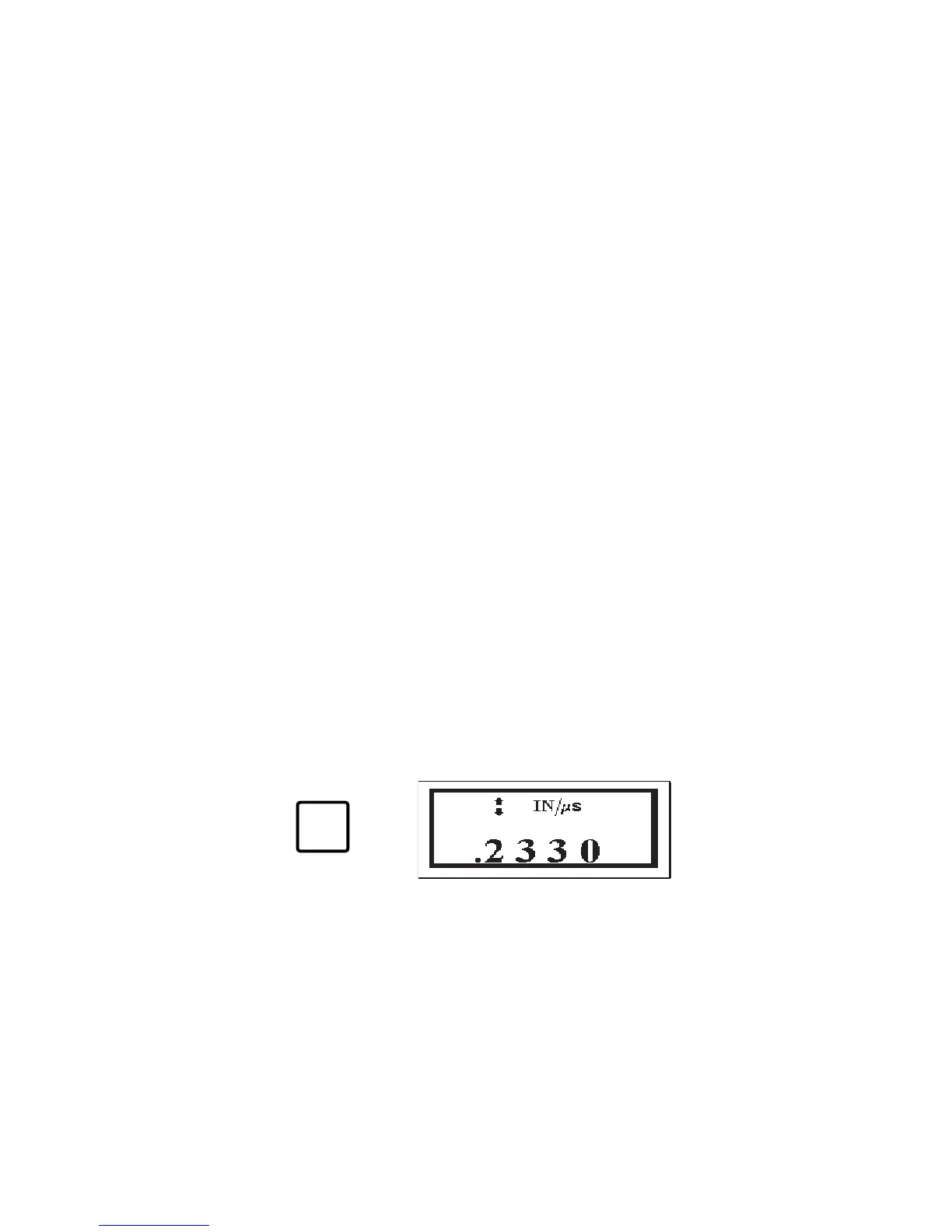
Press the CAL key a second time. The display on the T-Mike E will display the current velocity
and the appropriate units of measure.
CAL


 To Next Page