13
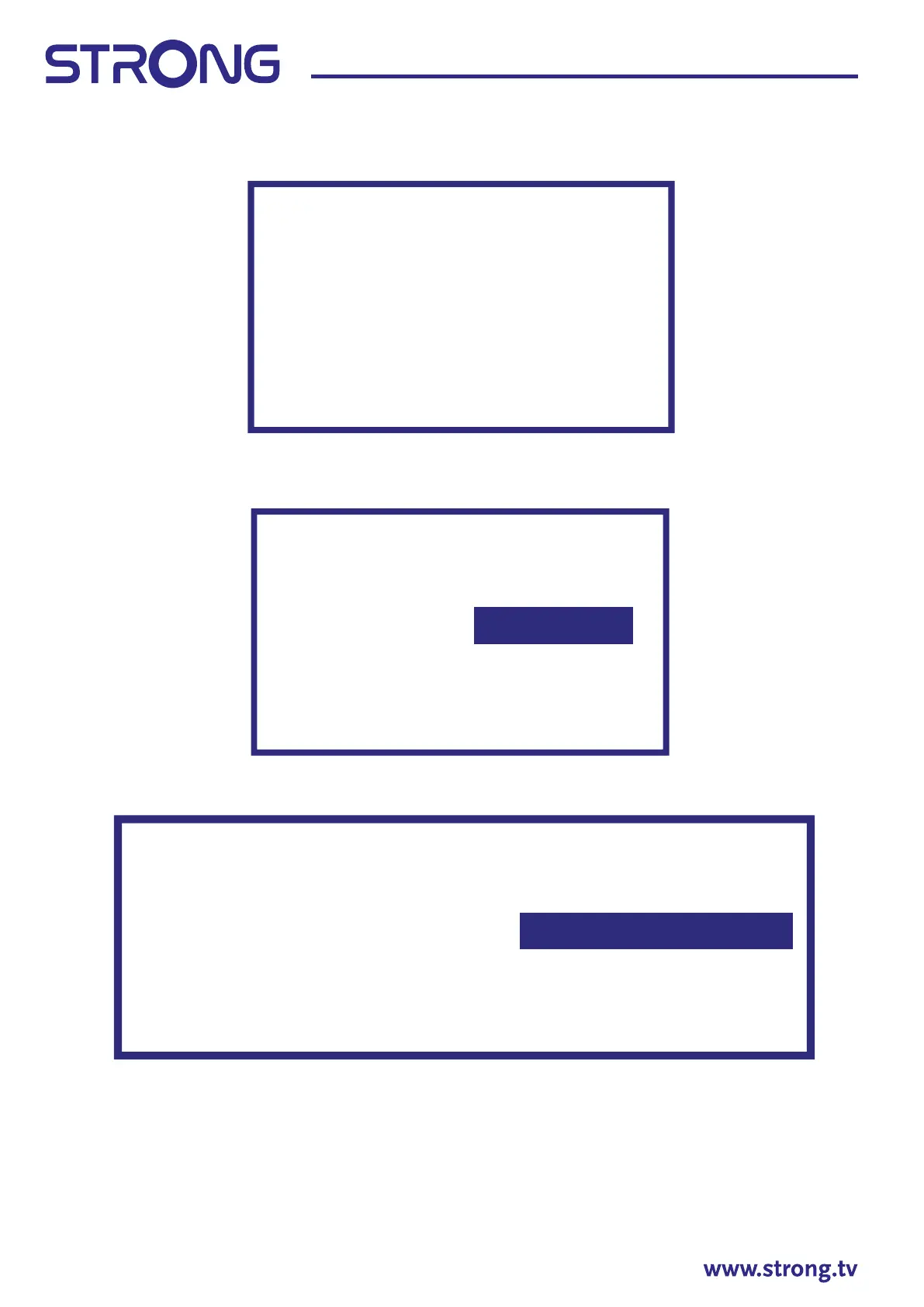
In the next step the channel scan started and will take some minutes to complete.
3.2 Channel installations for Antenna
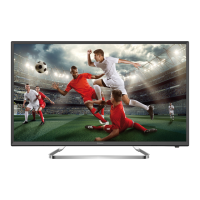
Select the tuner mode Antenna and press OK to continue.
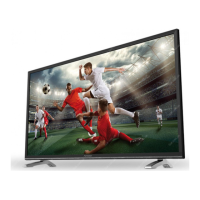
Select the preferred method of channel ordering.
The Automatic channel ordering is the default method. Pay TV ordering allows the customer to select the
display of channel numbers that is suitable for them. Use Automatic channel ordering when Pay TV ordering
cannot install channels. Press OK to continue.
Scan direcon
Select the channel ordering method. Automac
channel ordering is the default method. Pay TV
ordering enable user presentaon of channel
numbers in a convenient form dedicated to Pay
TV customers. Use Automac channel ordering
in case Pay TV ordering fails to install channels.
Automac Channel Ordering
Pay TV Ordering
Scanning
The channel scan
may take a while
to complete.
Digital Channels: 0
Analog Channels: 0
Progress: 7%
Tuner Mode
Please select
your tuner mode:
Antenna
Cable
Satellite



 To Next Page