EasyManua.ls Logo

Strong 32HD5553-HD - User Manual

Strong 32HD5553-HD
34 pages
Print Icon
To Next Page IconTo Next Page
Loading...
Bedienungsanleitung
Manuel d’utilisation
Manuale utente
Manual del usuario
Manual do utilizador
Használati útmutató
Uživatelský manuál
Brugervejledning
Brukerveiledning
Gebruiksaanwijzing
Användarhandbok
Korisnički priručnik
Ръководство на потребителя
Посібник користувача
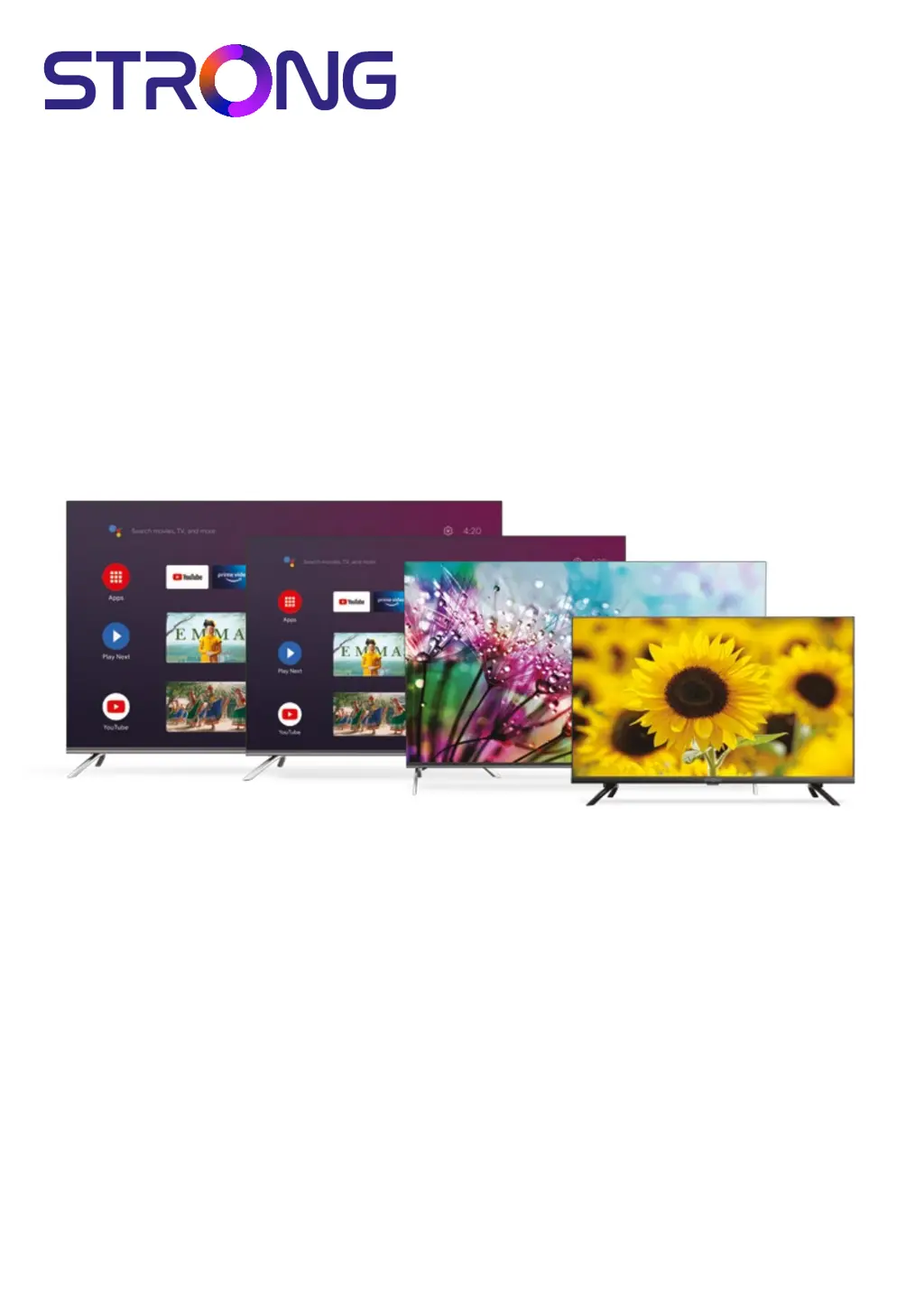
SMART ANDROID TV with DVB-T2/C/S2
32HD5553 – HD
43UD7553, 50UD7553, 55UD7553 – UHD
Picture similar

Questions and Answers

  • B
    brittanygibsonAug 16, 2025
    What to do if Strong 32HD5553-HD has no signal or weak signal?
    • D
      Douglas KirkAug 16, 2025
      If you are experiencing a weak or intermittent signal on your Strong TV, it could be due to several reasons: * Loose cables or moisture in the connections. * The satellite dish not pointing correctly. * The dish being too small or obstructions in the path. * A signal that's too strong. To resolve this, check the cable connections, LNB, and other equipment. Adjust the dish, consider a larger dish or relocate it, or connect a signal attenuator to the LNB input.
  • R
    robinsonmistyAug 19, 2025
    How to eliminate snowy dots and interference on Strong TV?
    • S
      shirleydayAug 19, 2025
      If your Strong TV picture has snowy dots, blocking, and interference, especially if the antenna is far from the signal source, adjust the antenna's position and orientation. Also, check the antenna connection, fine-tune the channel, or try another channel.
  • S
    Stacy GonzalezAug 22, 2025
    Why is there normal picture but no sound on my Strong 32HD5553-HD?
    • C
      Christopher GriffinAug 22, 2025
      If your Strong TV shows a normal picture but has no sound, first, press the volume up button. If that doesn't work, the volume might be muted, so press the [MUTE] button. You can also try changing the sound system or checking for broadcasting failures.
  • J
    jonestimothyAug 26, 2025
    How to troubleshoot no picture and no sound on Strong 32HD5553-HD?
    • M
      Maria Thomas MDAug 26, 2025
      If your Strong TV has no picture or sound, check the fuse or circuit breaker. Ensure another electrical device works in the same outlet. Also, verify the power plug connection and the signal source.
  • S
    Stephen HannaAug 28, 2025
    How to fix Strong 32HD5553-HD TV with no picture but normal sound?
    • C
      Charles DavisAug 28, 2025
      If your Strong TV has no picture but normal sound, try adjusting the brightness and contrast settings. It may also be due to a broadcasting failure.
  • A
    Amanda TaylorAug 31, 2025
    Why is my Strong 32HD5553-HD TV remote control not working?
    • C
      Craig MedinaAug 31, 2025
      If your Strong TV's remote control isn't working, first change the batteries. Make sure the batteries are correctly installed and that the main power is connected.
  • D
    Dawn ThompsonSep 3, 2025
    Why does my Strong 32HD5553-HD have bad picture during heavy rain?
    • A
      andersonlaurieSep 3, 2025
      If your Strong TV has bad picture or blocking error during heavy rain, this is because heavy rain attenuates satellite signals. Ensure your dish installation meets standards to minimize these effects.
  • M
    Michael SmithSep 6, 2025
    What causes picture freeze during video playback on Strong 32HD5553-HD TV?
    • K
      Katherine MontgomerySep 6, 2025
      If the video playback on your Strong TV is causing picture freeze, macro blocks, or similar distortion, especially with HD content, ensure you are using a USB storage device with sufficient speed and space.
  • B
    bbrennanSep 9, 2025
    How do I fix no color on my Strong 32HD5553-HD TV?
    • E
      elizabeth34Sep 9, 2025
      If your Strong TV has no color, try changing the color system and adjusting the saturation. You might also want to try another channel.
  • M
    mckinneykennethSep 12, 2025
    What causes ripples on the picture of my Strong TV?
    • G
      Gina HernandezSep 12, 2025
      If you see unorderly ripples on the picture of your Strong TV, this is usually caused by local interference from things like cars, daylight lamps, and hair dryers. Try adjusting the antenna to minimize the interference.

Summary

User Instructions and Safety

TV Safety Guidelines

Critical safety warnings and precautions to prevent hazards.

TV Installation Process

Setting Up TV Passwords

Guide to setting or managing TV access passwords.

Initial TV Setup Guide

Cable Channel Setup

Procedure for scanning and installing cable TV channels.

Antenna Channel Setup

Procedure for scanning and installing antenna TV channels.

Satellite Channel Setup

Procedure for scanning and installing satellite TV channels.

Navigating the Home Screen

Live TV Viewing Guide

Live TV Channel Installation

How to install TV channels after initial setup.

System Settings Configuration

TV Troubleshooting Guide

Technical Specifications

Strong 32HD5553-HD Specifications

General IconGeneral
Screen Size32 inches
Resolution1366 x 768
Display TypeLED
HDMI Ports3
USB Ports1
Audio Output2 x 8W
Weight4.5 kg
TunerDVB-T/T2/C/S/S2
HD TypeHD
Refresh Rate60 Hz
Aspect Ratio16:9
Power Consumption45W
Input PortsHDMI, USB, AV

Related product manuals