53
English
52
6.9 DVR
4) Timer Recording
This function is availabe when usb device is connected. You can choose a channel to
record the Program Guide menu by using . (Refer to 6.4 Electric Program Guide,
2)Timer)
5) Time Shift
⊹
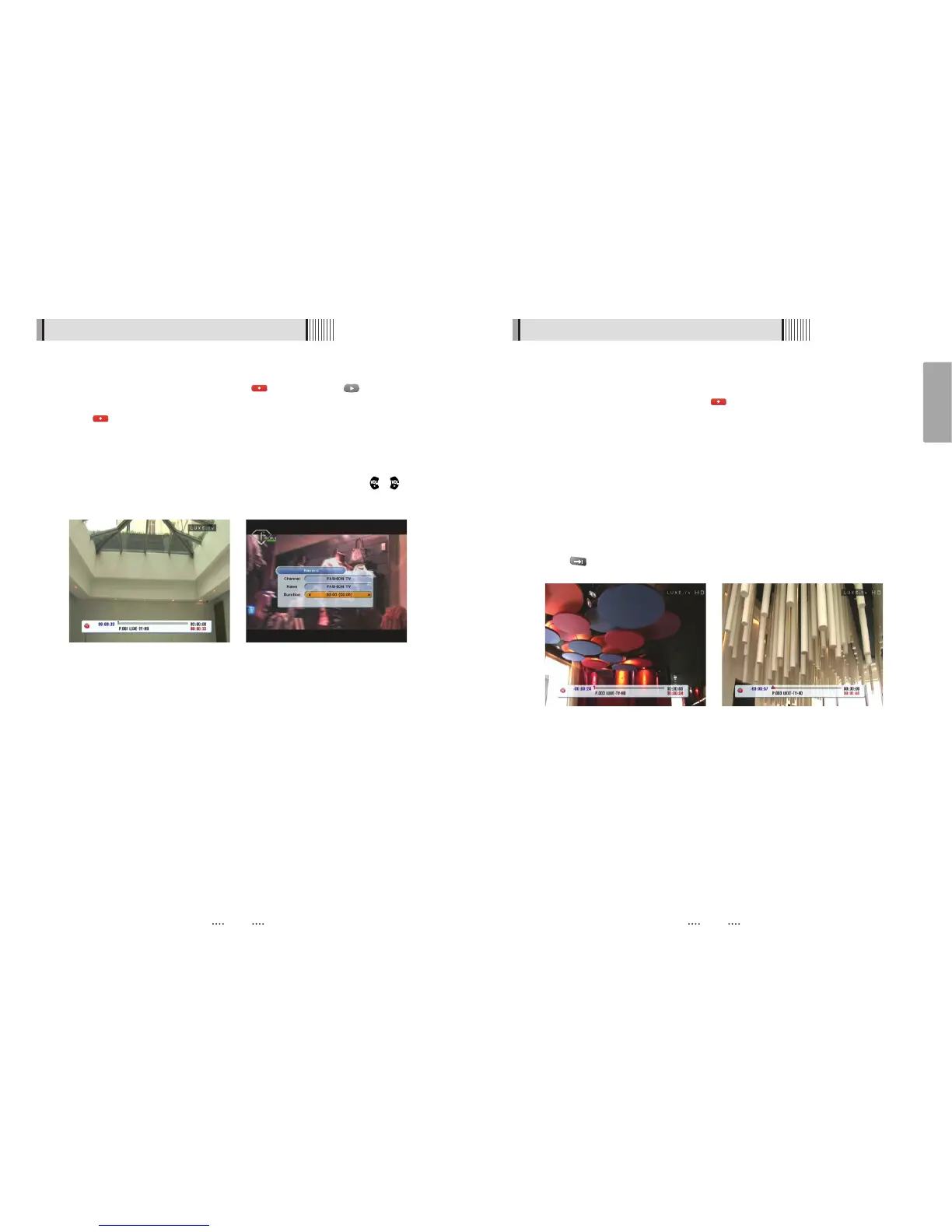
If you want to pause and resume live TV channel, press TIMESHIFT button. The default
time of Time-Shift is 30 min in your STB.<Fig 6.10.11>
⊺
If you want to resume live TV channel, press PLAY button. <Figure 6.9.12>
The trick-mode operations are provided. If you want to jump to live channel, please
press .
<Figure 6.9.11> <Figure 6.9.12>
6.9 DVR
ҫ
Note : 1. Do not remove the USB device while recording a program.
3) Instant Recording
⊹
You can record a current channel by using . If you then press , a time-banner
will be displayed.<Figure 6.9.9>
⊺
Press once more. The following picture shows that you can select item when you
record a current channel. <Figure 6.9.10>
- Channel : It shows a current channel.
- Name : It shows a current recording name.
- Duration : You can change the duration of recording time by using the / . And
current recorded time appear.
<Figure 6.9.9> <Figure 6.9.10>



 To Next Page