47
English
46
6.9 DVR
1) File List
ᶀ
File Playback
⊹
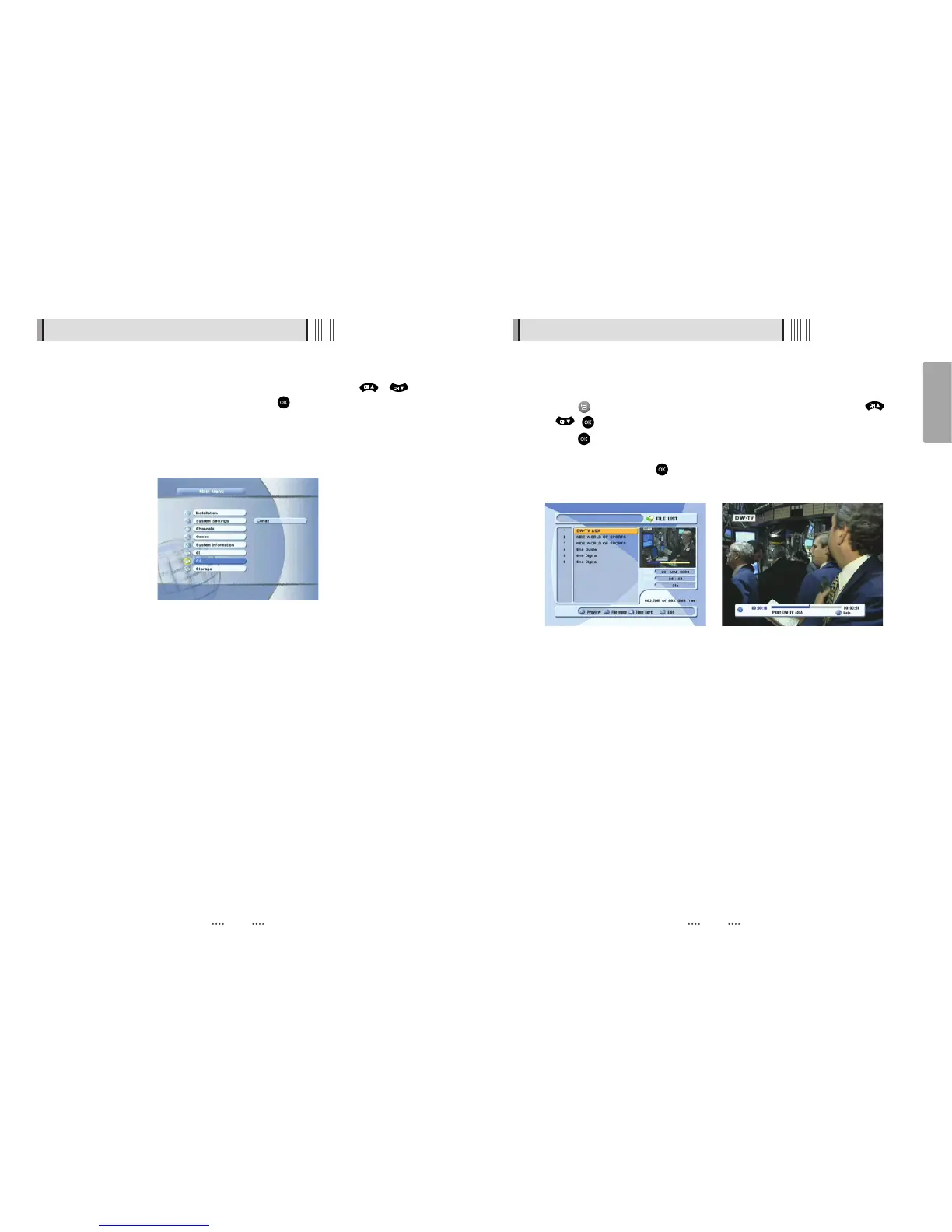
Press to show the file list. Select the file you want to play back by using /
, .
⊺
Press . In the left side of screen, detailed information about the selected file will
be displayed. (Recorded Date/Time, Used size, Total Size) <Figure 6.9.1>
- To see a full screen, press once more. And then the following time-bar will
appear. <Figure 6.9.2>
<Figure 6.9.1> <Figure 6.9.2>
6.8 Conditional Access System
2) The Status of the Smart Card
You can access detailed information about the Smart Card using the /
keys in the Main Menu to select ‘CA’ and pressing . <Figure 6.8.2>
Proceed with further instructions displayed on the screen to check more detailed
information depending on the Smart Card in use.
ҫ
Note : Further detailed information is not mentioned in this manual since the
information depends on the Smart Card in use.
<Figure 6.8.2>



 To Next Page