pg 22
Reverb-Specific Parameters
Each reverb type includes its own set of unique parameters that are
displayed and applied only to the individual reverb type that is currently
selected� The following are descriptions for all Reverb-Specific
parameters, listed per reverb type�
NOTE: If the current preset includes dual reverbs, push the TYPE encoder to
select Reverb 1 or 2 to display and edit its parameters� Also, see "Utilizing
Single or Dual Reverbs" on page 8�
Room Reverb
BigSky MX Room algorithms create intimate environments ranging
from well-tuned studio ambience to larger nightclub acoustics� The
Tone knob, Diffusion, and Low End parameters adjust the damping and
scattering effects of room materials, furniture, and people�
CHAMBER
HALL
ROOM
PLATE
SPRING
IMPULSE
CHORALE
MAGNETO
NONLINEAR
BLOOM
SHIMMER
CLOUD
push (param)
hold (back)
hold 3s (global)
VALUE
push (dual 1 2)
hold (save)
TYPE
PARAM
SIZE
DIFFUSION
VOICE
OUTPUT LEVEL
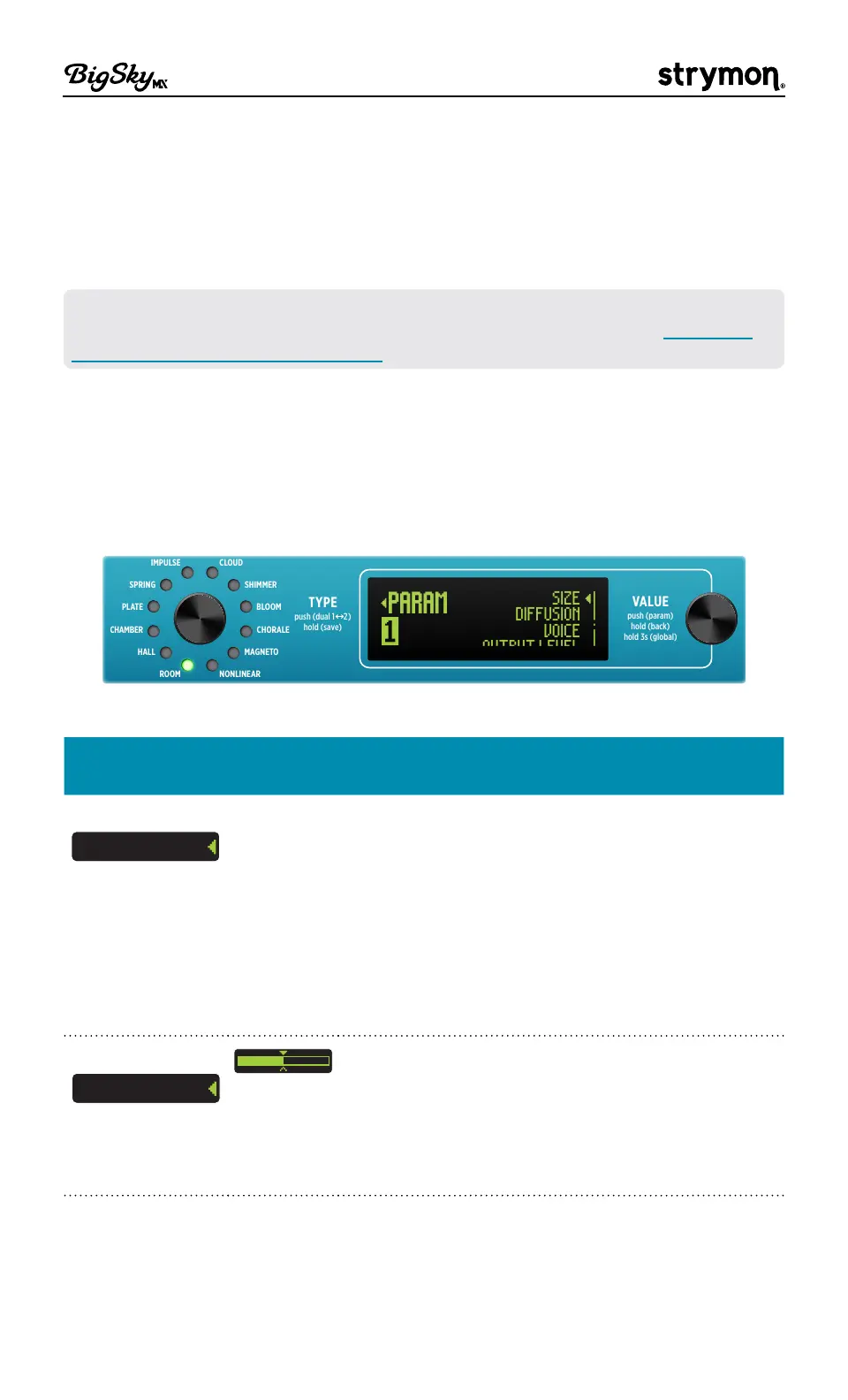
The Parameters menu (Room reverb type is selected)
ROOM
Parameter
Values Description
Size
SIZE
Studio
Club
Offers a choice between two room type
algorithms� Note that the characteristics of the
selected Studio or Club reverb differ depending
upon the Voice parameter's MX or Classic
selection (see the Voice description below):
• Studio - A well-tuned intimate studio
environment�
• Club - A larger, livelier “nightclub”
experience�
Diffusion
DIFFUSION
Softens the early reflections to create a thicker,
more diffused reverb at the attack portion of the
reverb� Sometimes this can be more easily “felt”
than heard, depending on the input and specific
settings� Adjust to higher values to apply more
diffusion�



 To Next Page