pg 4
Front Panel Controls
REVERB TYPE
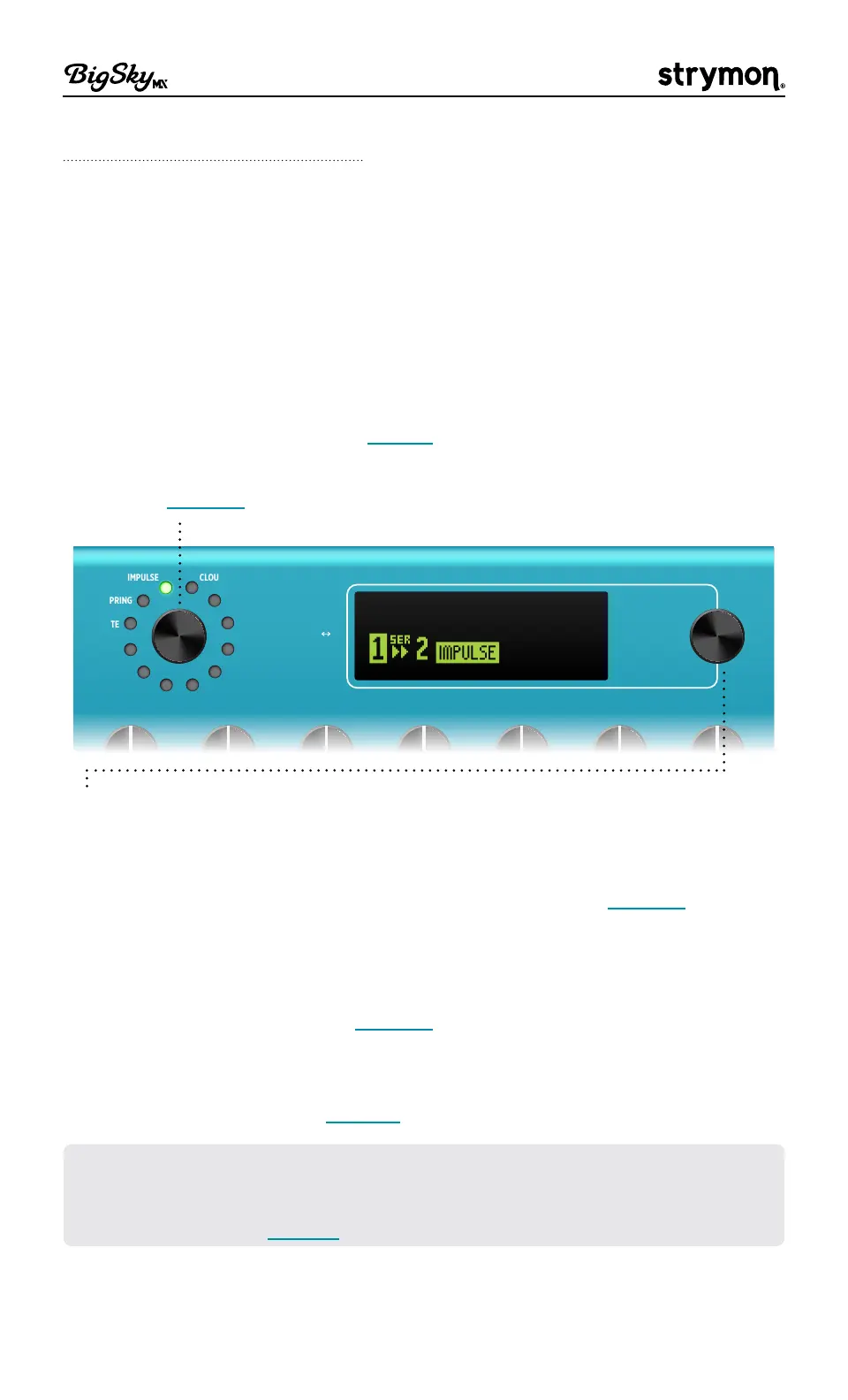
Turn the TYPE encoder to select the desired reverb type, as
indicated by the brightly lit green LED�
Push TYPE to configure the use of single or dual reverbs, dual
reverb routing, and to select between Reverb 1 or Reverb 2 for
editing� When dual reverbs are in use, the reverb selected for
editing is indicated by the brightly lit green LED surrounding the
TYPE encoder, and the non-selected reverb type is indicated by the
dimly lit green LED� See page 8 for details�
Hold the TYPE encoder to rename and save the current preset�
See page 15 for details�
CHAMBER
HALL
ROOM
PLATE
SPRING
IMPULSE
CHORALE
MAGNETO
NONLINEAR
BLOOM
SHIMMER
CLOUD
push (param)
hold (back)
hold 3s (global)
VALUE
BA INFINITE
DECAY PRE-DELAY
TONE
MOD PARAM 1 PARAM 2 MIX
BANK DOWN
push (dual 1 2)
hold (save)
TYPE
BIGGER BLUE
SLINKY
43A
1
2
B
IMPULSE
MARBLE
101A
DUAL IMPULSE
VALUE
From the Home screen, turn to select the next or previous preset
location� Optionally, configure the preset navigation to display a
scrollable menu list of all 300 preset locations� See for page 14
details�
Push-release to enter the Parameter (PARAM) menu to edit
parameters for the current reverb� Hold for 1 second to
navigate
back to the Home screen
� See page 17 for details�
Hold for 3 seconds to enter the Global Settings (GLOBAL) menu to
customize the BigSky MX options� Hold for 1 second to navigate back
to the previous screen� See page 48 for details�
TIP! The large, vibrant OLED display offers detailed views for all your actions,
as you’ll see illustrated throughout this Manual� Much of your time will likely
be spent on the Home Screen, pictured above, which is also configurable for
alternate views—see page 13 for details�



 To Next Page