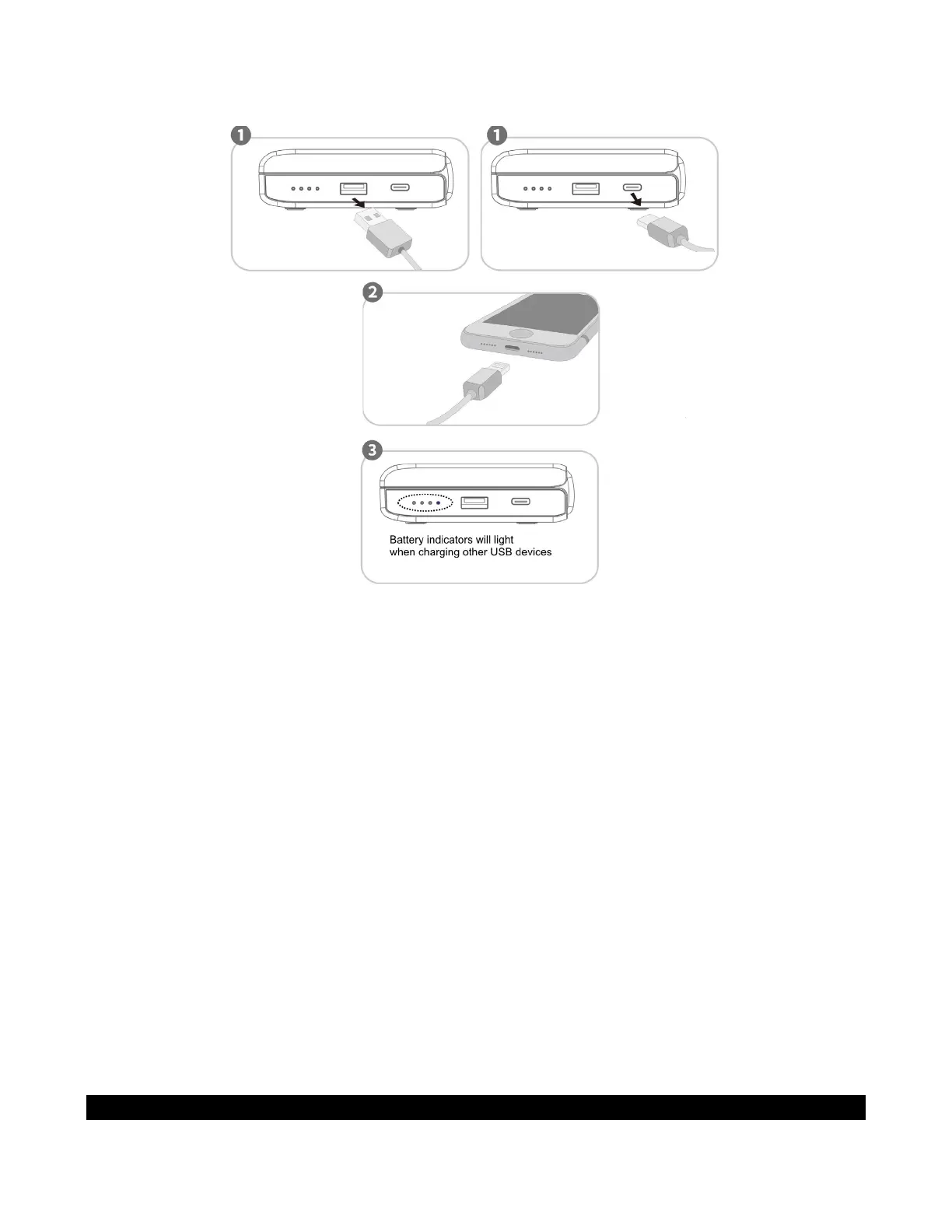
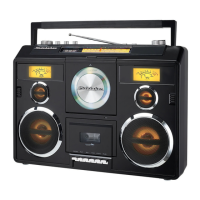
The unit has 1 USB-A output port and 1 USB-C output port located at the right side of the unit
for operating/charging other USB devices.
The unit can support 20W/22.5W fast charging and is compatible with mainstream fast
charging devices for fast charging. However, when the unit charges 2 USB devices at the
same time, each port of the unit can only supply 10W.
1. Plug the standard end of the USB cable (not included) into the USB-A CHARGING PORT
(#9) located on the right side of the unit. Plug the other end of the cable into the device
you wish to charge.
Or
2. Plug the one end of the USB-C cable (included) into the USB-C CHARGING PORT (#10)
located on the right side of the unit. Plug the other end of the cable into the device you
wish to charge.
3. The BATTERY INDICATORS will light and flash when charging.
4. Observe the battery charge indicator on your device to make sure the charging process
starts normally.
5. Unplug the cable when your device is fully charged.
WARNING!
The USB ports located on the right side of the unit is designed for a smart phone or
portable device battery charging only and does not support data transfer or connection to
a computer.
Don’t connect the USB-A port (#9) of the unit to another USB charger. It may damage
both units and void the warranty.
DIMMER OPERATION



 To Next Page