
 Need help?
Do you have a question about the Studer A812 and is the answer not in the manual?
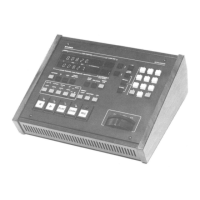
For the STUDER A812, A816, A820, A820MCH and A827 the same STUDER autolocator can be used.
Details the components included for the Autolocator A820 desktop and chassis versions.
Step-by-step instructions on how to connect the autolocator to compatible Studer tape recorders.
Explains basic tape movement and recording functions like Play, Stop, Rec, Rewind, and Fast forward.
Details the use of numeric keys for address entry and other functions.
Describes the independent tape timer (LAP counter) and its activation.
Explains how to store and recall tape positions using memory functions.
Details the LOC and LOC START keys for tape positioning and rollback.
Covers direct memory access (LOC1-4) and variable tape speed control.
Explains how to set up and activate loop functions using the keypad.
Details the AUTO RECORD mode for automated drop-in/out editing.
Describes the auto load function for programming drop-in/out points.
 General
| Type | Analog Tape Recorder |
|---|---|
| Tape Width | 1/4 inch |
| Reel Size | 10.5 inch |
| Heads | 3 (Erase, Record, Playback) |
| Tape Speed | 15 ips / 7.5 ips |
| Frequency Response | 20 Hz to 20 kHz |
| Input/Output | XLR |
| Power Supply | 100-240V, 50/60Hz |

 To Next Page
