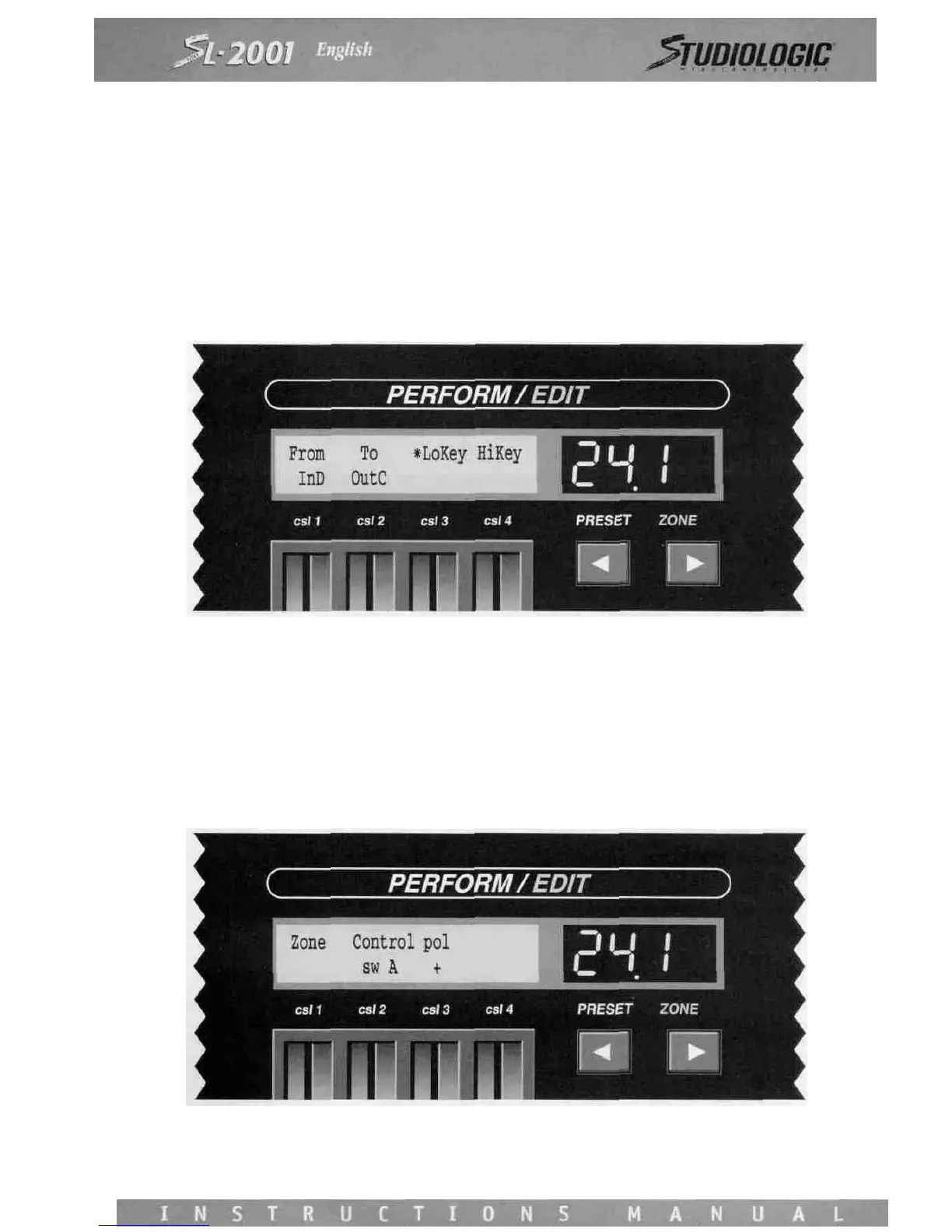
A zone may be programmed to operate only in a specific region of the master or external keyboard. Use Control Slider 3 to
set the lowest desired note, and Control Slider 4 to select the highest note desired. This range may also be programmed by
selecting the notes on the keyboard for that zone. Press the Star switch to access the alternate screen. Press the two keys
that correspond to the highest and lowest notes desired for the zone. You must play these notes on the instrument specified
on the screen. After the second note is pressed, the display will automatically revert to the main ZONE screen with the new
settings as programmed.
In some applications it may he desirable to pass MIDI information on all 16 channels directly from one MIDI input to a MIDI
output. If a zone is bypassed in this manner, none of the MIDI processing functions are available; the zone functions only
to direct the data to a specific output.
To bypass a zone, use Control Slider 1 to select an input port. Control Slider 2 will now display only the four output ports A
through D. The note range parameters do not apply to a bypassed zone and are not displayed. The only other function avail-
able is ZONECTL.
ZONE CTL
The eight ZONE switches on the SL-2001 front panel may be used at any time to activate or disable a zone.














 To Next Page