While creating or editing a preset, it is often desirable to turn off some of the zones so that the effects of the edit are more
clearly audible.The zones may also be controlled by the five local switches (A, B, C, Star, and Alpha). The ZONE CTL screen
is used to select the source of control for the zone.
Use Control Slider 1 to select any of the local switches as a control source for the zone. If None is selected, the state may
only be changed using the front-panel ZONE switch.
Control Slider 2 is used to select the control polarity. A positive (+) polarity means that when the switch controlling the zone
is on, the zone will be enabled. If a negative polarity is selected, turning on the control switch will disable the zone. By set-
ting one zone for positive control and a second zone for negative control, the zones will alternate. This is useful for switch-
ing between two different MIDI sound modules without having to use a second SL-2001 preset.
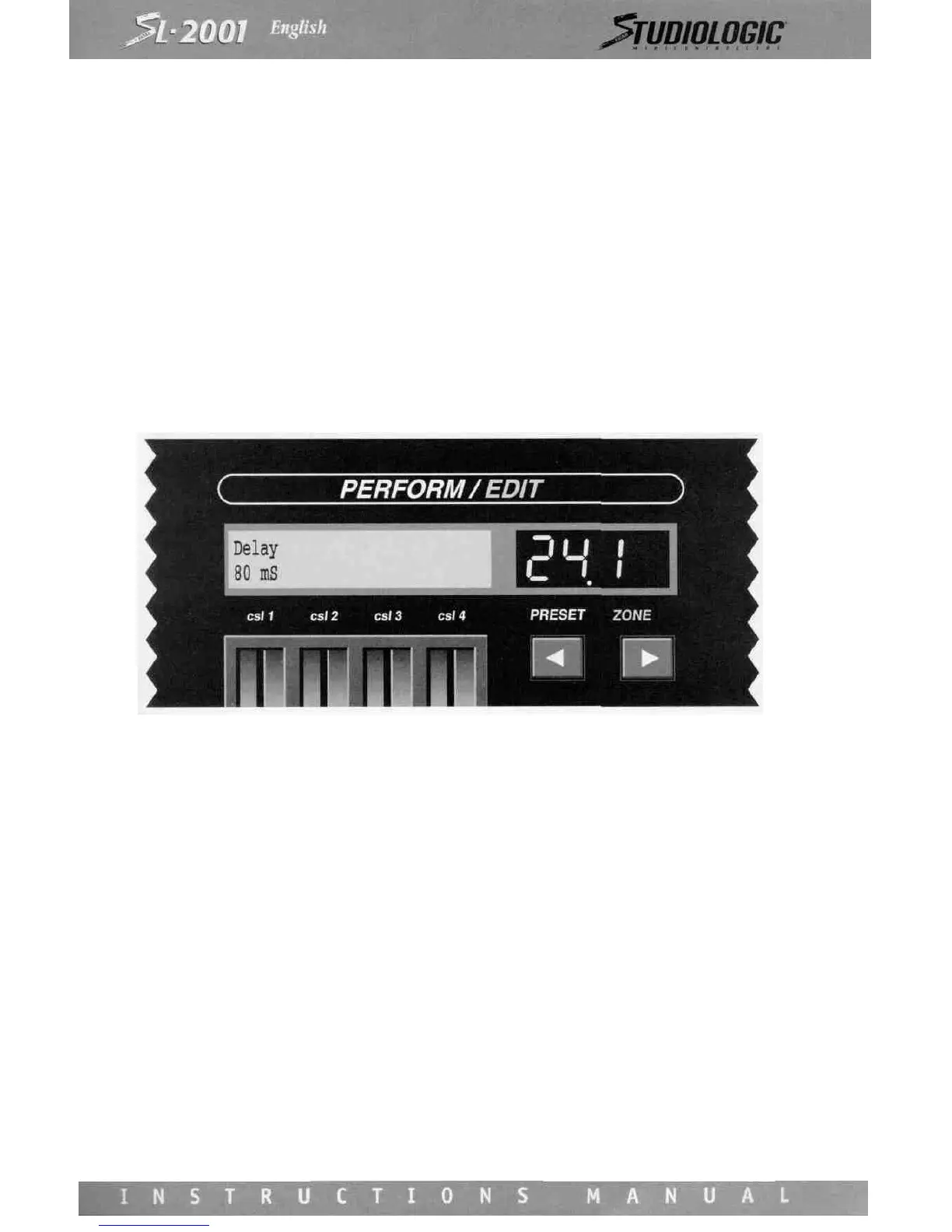
DELAY
All messages entering a zone may be delayed before they are sent to the SL-2001 output.
Use Control Slider 1 to select the delay time. This value will be displayed as milliseconds (mS, one thousandth of a second)
or as seconds. Maximum delay setting is 10 seconds.
Many unique special effects may be created using multiple zones. Slapback echo, decaying echo, rhythmic echo, arpeggia-
tion, and many other effects can be produced using the delay, velocity, transpose, and other zone parameters. It is even pos-
sible to separate MIDI note messages from controller messages using two zones, and apply a different amount of delay to
each message type. The zone copy function is useful in creating these effects, as each zone used for the effect will be near-
ly identical.
The delay function is not available for zones that are bypassed, and the parameter values are not displayed.
PROGRAM
The most fundamental parameter in a MIDI system is the program number for each device. The PROGRAM screen is used
to specify the program number issued to each device at the instant a SL-2001 preset is selected.














 To Next Page