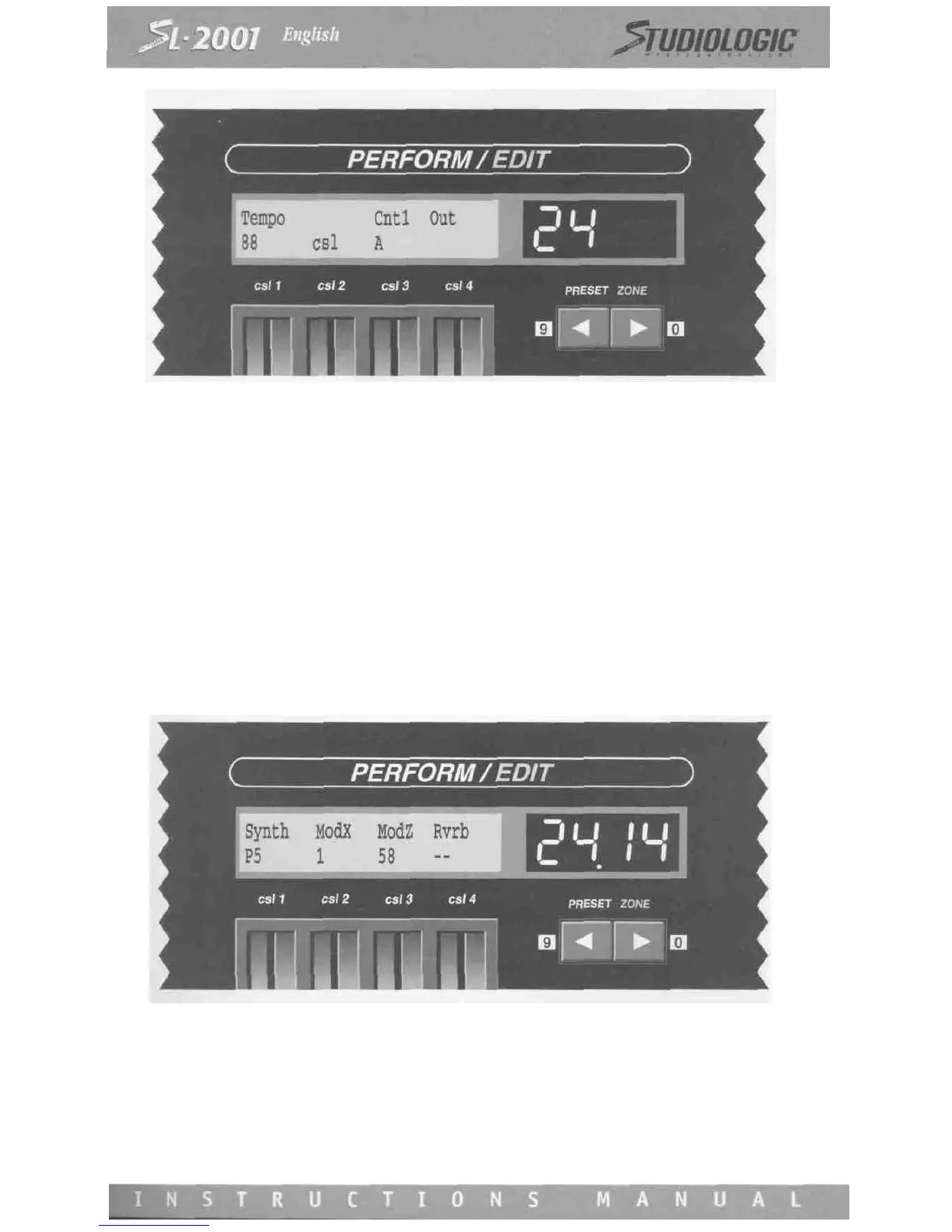
A direct program change feature is available which allows faster access to any program number. PRESET switches 1 through
8 and the left/right arrow switches are used as a keypad to enter the desired number (the left/right arrow switches represent
the numerals 9 and 0). To use this feature, first press and hold the ZONE switch (1-8) that you wish to program.
Enter the desired program number on the "keypad" (either one, two, or three digits). When you release the ZONE switch,
the program change will be issued and the number will be updated in the display.
Note that the program numbers must be entered in the appropriate format for the output device assigned to the zone (pro-
gram number formats are set on the Device Installation screen). If a device format is set to ALPHA, the PRESET switches 1
through 8 correspond to letters A through H.
The direct program change feature may be used in either Edit or Perform modes (however the program numbers will not be
visible in Perform mode). Any changes made to a Zone's program settings in either mode must be stored with the SAVE func-
tion, otherwise they will not be permanent.
If no program number initialization is desired for a zone, adjust the control slider until two dashes appear under the device
name. Setting the slider to this position will also enable external program change commands to pass through the zone (as
long as they are on the same MIDI channel and input port as the zone).
If a zone is bypassed, the top line of this screen will indicate the output port to which the path is assigned. Program change
commands cannot be issued from a bypassed zone.
In the example screen, zone four is assigned to a device called Rvrb (for Reverb). Normally, a reverb or other effects unit
would be installed as an auxiliary device (see section 6). This would still allow MIDI program initialization of the device, lea-
ving the zone free for other functions.














 To Next Page