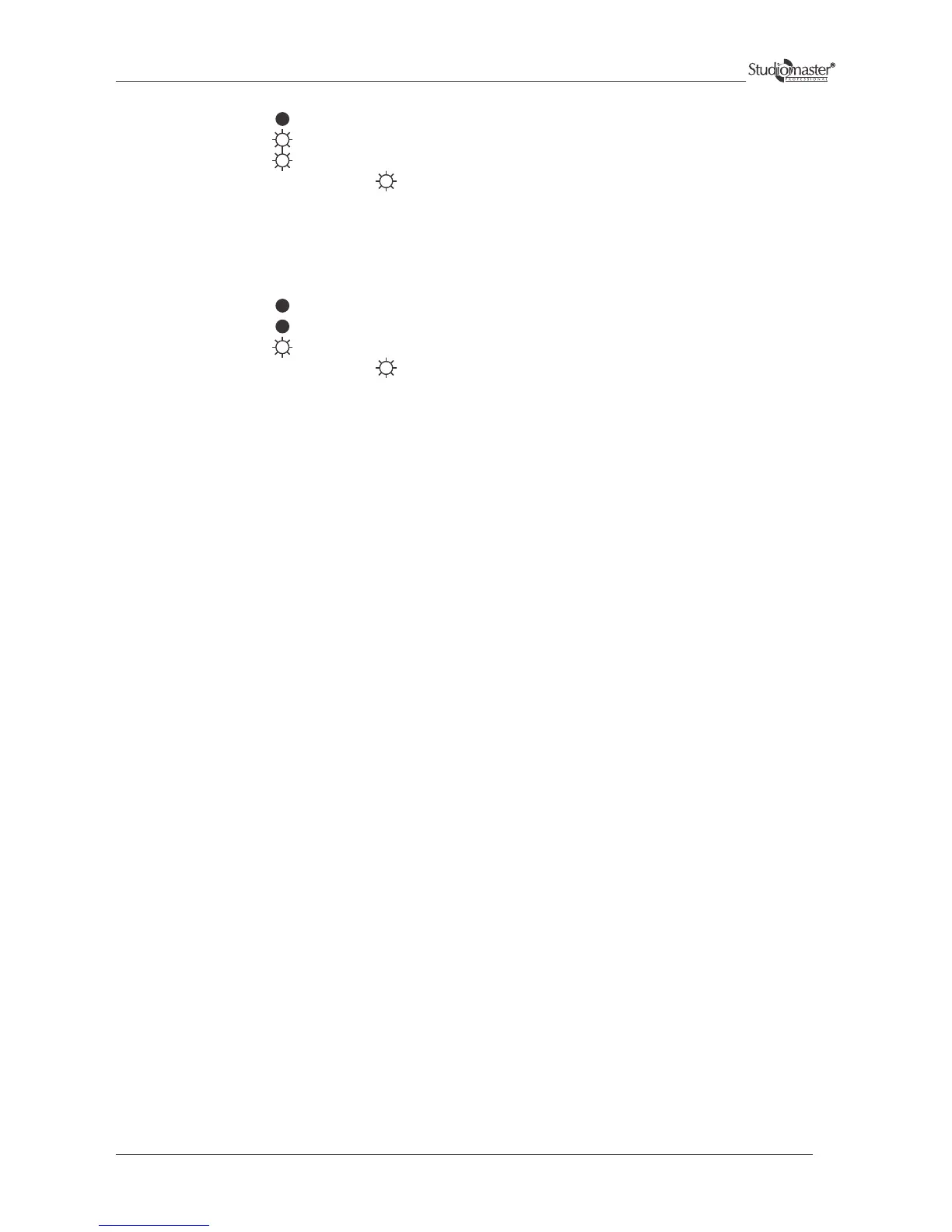
5) Indication:
6) Indication:
Condition: Distorted Sound
Possible Reason:
The input signal level may be too high. So turn down the amplifier level controls. Check the level of the input source.
If it is high then reduce the input signal level. The amplifier should never be operated at a level which causes the
CLIP LED to illuminate constantly. Similar conditions may occur in PARALLEL and BRIDGE mode.
Condition: Either low or no sound
Possible Reason:
This could be due to wrong speakon connections or faulty speaker. Check the output speakon connections as per fig. 4
on page no. 10 (Output Connections for Bridge Mode)
FOLLOW SAME TROUBLE SHOOTING INSTRUCTIONS FOR CH 2 ALSO.
PROTECT
PROTECT
POWER
POWER
CLIP
CLIP
SIGNAL
SIGNAL
7) Condition: Hum
Possible Reason:
Move cabling and signal sources to identify the problematic areas in the system. Cables with faulty shielding are a
frequent entry point for him. In the situation where the hum is present in the installations due to close looping of
ground, cut the jumper on the input PCB to isolate input ground to mains earth.
8) Condition: Hiss
Possible Reason:
Unplug the amplifier input to confirm whether the hiss is coming from the source or a device upstream. The erratic or
popping noises indicate an electronic fault in the offending unit.
19


 To Next Page