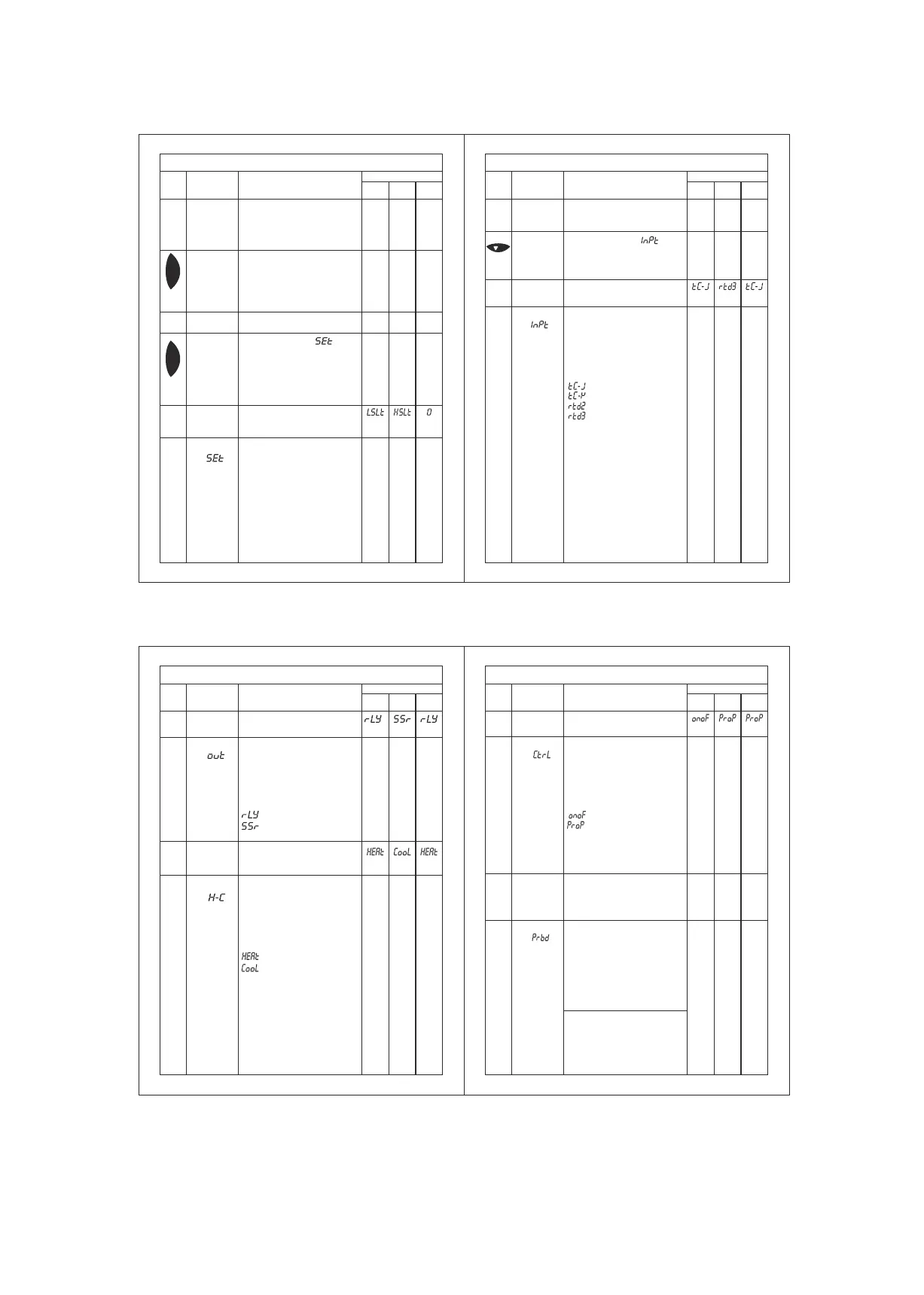
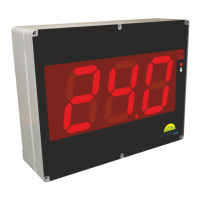
Description of parameters and functions.
Sr.No.
Parameter
Parameter setting
method.
Fact.
Set
Range
Min
Max
Function: To display set point.
The Set point cannot be
changed but can only be
viewed in this mode.
Viewing Set
Points
Display will show the value of
set point
If you Press SET key, the
control goes into the normal
mode.
Display will show “ ” &
flash.
Function: To set Cutout value
of relay/SSR.
Use UP/DOWN keys to get
desired value . After setting
desired value press SET key
& display will show “- - - -”
which confirms that value has
been stored in memory.
Once the set key is pressed,
the control goes into the
normal mode.
SET mode
Press and
hold
SET key for
0.5 second
and release
Press and
hold
SET key for
2 seconds
and
release.
Set
point(SET)
To change
the “ ”
parameter,
press SET
key.
Program modeTo set other
parameters.
Description of parameters and functions.
Sr.No.
Parameter
Parameter setting
method.
Fact.
Set
Range
Min
Max
Display will show “ ” &
flash.
To go to other parameters,
use up / down keys.
Hold
down/prg
key for 2
seconds.
Function: To select the type
of sensor.
Sensor
Type
Use UP/DOWN keys to get
desired value. .After setting
desired value press SET key
& display will show “- - - -”
which confirms that value has
been stored in memory.
: J type Thermocouple
: K type Thermocouple
: 2 wire RTD
: 3 wire RTD
Note : If sensor type is
changed ,following
Parameter will be changed to
their factory set values.
HSLt = 700(J) / 999(K) /
850(rtd2) / 99.9(rtd3) ,
LSLT = 0(J/K),-99(rtd2),
-99.9(rtd3)
CALb =0 & Set point =0
To change
the “ ”
parameter,
press the
SET key.
1
2
Function: To select the type
of output.
Output Type
Description of parameters and functions.
Sr.No.
Parameter
Parameter setting
method.
Fact.
Set
Range
Min
Max
Use UP/DOWN keys to get
desired value. After setting
desired value press SET key
& display will show “- - - -”
which confirms that value has
been stored in memory.
- Relay
- SSR
To change
the “ ”
parameter,
press the
SET key.
Function: To set relay mode
as per application.
Use UP/DOWN keys to get
desired value. After setting
desired value press SET key
& display will show “- - - -”
which confirms that value has
been stored in memory.
- Heating (Forward)
- Cooling (Reverse)
Relay Mode
To change
the “ ”
parameter,
press the
SET key.
Description of parameters and functions.
Sr.No.
Parameter
Parameter setting
method.
Fact.
Set
Range
Min
Max
Function: To set Proportional
Band .This parameter is
activated in Proportional
Mode only.
Proportional
Band
O
0.1 C
O
99.9 C
O
10.0 C
Use UP/DOWN keys to get
desired value. After setting
desired value press SET key
& display will show “- - - -”
which confirms that value has
been stored in memory.
This is the proportional band
set in degrees.
To change
the “ ”
Parameter,
press the
SET key.
5
3
Function: To set Control
Action of Output.
Use UP/DOWN keys to get
desired value. After setting
desired value press SET key
& display will show “- - - -”
which confirms that value has
been stored in memory.
- On- Off mode
- Proportional
Note : If “H-C” parameter is
selected as “Cool”, Control action
can not be selected as ”ProP”
Control
Action
To change
the “ ”
parameter,
press the
SET key.
4
o
Example: If Set point is 60 C &
o
Proportional band(Prbd) is 10 C
then, proportional action takes
o o
place between 50 C to 60 C.
1 2
3
4
Note: If “H-C” is selected as
“CooL” (cooling mode), “CtrL”
parameter (Control action) will
be set to “onoF”.
set
prg
set



 To Next Page