SELECTING A DESIRED GENRE
1. Select .
2. FM radio only: Select a desired genre of station and
select a desired station.
● The genre list is in the following order:
• Classical
• Country
• Easy Listening
• Information
• Jazz
• News
• Oldies
• Other
• Pop Music
• Religion
• Rock
• R&B
• Sports
• Talk
• Trafc (Not available when HD Radio indicator is
off.)
• Alert (Emergency Alert)
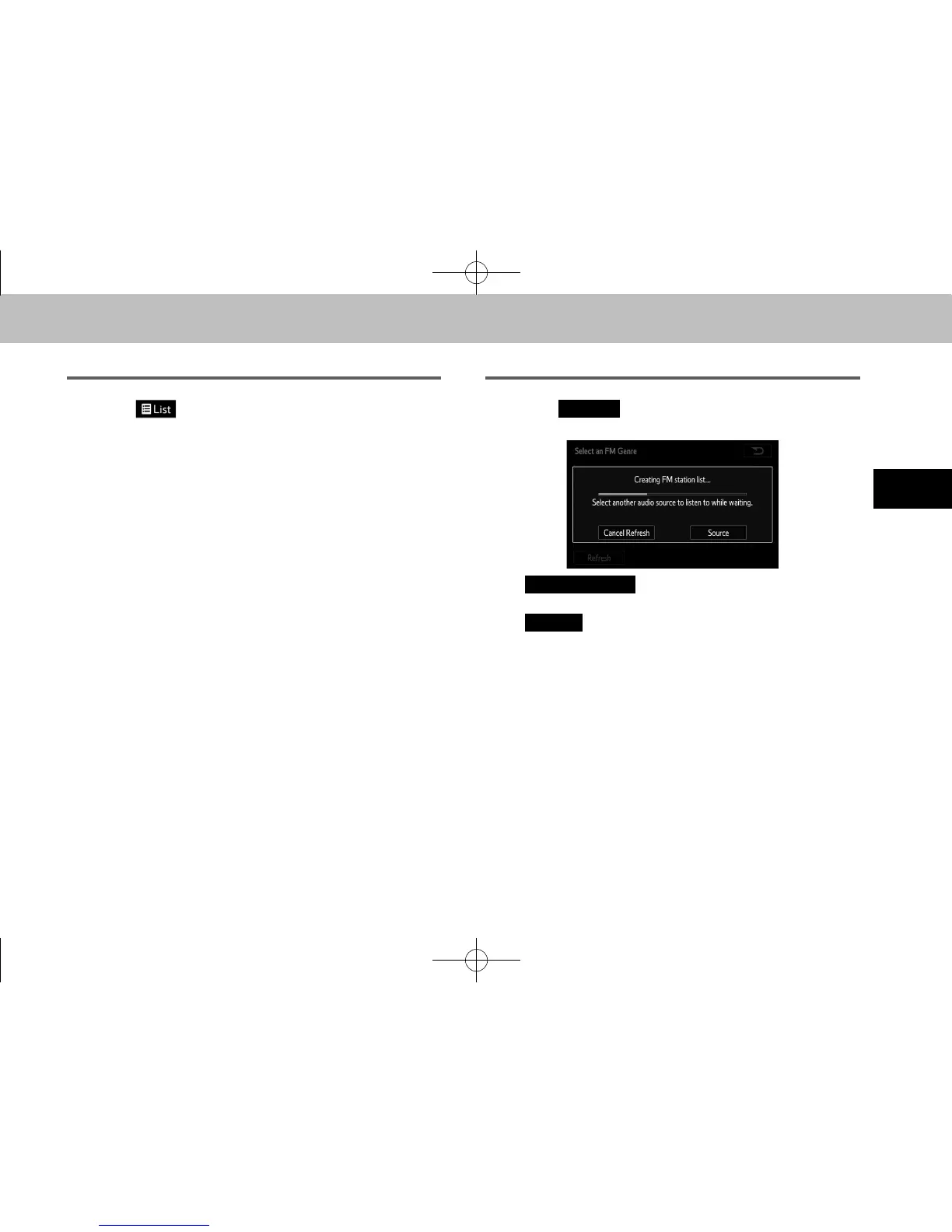
REFRESHING THE STATION LIST
1. Select
(Refresh) on the station list screen
and the following screen will be displayed.
●
(Cancel Refresh): Select to cancel
the refresh.
●
(Source): Select to change to another audio
source while refreshing.
l The audio system sound is muted during refresh operation.
l In some situations, it may take some time to update the station
list.
docstructure.indb 59 2014/08/20 17:34:26














 To Next Page