BASIC OPERATION
54
AUDIO SCREEN ADJUSTMENT
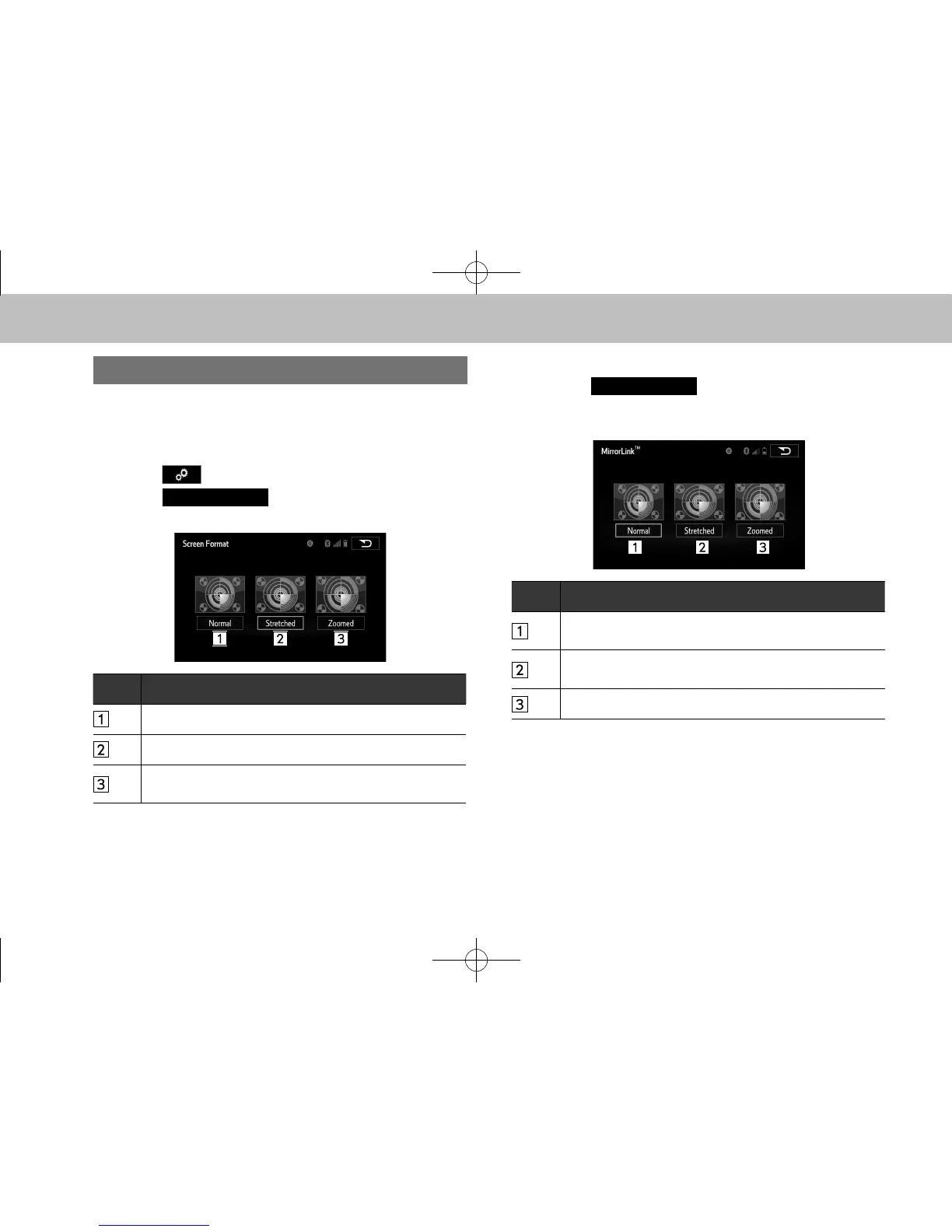
The screen size can be selected for each type of media.
XUSB video/SD video*
*: With navigation function
1. Select on the audio control screen.
2. Select
(Screen Format).
3. Select the desired item to be adjusted.
No. Function
Select to display a screen with either side in black.
Select to enlarge the image horizontally to full screen.
Select to enlarge the image by the same ratio
horizontally and vertically.
MirrorLink
TM
1. Select
(Screen Format) on the
application list screen.
2. Select the desired item to be adjusted.
No. Function
Select to display a screen surrounded by black on all
four sides.
Select to enlarge the image horizontally and vertically to
full screen.
Select to enlarge the image horizontally or vertically.
l The brightness, contrast, tone and color of the audio screen can
be changed. (→P.46)
docstructure.indb 54 2014/08/20 17:34:23















 To Next Page