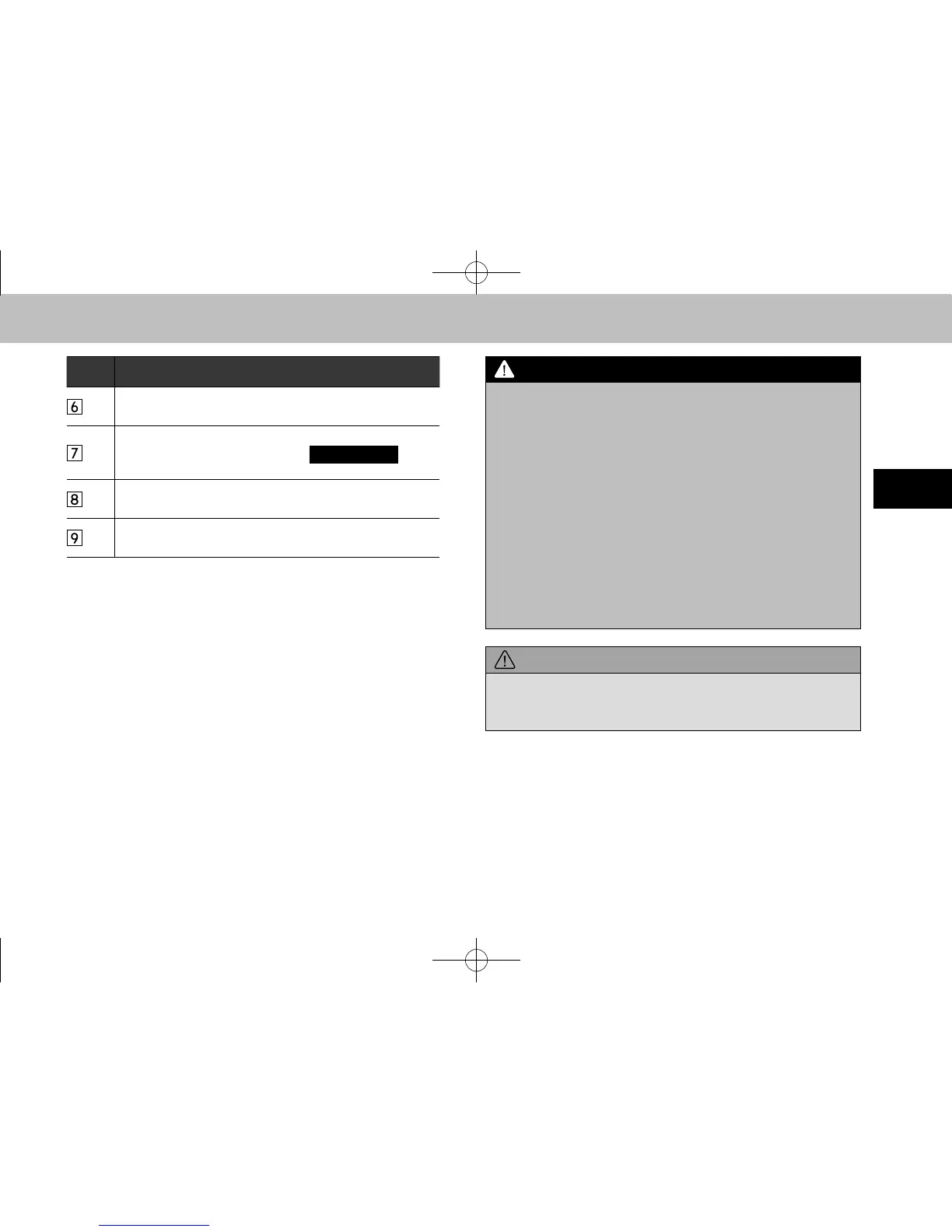
No. Function
Select to enable/disable random playback for the tracks
currently playing on the Bluetooth audio device.
Select to display the playlist screen.
To return to the top screen, select
(Now
Playing) on the list screen.
Select to display the portable device connection screen.
(→P.170)
Displays cover art.
Select to display a track list.
l Do not operate the player’s controls or connect to the
Bluetooth audio system while driving.
l Your audio unit is tted with Bluetooth antennas. People with
implantable cardiac pacemakers, cardiac resynchronization
therapy-pacemakers or implantable cardioverter debrillators
should maintain a reasonable distance between themselves
and the Bluetooth antennas. The radio waves may affect the
operation of such devices.
l Before using Bluetooth devices, users of any electrical
medical device other than implantable cardiac pacemakers,
cardiac resynchronization therapy-pacemakers or implantable
cardioverter debrillators should consult the manufacturer
of the device for information about its operation under the
inuence of radio waves. Radio waves could have unexpected
effects on the operation of such medical devices.
l Do not leave your portable player in the vehicle. In particular,
high temperatures inside the vehicle may damage the portable
player.
docstructure.indb 83 2014/08/20 17:34:34














 To Next Page