SETUP
90
No. Function Page
Select to specify the sound settings. 52
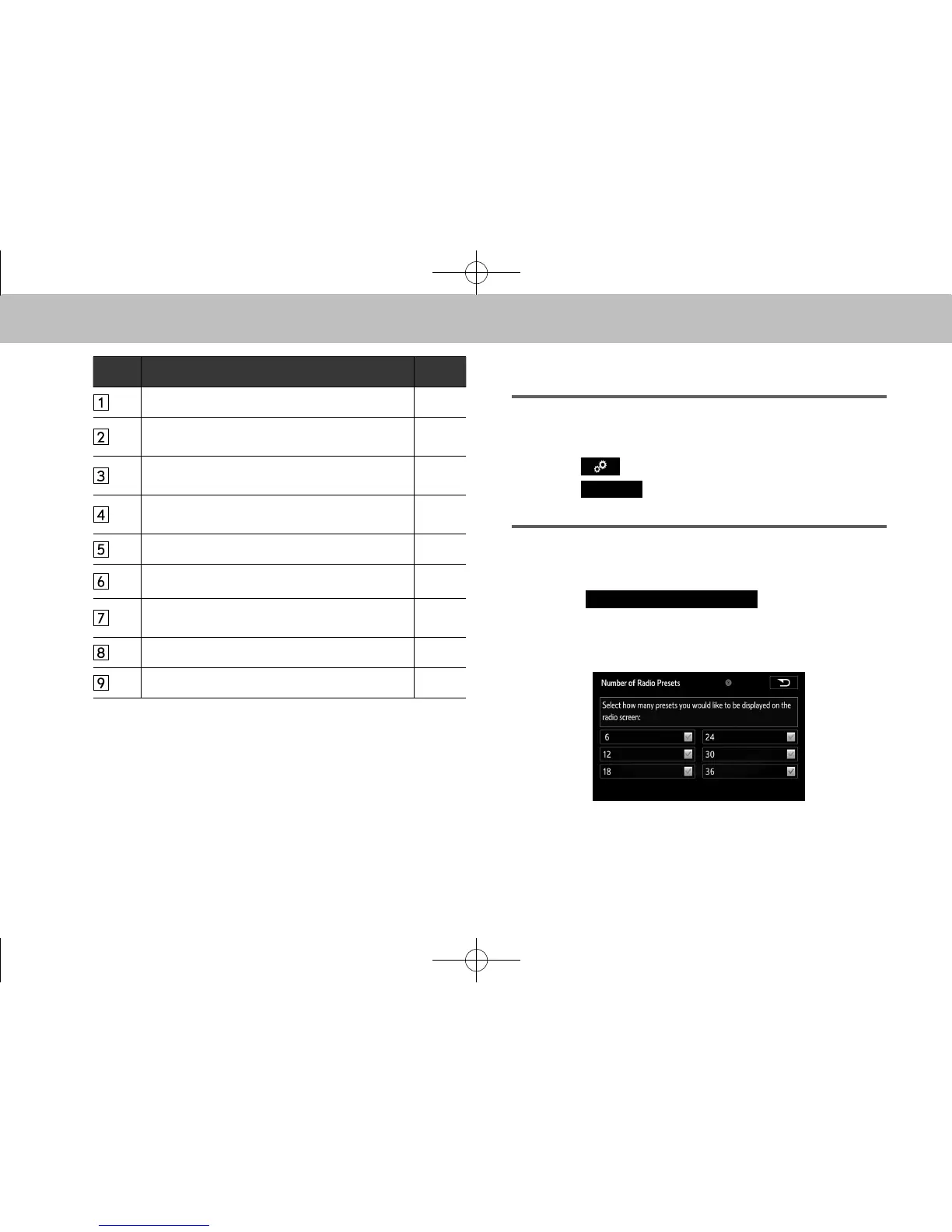
Select to change the number of preset radio
stations/channels displayed on the screen.
90
Select to specify the iPod/SD*/USB auto play
settings on/off.
-
Select to specify the iPod sound signal input
settings.
91
Unsupported. -
Select to specify cover art settings on/off. -
Select to specify automatic sound levelizer
settings.
91
Select to enable cache radio. -
Select to reset all setup items. -
*: With navigation function
DISPLAYING THE “Audio Settings (Audio
Settings)” SCREEN IN A DIFFERENT WAY
XUSB video/SD video*
*: With navigation function
1. Select on the audio control screen.
2. Select














 To Next Page