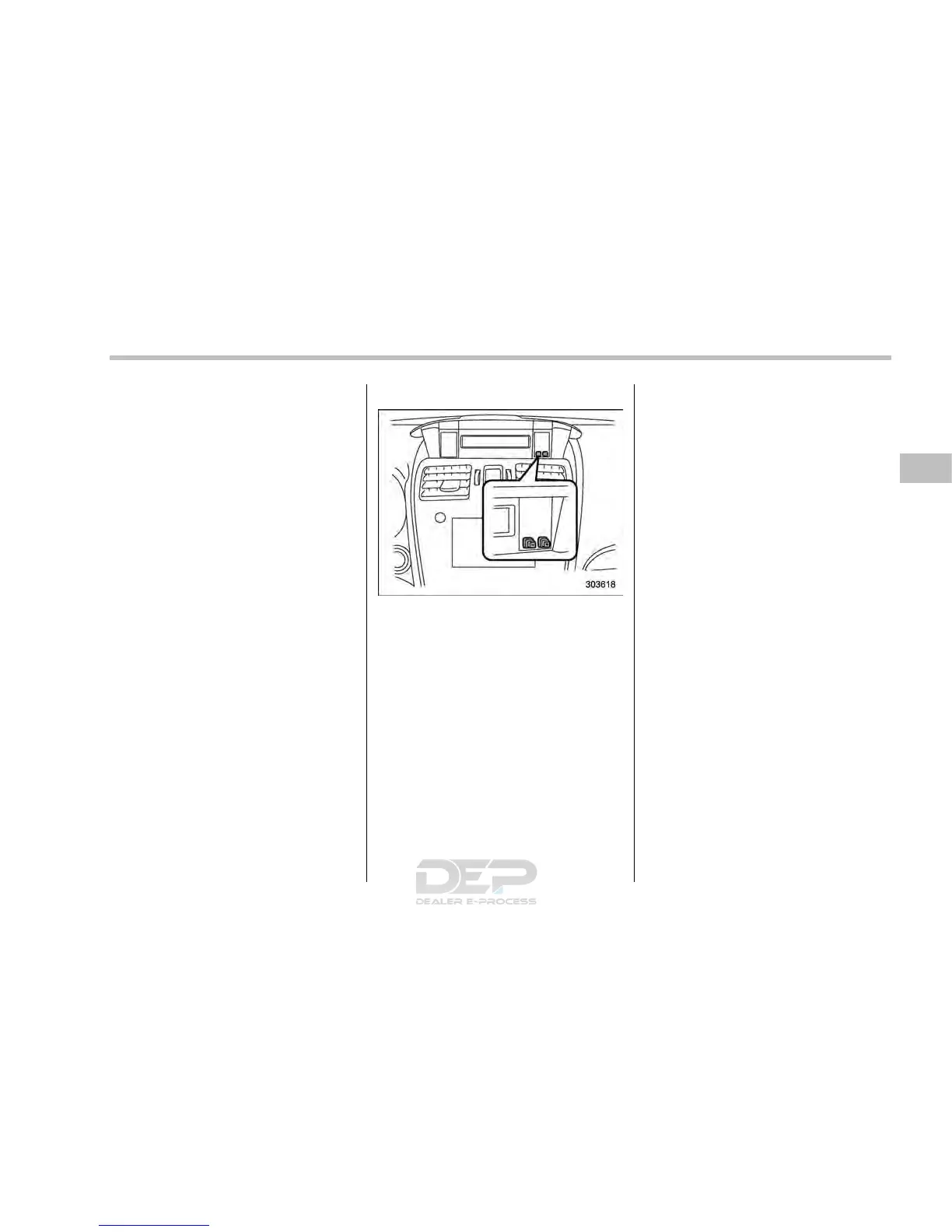
! Turn off display of driving informa-
tion display
The driving information display can be
turned off.
To turn off the display, turn the ignition
switch to the “LOCK”/“OFF” position and
press the “+” button adjacent to the clock
display for approximately 5 seconds.
Then, the driving information display and
the clock display will blink for 3 seconds to
notify you that the driving information
display has been turned off.
To restore the driving information display,
once again press the “+” button for
approximately 5 seconds.
NOTE
. The initial display setting of the
driving information display has been
set to operational at the time of ship-
ment from the factory.
. The average fuel consumption and
average vehicle speed are calculated
even while the driving information dis-
play is not displayed.
. Evenifyouturnoffthedriving
information display, the display will
automatically turn on when the battery
voltage is disconnected and then re-
connected for battery replacement or
fuse replacement.
& Clock
To adjust the time shown by the clock,
press the “+” button or “−” button. If you
press the “+” button, the indicated time will
change in one-minute increments. If you
press the “−” button, the indicated time will
change in one-minute decrements. If you
keep the button pressed, the rate at which
the indicated time changes will speed up.
The clock can be set to 12-hour or 24-hour
clock displays. Perform the following
procedure to switch the display format.
1. Place t he ignition switch in the
“LOCK”/“OFF” position.
2. Press and hold the “−” button that is
located near the clock display for approxi-
mately 5 seconds. The clock display will
then start to flash.
3. While the clock display is flashing,
press and hold the “+” button for approxi-
mately 2 seconds. The clock format will
then change.
4. The clock display will continue to flash
for approximately 3 seconds to inform you
that the clock display has been changed.
If you want to change the clock display
again, press and hold the “+” button for
approximately 2 seconds while the clock
display is flashing.
Instruments and controls/Information display
3-37














 To Next Page