& One-touch lane changer
To flash the turn signal and turn signal
indicator light three times, push the turn
signal lever up or down slightly and
immediately release it.
The operational/non-operational setting of
the one-touch lane changer’ s can be
changed by a SUBARU dealer. Contact
the nearest SUBARU dealer for details.
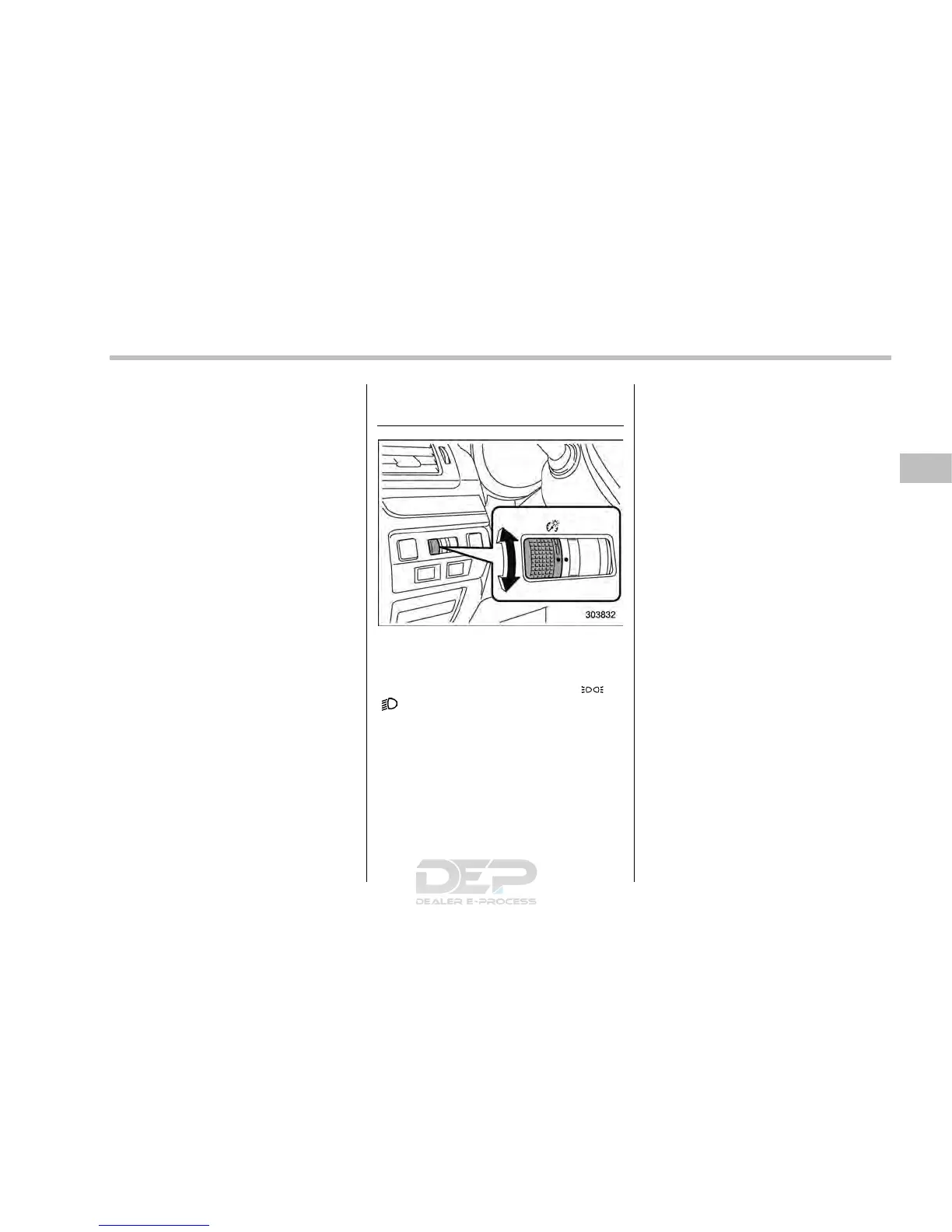
Illumination brightness con-
trol
The illumination brightness of the instru-
ment panel dims u nder th e follo wing
conditions.
. when the light switch is in the “
” or
“
” position
. when the light control switch is in the
“AUTO” position and the headlights illumi-
nate automatically (models with auto on/
off headlights: Refer to “Headlights” F3-
89.)
You can also adjust the illumination bright-
ness for better visibility in the following
ways.
To brighten, turn the control dial upward.
To darken, turn the control dial downward.
NOTE
. When the control dial is turned fully
upward, the illumination b rightness
becomes the maximum and the auto-
matic dimming function does not work
at all.
. The brightness setting is not can-
celed even when the ignition switch is
turned to the “LOCK”/“OFF” position.
Instruments and controls/Illumination brightness control
3-93














 To Next Page