Instruments and controls/Multi function display
& Image quality and volume
settings
The image quality and volume settings
can be adjusted. To change the items,
operate the “
” or “ ” switch.
! Preparation for image quality and
volume settings
1. Turn the ignition switch to the “ON”
position.
2. Push and hold the
button to show
the selection screen.
3. After the selection screen is displayed,
operate the “
” or “ ” switch to show the
“Display” item. Then, push the
button.
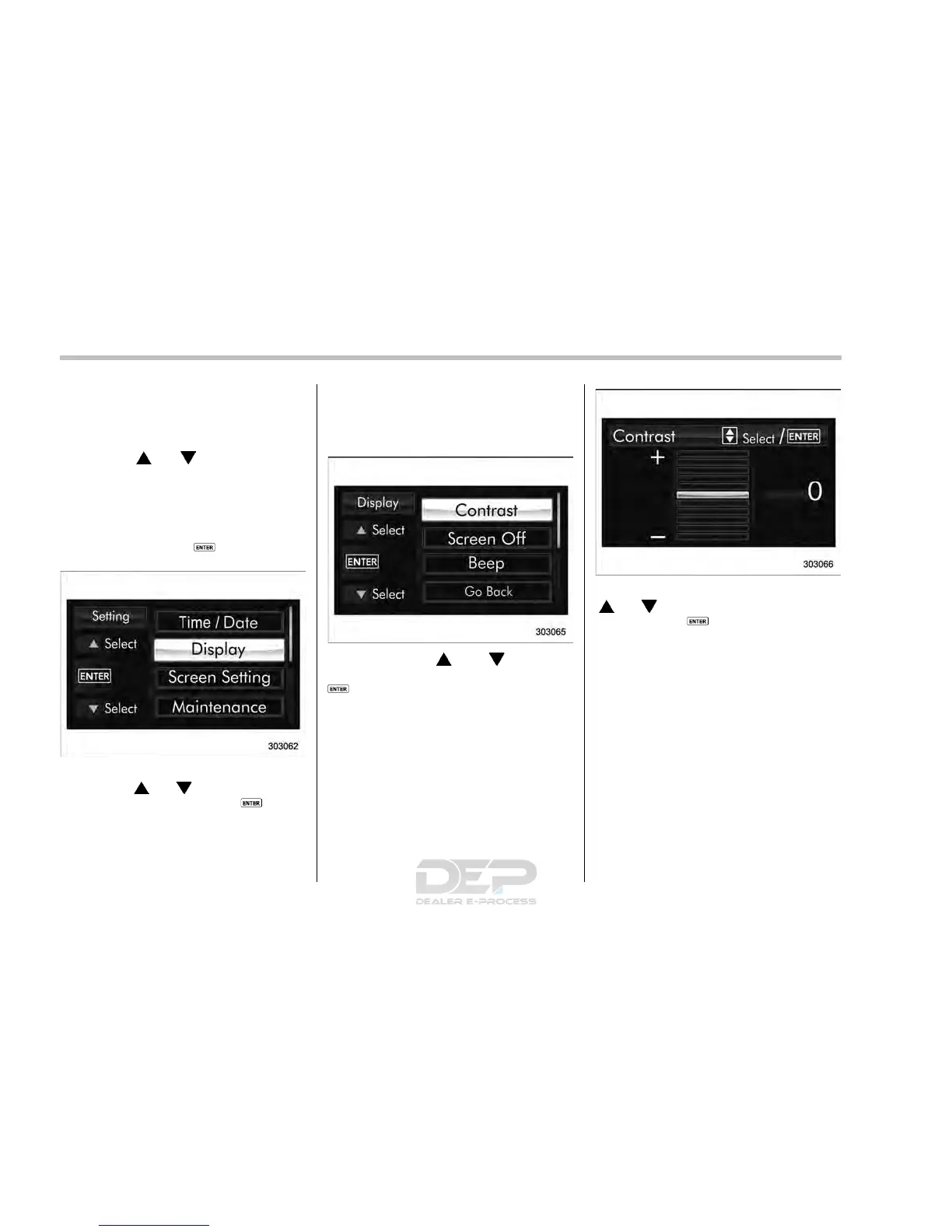
! Contrast setting
1. Perform the preparation steps accord-
ing to “Preparation for image quality and
volume settings” F3-64.
2. Operate the “ ” or “ ” switch to
select the “Contrast” item. Then push the
button.
3. Select a contrast level by operating the
“
” or “ ” switch, and confirm the setting
by pushing the
button.
! Screen OFF setting
1. Perform the preparation steps accord-
ing to “Preparation for image quality and
volume settings” F3-64.
3-64














 To Next Page