Troubleshooting
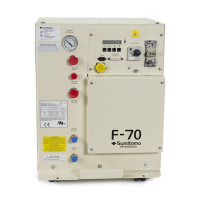
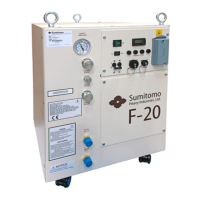
2. Remove the wiring terminal block access cover from the front panel.
3. Locate the incoming power leads at the terminal block.
4. Expose the power leads enough to use a clamp-on ammeter.
5. Clamp the ammeter on one of the power leads.
6. Reconnect the power to the compressor.
7. Start the compressor.
8. Read the current draw for each lead, then stop the compressor.
• A reading of 0 amperes indicates an open circuit.
• A reading of 10 to 14 amperes (steady state) is normal.
• A reading slightly higher than 10 to 14 amperes suggests possible minor system
problems, i.e. low-supply voltage, loose electrical connection, etc.
• A reading of about 68 amperes indicates a mechanically locked rotor. Consult a SCAI
Service Center.
• A reading of full scale, along with a tripped circuit breaker or a blown control circuit fuse,
means a short circuit in the chassis wiring or motor.
9. Remove the ammeter.
10. Replace the terminal block access cover.


 To Next Page