6 Sun Fire X4450 Volume Configuration Guide • March 2009
Note – If the DVD drive hangs during testing, contact Sun service. The issue might
be a low-level inter-operability issue between the USB translation device and the
system. The issue is usually resolved by replacing an internal board.
How to Add SAS Hard Drives
See the Sun Intel Adaptec BIOS RAID Utility User’s Manual (820-4708) at:
http://docs.sun.com
SAS HD Installation Rules
■ Do not mix SAS and SATA drives in the same volume.
■ SATA hard drives are not supported on the Sun Fire X4450.
■ Supported HBA cards:
■ Sun StorageTek PCIe SAS 8-Port Internal HBA, SGXPCIE8SAS-I-Z, LSI SAS
1068E (hardware RAID support)
■ Sun StorageTek SAS RAID 8-Port Internal HBA, SG-XPCIESAS-R-INT-Z,
Adaptec/Intel-based (hardware RAID support)
■ If you are also adding a DVD/USB unit, install the unit before installing hard
drives (see “How to Add a DVD/USB Drive” on page 5).
■ Hard drives must be initialized before the drives can be seen by the HBA and
before an OS can access the disks.
Adding SAS Hard Drives
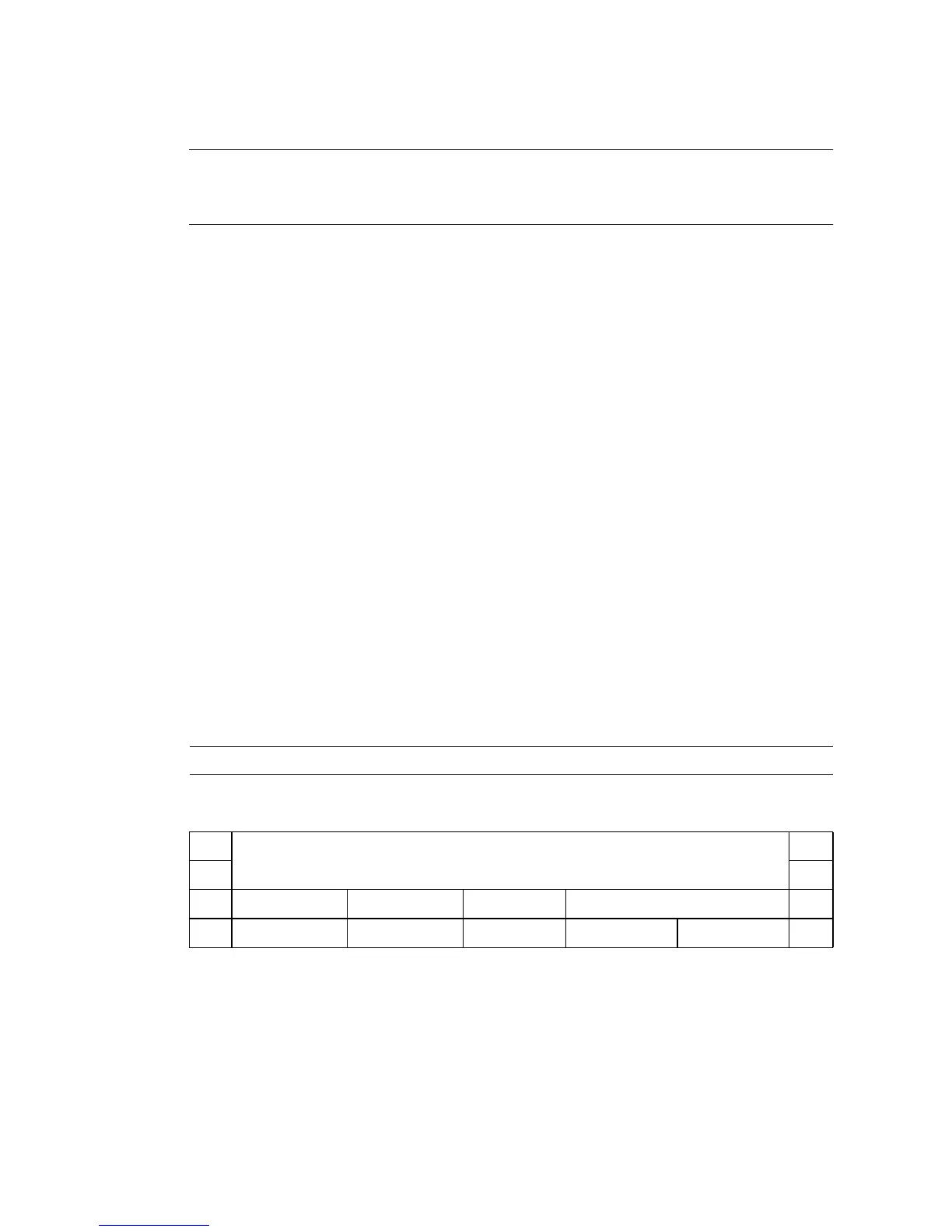
1 Install drives according to the following drive map:
HD1 HD3 HD7 DVD/USB Drive
HD0
HD2 HD4 HD5 HD6














 To Next Page