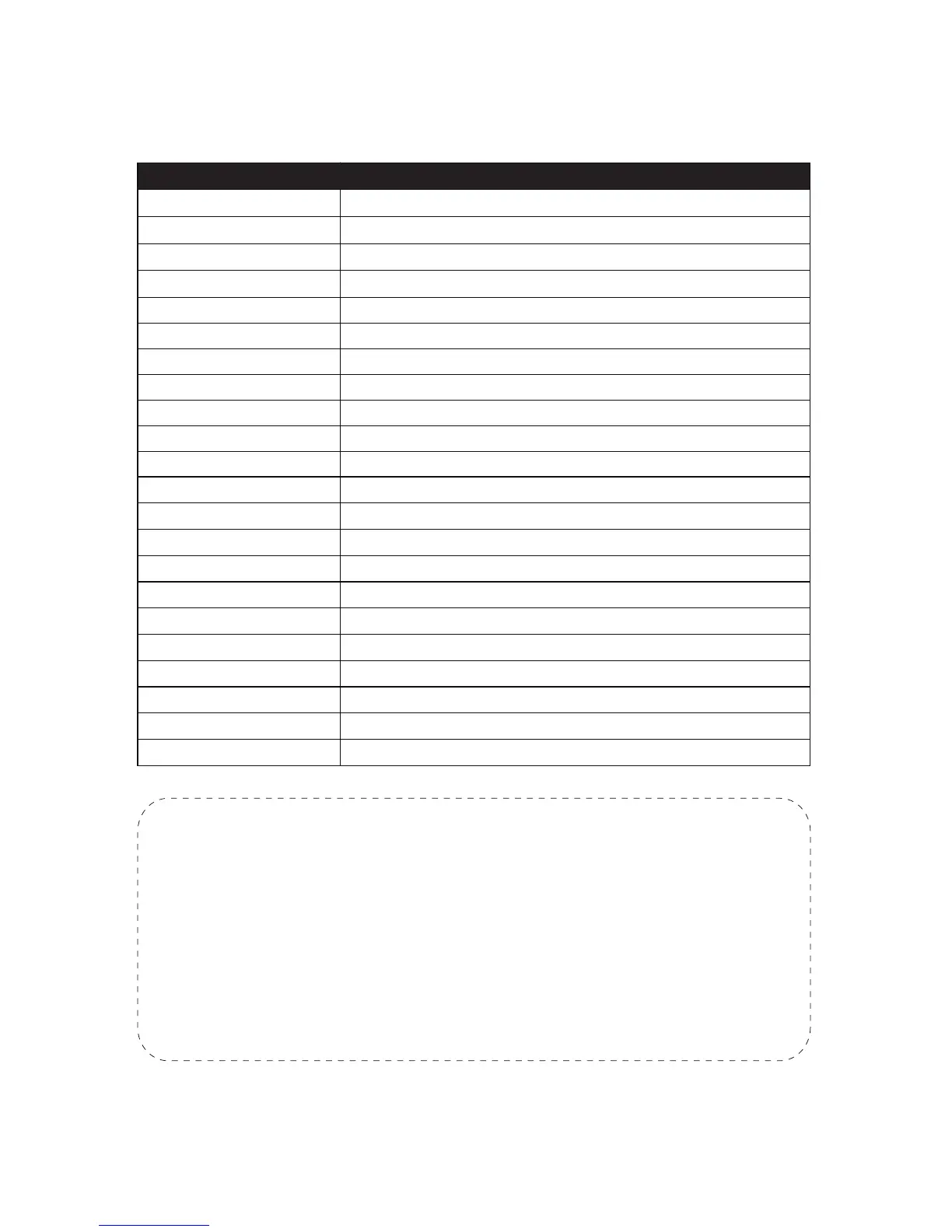
The Full Preset List
Special Preset
0~50 Preset
XXX + Add Preset
XXX + CALL
95 + CALL
Conventional Position Preset
Set preset XXX.
Call preset XXX.
Open the On-Screen-Display menu of the camera
47 + CALL Set the left boundary of auto scan
48 + CALL Set the right boundary of auto scan
90 + CALL Patrol from 21 to 30 preset
91 + CALL Pattern (Record 10 Action)
92 + CALL Reset to default
99 + CALL 360 degree scan
100 + CALL IR on
101 + CALL IR off
102 + CALL IR auto
103 + CALL IR all on
97+CALL + 116+CALL Swith camera to AHD format (Need AHD-DVR Support)
97+CALL + 117+CALL Swith camera to CVBS format
97+CALL + 118+CALL Change camera signal to NTSC
97+CALL + 119+CALL Change camera signal to PAL
82 + CALL Boundary auto scan
83 + CALL Clear all presets
88 + CALL Patrol from 1 to 10 preset
89+ CALL Patrol from 11 to 20 preset
Function
Note:
If the camera is in a patrol or auto scan, it will stop immediately if it
receives any further instructions from the user including pan, tilt, zoom
etc. To ensure the camera resumes a patrol after that, please set up
a Park Act following instruction from Chapter 6.
The preset list is up-to-date at the time of release. It may have slight
change with the actual one you receive. If there is any question, feel
free to contact Sunba.
- 10 -



 To Next Page