WARNING:Failure to set the address bit here correspondingly
will cause inability to PTZ.
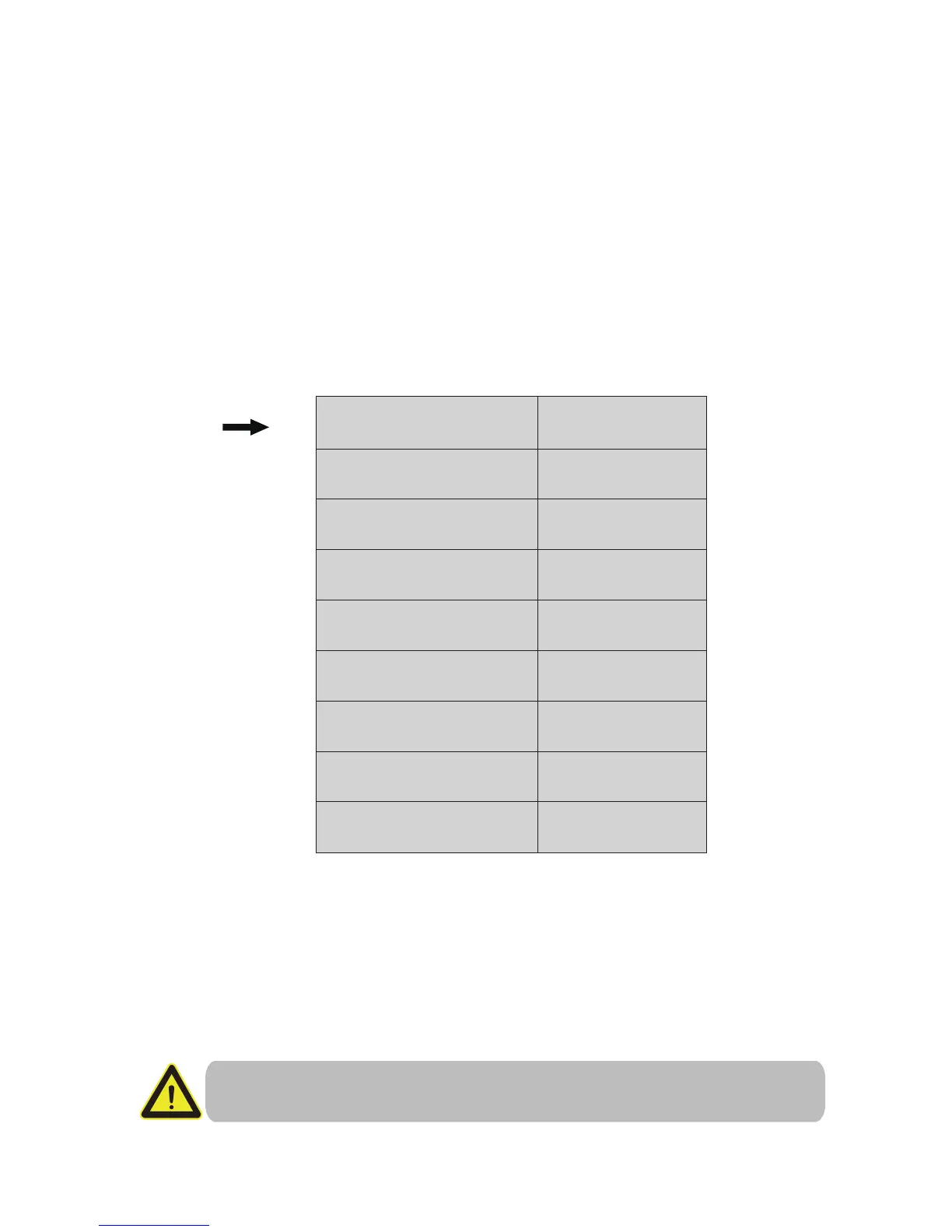
Step 1: Go to the OSD Menu of the camera by calling preset 95+CALL
(refer to the manual of your DVR if you want to learn how to use/call
preset). See Chapter 5 for details of calling preset.
Step 2: The rst item in the OSD menu is the address bit. Use the left/
right direction arrow to modify the address. Use the up and down
direction arrow to select item.
Step 3: You MUST reboot the camera (cut and restore the power) before
the soft address change takes effect.
Step 4: Don’t forget to modify the correct address in the DVR’s PTZ Con-
-trol setup page correspondingly. The PTZ Cong page can usually be
found at “Main Menu” of the DVR.
Please set the camera’s address before using this dome. No same address
(or ID) is allowed for more than one PTZ camera. By default, the address
of PTZ camera is 1.
How to modify the PTZ address of the camera?
SOFT ADDR
PARK ACT
PARK TIMEV
FRAME SPEED
DWELL TIME
LED MODE
LED ON
LED OFF
CAMERA
1
15
16
185
6
201
NONE
AUTO
- 07 -



 To Next Page